OM0001_L2_R_WM_USAv2.1 27
Using the Blink Charger
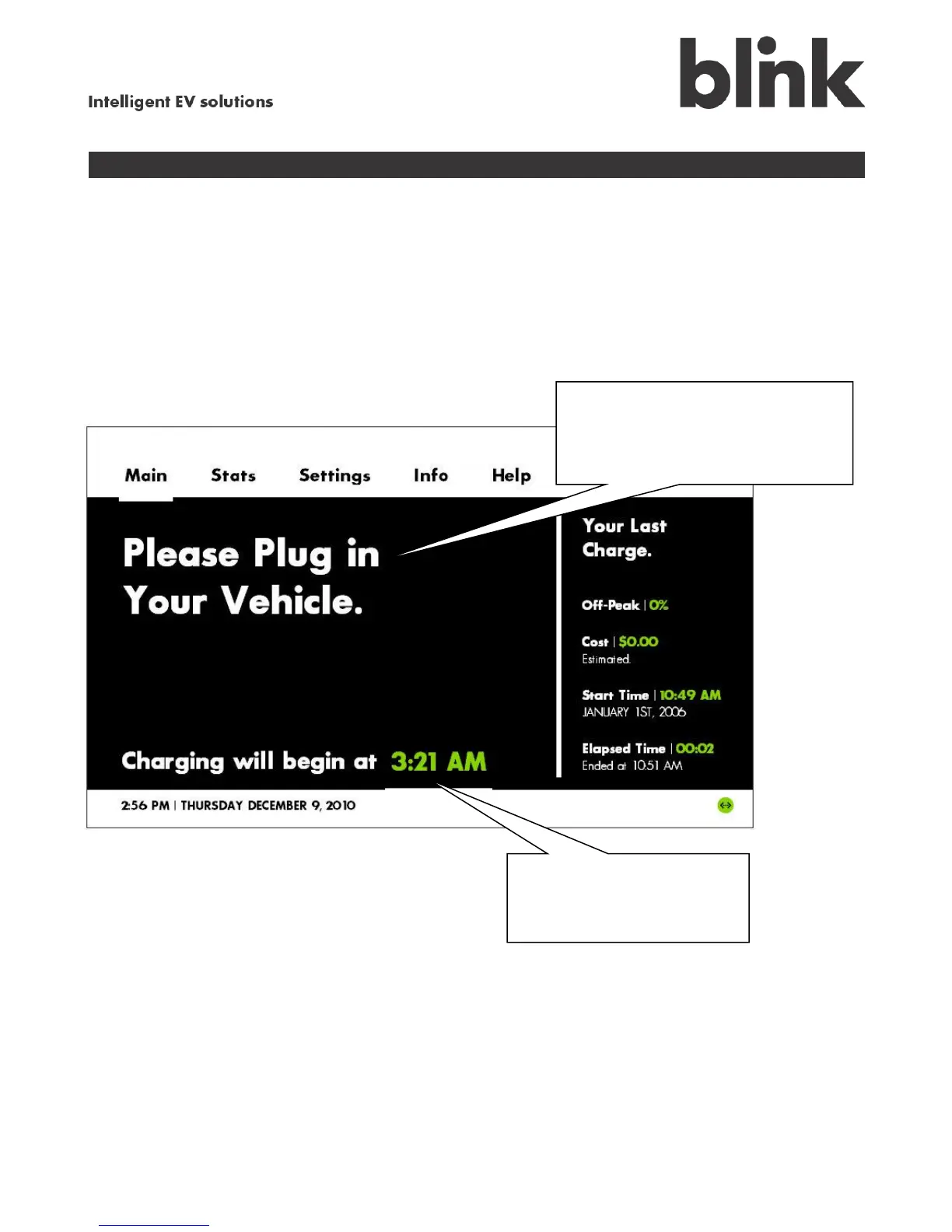
The Main screen tells you at a glance about the status of your Blink charging system, including whether
it is plugged in, whether it is charging, and how soon charging will begin. The right side of the Main
screen tells you about your most recent charging session, such as how much of the charge occurred
during off-peak billing hours and the estimated cost of the charging session.
When your vehicle is unplugged
If your vehicle is unplugged, the
Main screen displays this message
until you plug in your vehicle for
charging.
If you set up a charging
schedule, Blink displays the
next charge’s start time.



 To Next Page