OM0001_L2_R_WM_USAv2.1 23
Step 4 — Schedule Charging Times
A. Schedule the desired charging times
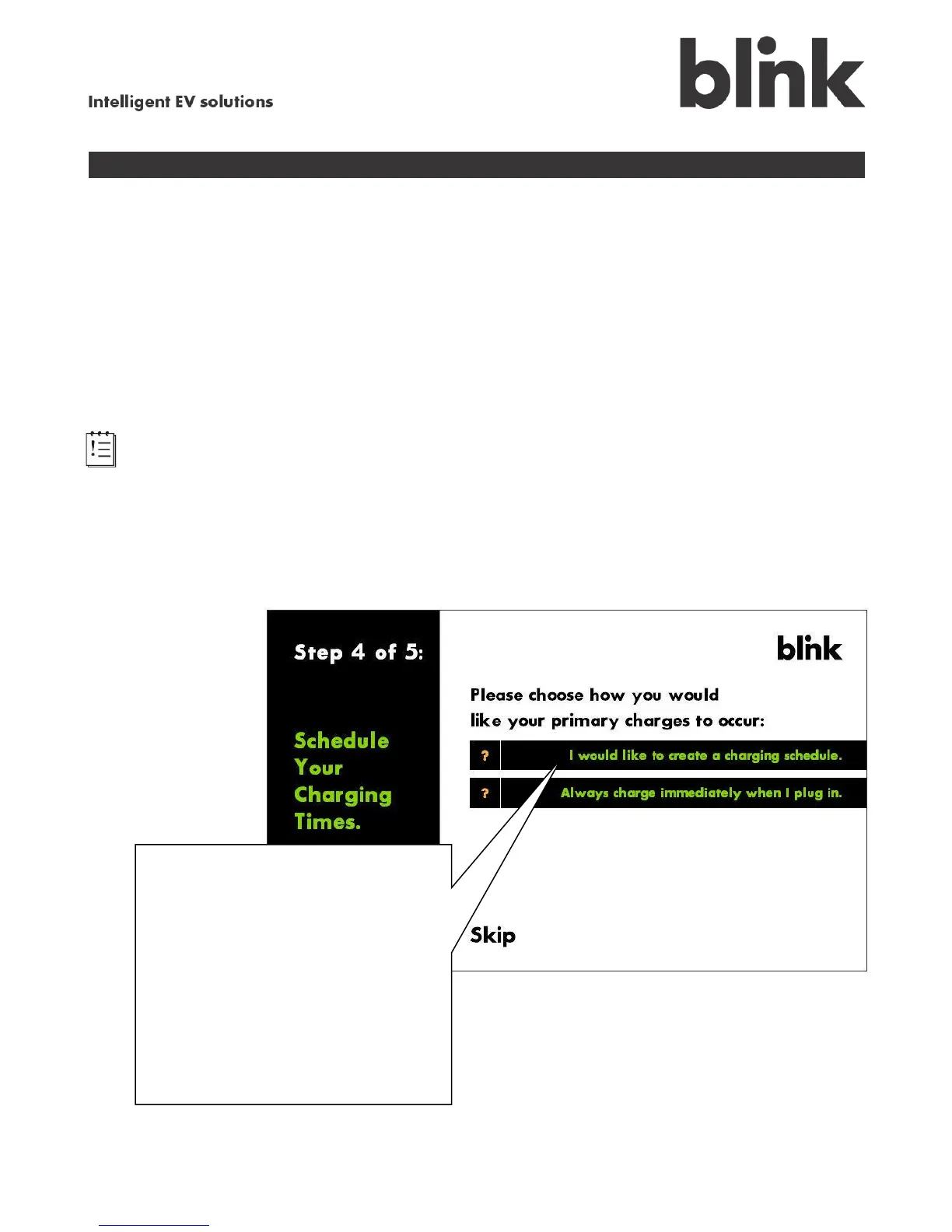
Your Blink allows you to create a charging schedule for when you want to charge your vehicle. We
recommend a charging schedule if you have a multiple-rate plan, so that you can take advantage of
lower electricity rates without having to remember to plug in your car at the right time. For example, if
you typically come home from work at 6:00, but your utility has a discount rate that starts at 9:00pm,
scheduling a 9:00pm charge start time on weekdays allows you to simply plug in your vehicle when you
get home then forget about it. Your Blink charging system will wait until 9:00 to start charging – saving
you money. You can schedule multiple time slots, too – for example, after work on weekdays and
during the early morning hours on weekends.
Note: If your vehicle can also save a charging schedule, make sure that the schedule in your
Blink does not conflict with the vehicle’s schedule. Only enter a schedule in your vehicle or your Blink –
not both. Consult your vehicle owner’s manual to see if the vehicle’s scheduler is required to be used
instead of the charger’s scheduler.
You can also choose to have charging start immediately when the connector is plugged into your
vehicle. This works well when you have a single-rate electricity billing plan, where there is no cost
advantage if you delay charging.
Choose whether to create a
charging schedule:
Touch I would like to create a
charging schedule; go to section
B to continue.
or
Touch Always charge
immediately when I plug in;
proceed to Step 5.



 To Next Page