34 OM0001_L2_R_WM_USAv2.1
Change your location
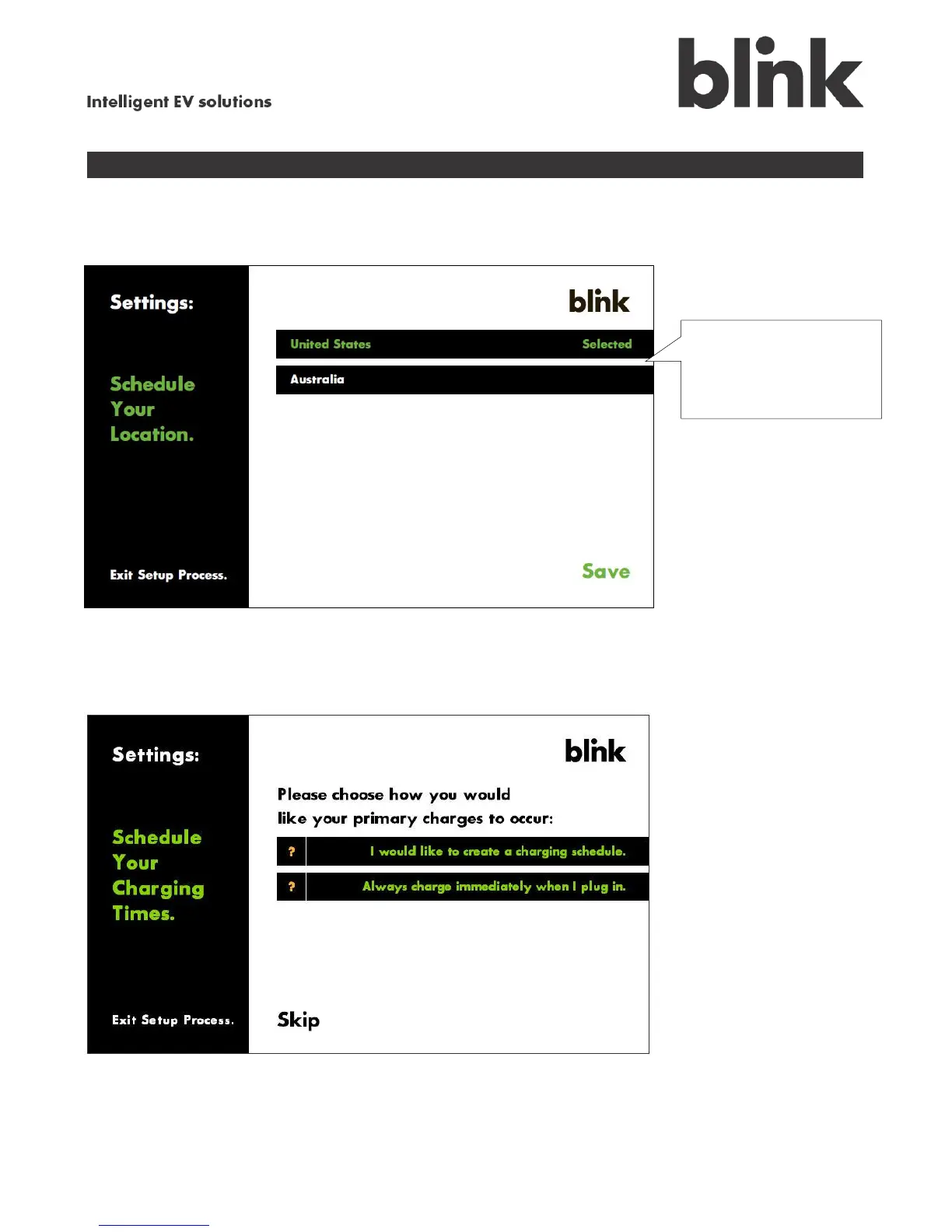
Touch the Location option on the Settings menu to display the available locations.
Change your charge schedule
Touch the Charge Schedule option on the Settings menu to display the following screen. This update
process is identical to the original setup process. See Step 4 for more information.
Select the appropriate
location from the listing
and touch Save.



 To Next Page