42 OM0001_L2_R_WM_USAv2.1
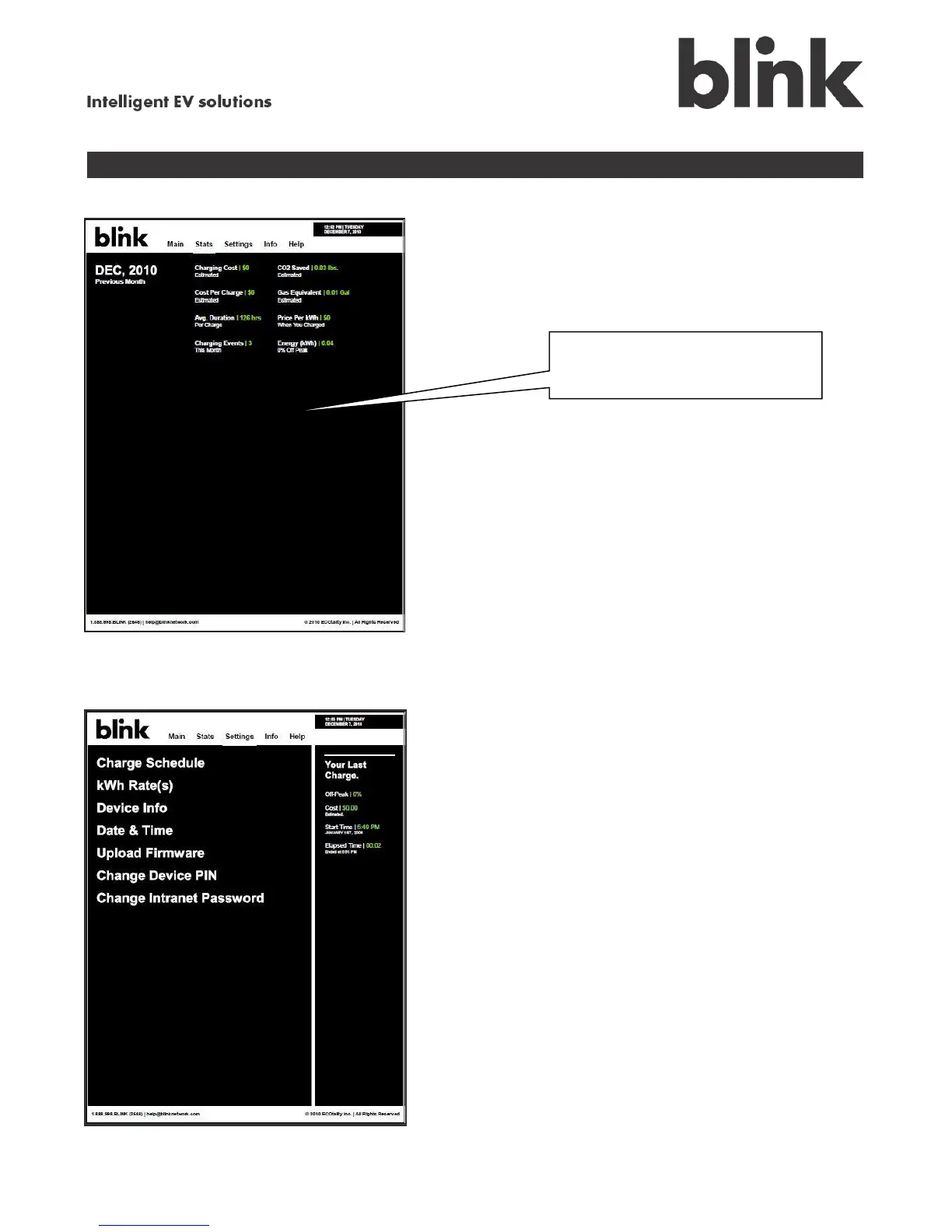
Touch Stats to view your charging history:
Touch Settings to set or change your Blink unit’s configuration. Or, you select the options from the
Main screen. The displayed screens are slightly different, but the operations are the same as those
performed on the initial setup of your Blink charging system.
Select the current or previous
month’s history.



 To Next Page