Front panel
20 of 29
JUD408312 Rev.B JSE410920 22/07/08
3.5 SPECIAL
IMPORTANT
When entering the SPECIAL menu a password is required, as the operations which
are allowed needs to be carried out by competent personnel. For each operation a
confirmation is required.
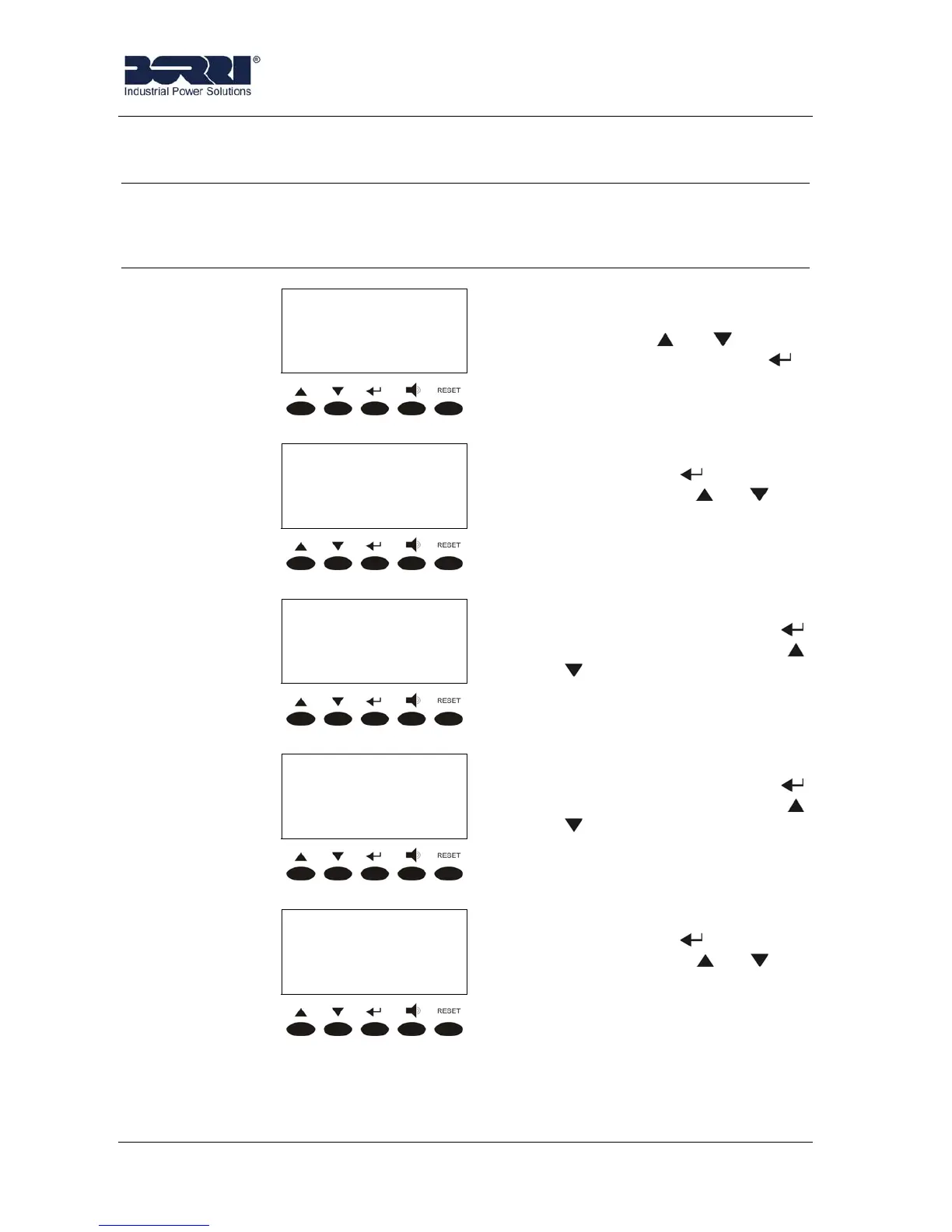
ENTER PASSWORD:
000
Password entering; if wrong the
main menu screen is shown
again. Use the and to select
the numbers, then confirm by .
< SPECIAL >
RESET
UPS RESET. It is accessed
pressing the key
(see 3.5.1),
pressing the keys or the
other sub-menu are scrolled
down.
< SPECIAL >
CLOCK SETTINGS
CLOCK SETTINGS. It is
accessed pressing the key
(see 3.5.2), pressing the keys
or the other sub-menu are
scrolled down.
< SPECIAL >
SELECT LANGUAGE
SELECT LANGUAGE. It is
accessed pressing the key
(see 3.5.3), pressing the keys
or the other sub-menu are
scrolled down.
< SPECIAL >
UPS TEST
UPS TEST. It is accessed
pressing the key (see 3.5.4),
pressing the keys or the
other sub-menu are scrolled
down.








 To Next Page