Front panel
Rev.B JSE410920 22/07/08 JUD408312
21 of 29
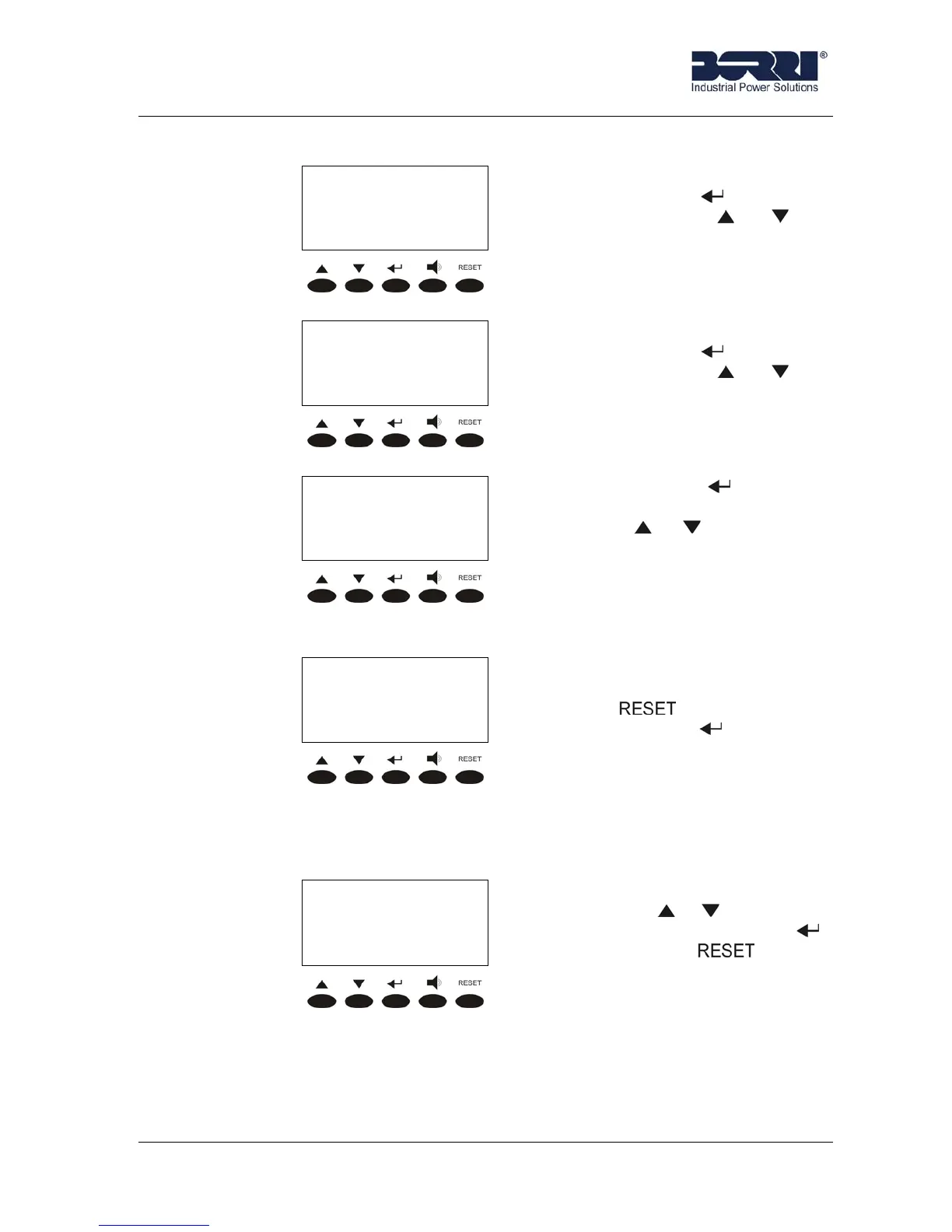
< SPECIAL >
BATTERY TEST
BATTERY TEST. It is accessed
pressing the key (see 3.5.5),
pressing the keys or the
other sub-menu are scrolled
down.
< SPECIAL >
RESET HISTORY
RESET HISTORY. It is accessed
pressing the key (see 3.5.6),
pressing the keys or the
other sub-menu are scrolled
down.
< SPECIAL >
EXIT
Pressing the key the main
menu screen is shown, pressing
the keys or the other sub-
menu are scrolled down.
3.5.1 UPS Reset
< RESET >
PRESS RESET
TO RESET UPS
This menus provides a general
reset of the UPS status pressing
the key .
Pressing the key
leads to the
special menu (see 3.5).
3.5.2 Clock Settings
This menu allows to update time settings for the history of alarms.
< CLOCK SETTINGS >
25-12-2001 18:48
The numbers can be modified
with the key or and they are
confirmed by pressing .
Pressing the key leads to
the special menu (see 3.5).








 To Next Page