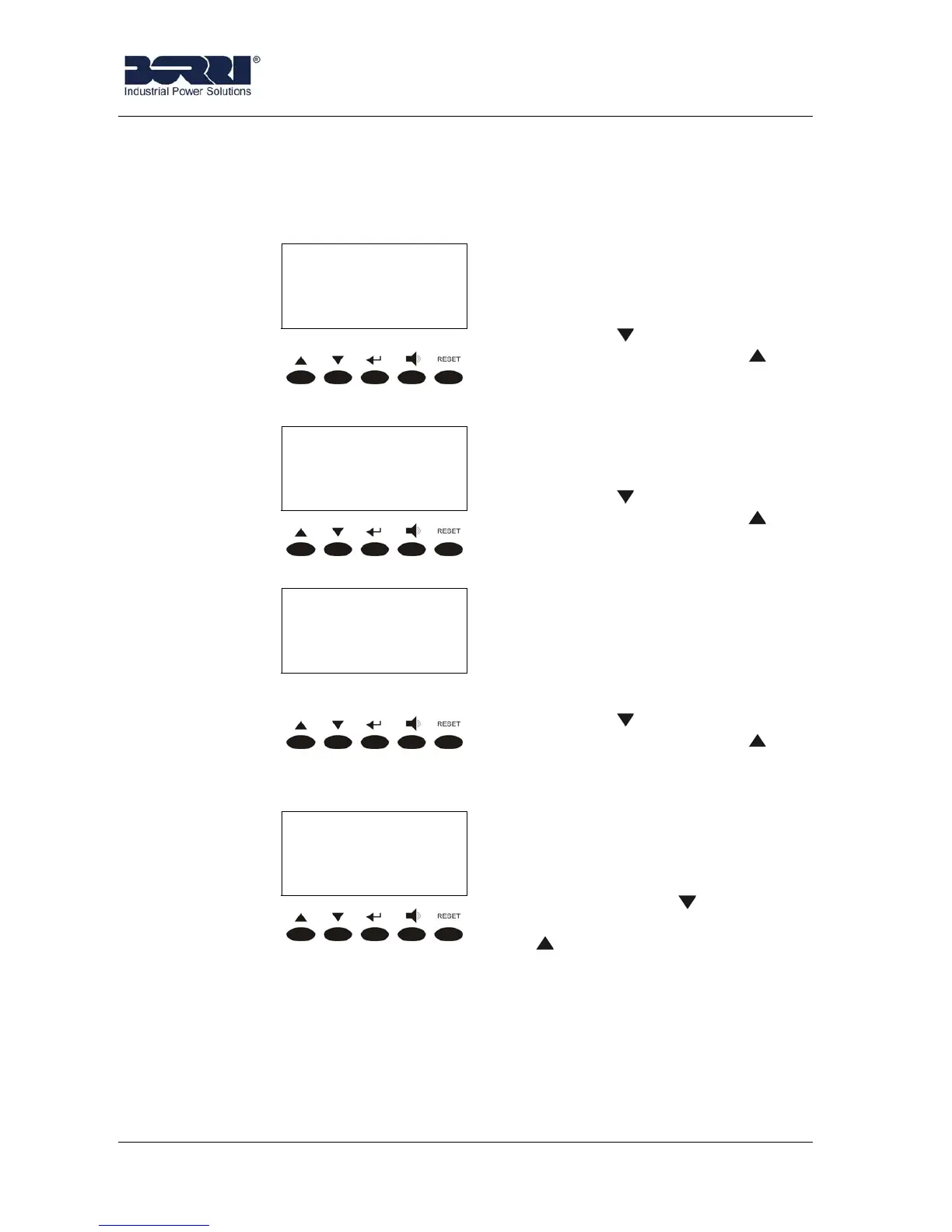
Front panel
26 of 29
JUD408312 Rev.B JSE410920 22/07/08
3.6.3 Parallel (Option)
The Parallel menu is active only of the UPS is in Parallel Configuration, otherwise
you can not see it on the LCD display.
< PARALLEL >
n/N
It indicates the UPS n position
referring to the total number N of
UPS belonging to the Parallel
System.
Pressing you can enter the
next parameter; pressing you
can come back to the previous
menu.
< PARALLEL >
MASTER
It indicates the UPS’ rule in the
Parallel System; if it is Master or
Slave.
Pressing
you can enter the
next parameter; pressing you
can come back to the previous
menu.
< PARALLEL >
M S - - - -
It indicates both the configuration
status and the comunication
status of the Parallel System.
Please see the Parallel Kit
Manual or the Parallel Operating
Manual for further information.
Pressing
you can enter the
next parameter; pressing
you
can come back to the previous
menu.
< PARALLEL >
CAN A MSG: XXXXX
It indicates, for the paralell
system, the number of packets
recevied through the channel A of
the CAN-BUS.
Pressing the key the following
parameter is shown, while the key
leads to the previous screen.








 To Next Page