Bosch Security Systems, Inc. | 3/13 | F01U071094-07
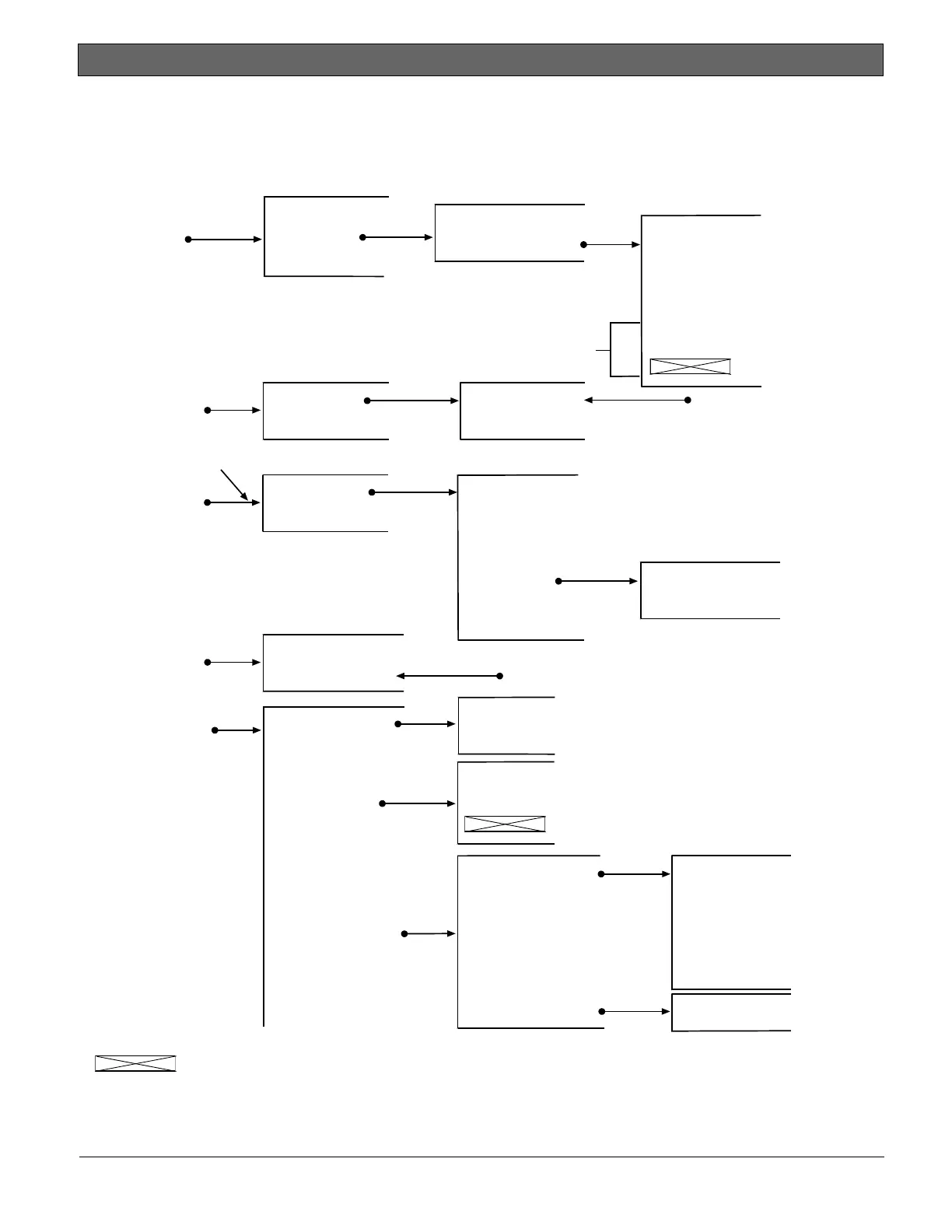
Level 2
(Programming Menu)
Level 3 Level 4 Level 5
Note: Press [DRILL] to move to the
next point.
Press [DISABLE] to move to the
previous point.
2: PROG TIMERS
1: WAIT FOR DC
2: WAIT DLY TIME
1: AC FAIL DLY
2: DISPLAY RATE
3: PROG INPUTS
1: CONFIGURE
2: SUPERVISED
2: FAULT ON OPEN
1: FAULT ON SHORT
5: PROG ACC’NTS
2: NUMBER 2
1: NUMBER 1
2: PHONE #2
1: PHONE #1
3: PHONE #3
1: PROG TIME
Note: Setting Auto Test to 7 days, 28 days,
or Disabled is not compliant with UL.
1: SYSTEM
2: AUTO TEST
3: DAYLIGHT SAV
1: TEST TIME
2: TEST FREQUENCY
TEST FREQ (_)
1: 4 HOURS
2: 12 HOURS
3: 24 HOURS
4: 7 DAYS
5: 28 DAYS
6: DISABLED
Note: The D9068 prompts for a specific
input point to be programmed.
2: WATERFLOW
3: SUPERVISORY
4: MONITOR
5: SYS FAULT
6: AC FAILURE
7: LOW BATTERY
1: FIRE
4: PROG RELAY
Note: The Ground Start operation is not compliant with UL.
1: RELEAS ON TRBL
2: ACTIV GND STRT
1: ACCOUNT NUMS
2: PHONE NUMS
3: PHONE CONTROL
1: PHONE 1 FORMAT
2: PHONE 2 FORMAT
Same as PHONE 1
2: SIA 110, RPRT
1: 4/2 REPORT
4: SIA 300, RPRT
3: CONTACT ID
5: MODEM III
NOTE
5: PROG ACCTS is continued on the next page.
Items crossed out are not
currently supported
.
Note: The Wait for DC is
not compliant with UL.



 To Next Page