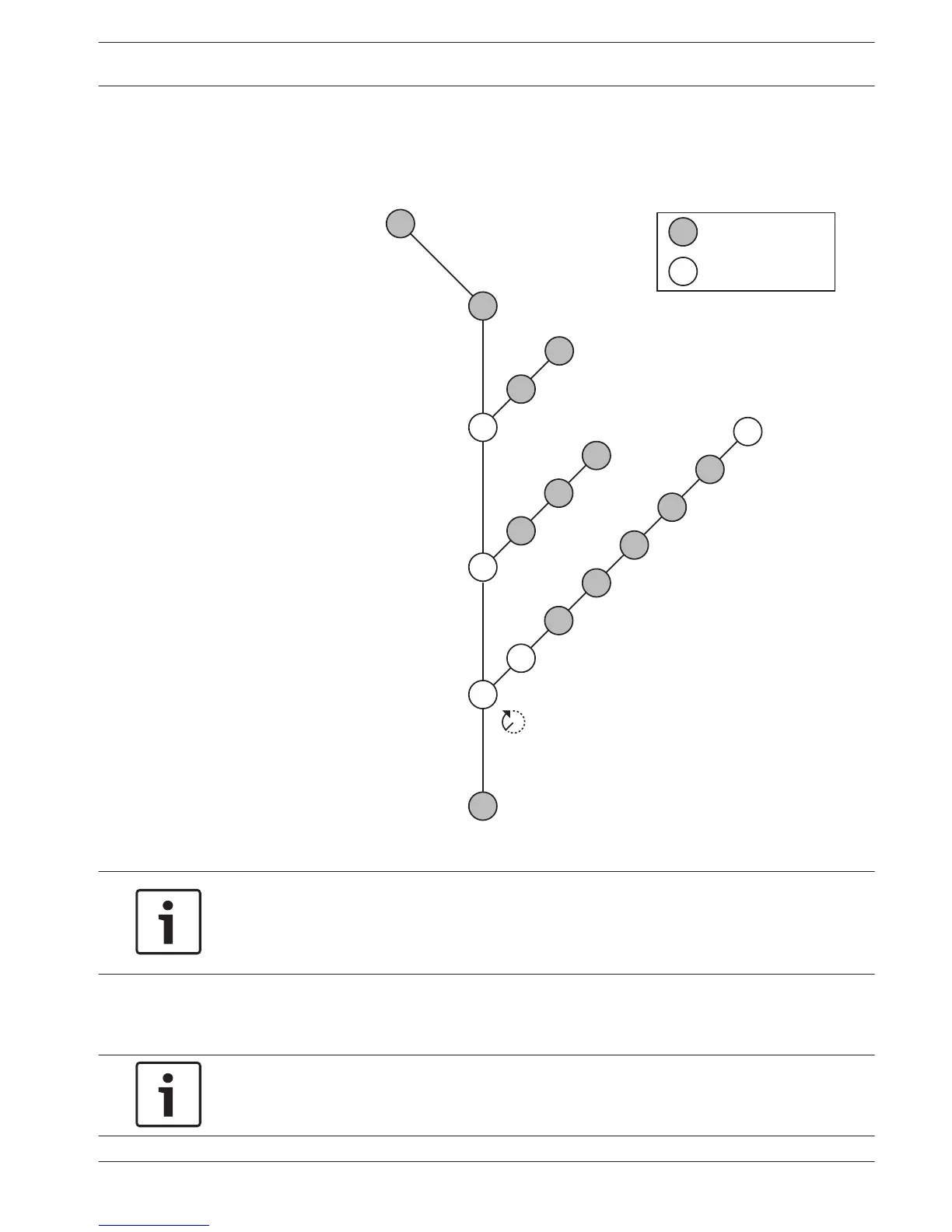
LBB4402/00 Audio Expander
Overview
Use the configuration menu of the audio expander to configure the audio expander.
Figure 7.3: Configuration menu
Notice!
When the interlock is None (refer to NoTrans Variables), the audio inputs of the audio
expander are disabled for translation channels only. Audio input channels can route to floor
channels.
Setup
Use the 4 Setup menu item to open the Setup sub-menu. Use the menu items in this sub-menu
to configure the audio expander.
Notice!
To open the Setup sub-menu, you must push and hold the knob for more than 3 seconds.
7.4
Conference System Configuration | en 191
Bosch Security Systems B.V. Operation Manual 2013.11 | V2.0 | DCN-NG_OM_V4.x





 To Next Page