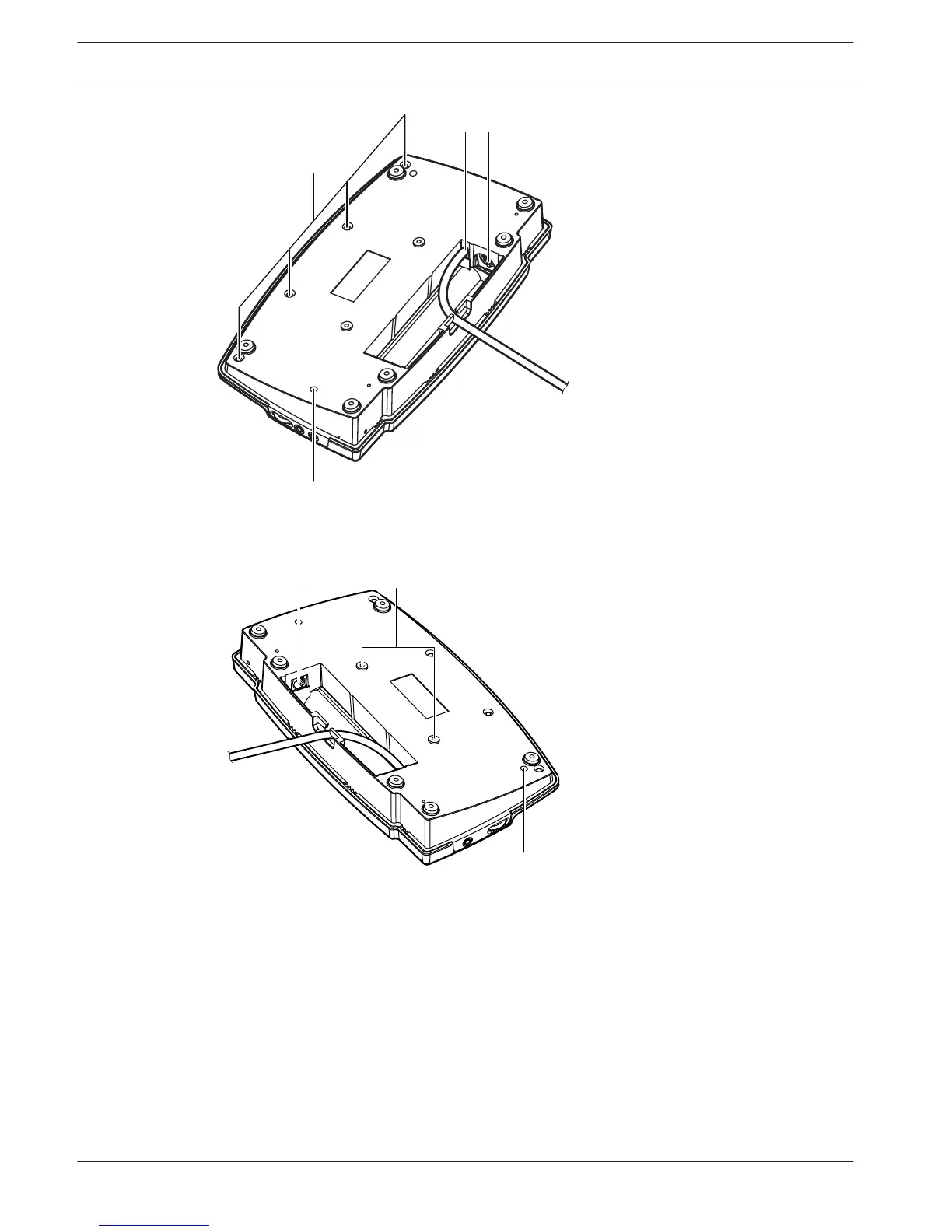
Figure 3.16: Bottom view (2)
1. Microphone socket - Connects a Pluggable Microphone (DCN‑MICL or DCN‑MICS) to the
Concentus delegate unit.
2. Loudspeaker - Gives the audio signal from the floor to the delegate. When the
microphone is enabled, the signal of the loudspeaker is muted.
3. Microphone LED - Is on when the microphone is enabled.
4. Card reader - Gives access to the Concentus delegate unit.
5. Channel selector - Selects the channel that is sent to the headphones.
6. Microphone button - Enables or disables the microphone. The microphone button has a
LED that shows the condition of the microphone.
28
en | System Overview Conference System
2013.11 | V2.0 | DCN-NG_OM_V4.x Operation Manual Bosch Security Systems B.V.















 To Next Page