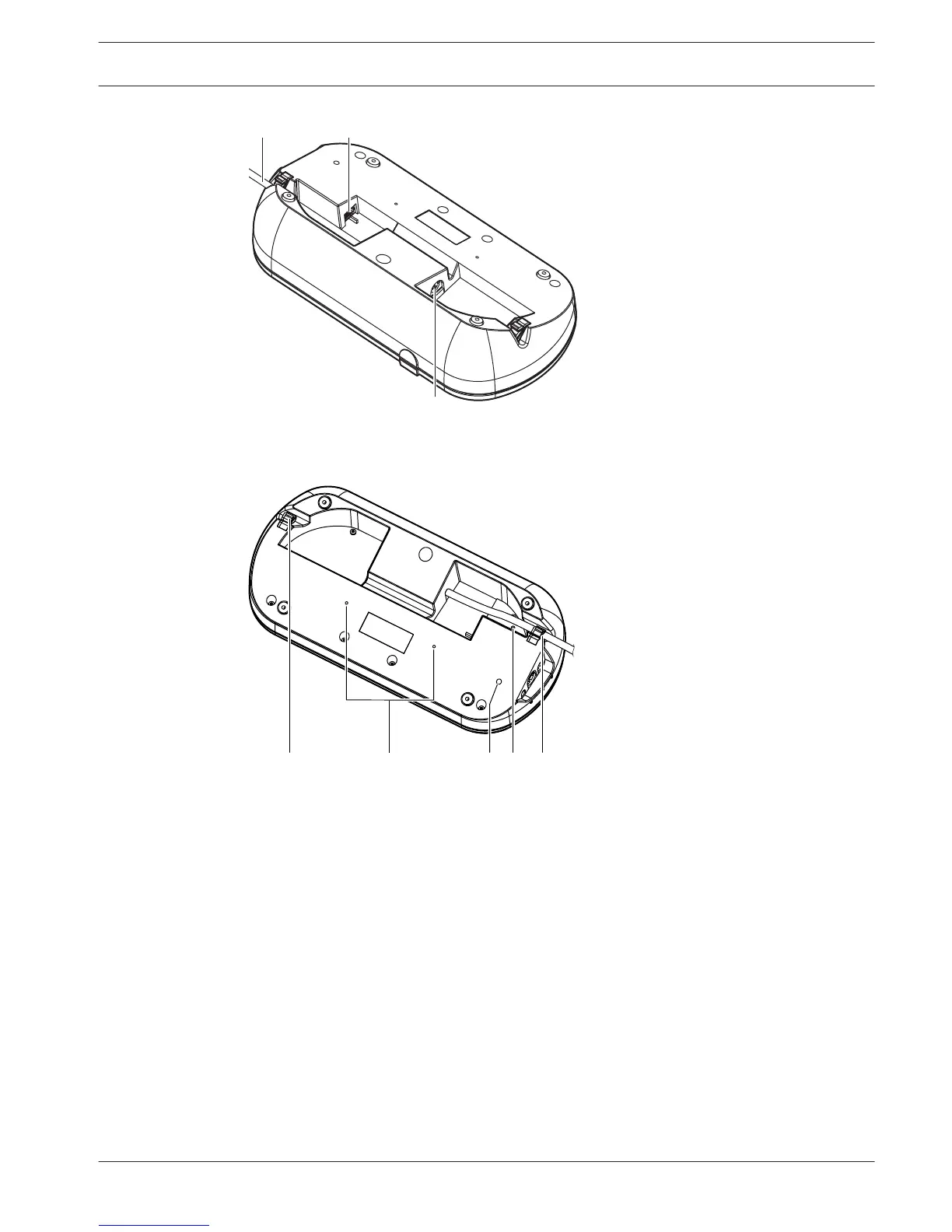
Figure 3.54: Bottom view (2)
1. Beeps button - Enables or disables the beeps. This function is for blind interpreters.
2. Primary knob - Operates the display to configure and operate the interpreter desk.
3. Display - Shows the configuration and user menus.
4. Pre-select buttons - Give the interpreters access to a channel from which they can make
interpretation.
5. Output buttons - Set the output channel to send the target language.
6. Microphone socket - Connects a DCN-MICL or DCN-MICS Pluggable Microphone to the
interpreter desk.
7. Telephone LED - Is on when the interpreter desk receives a phone call from an external
telephone system.
8. Intercom LED - Is on when the interpreter desk receives an intercom call.
9. Message button -Opens / closes channel overview status.
Opens text messages that are sent to the interpreter desk. When the interpreter desk
receives a message, the yellow LED adjacent to the message button blinks.
10. Intercom button (operator) - Opens an intercom channel to the operator.
Conference System
System Overview | en 51
Bosch Security Systems B.V. Operation Manual 2013.11 | V2.0 | DCN-NG_OM_V4.x


 To Next Page
 Loading...











