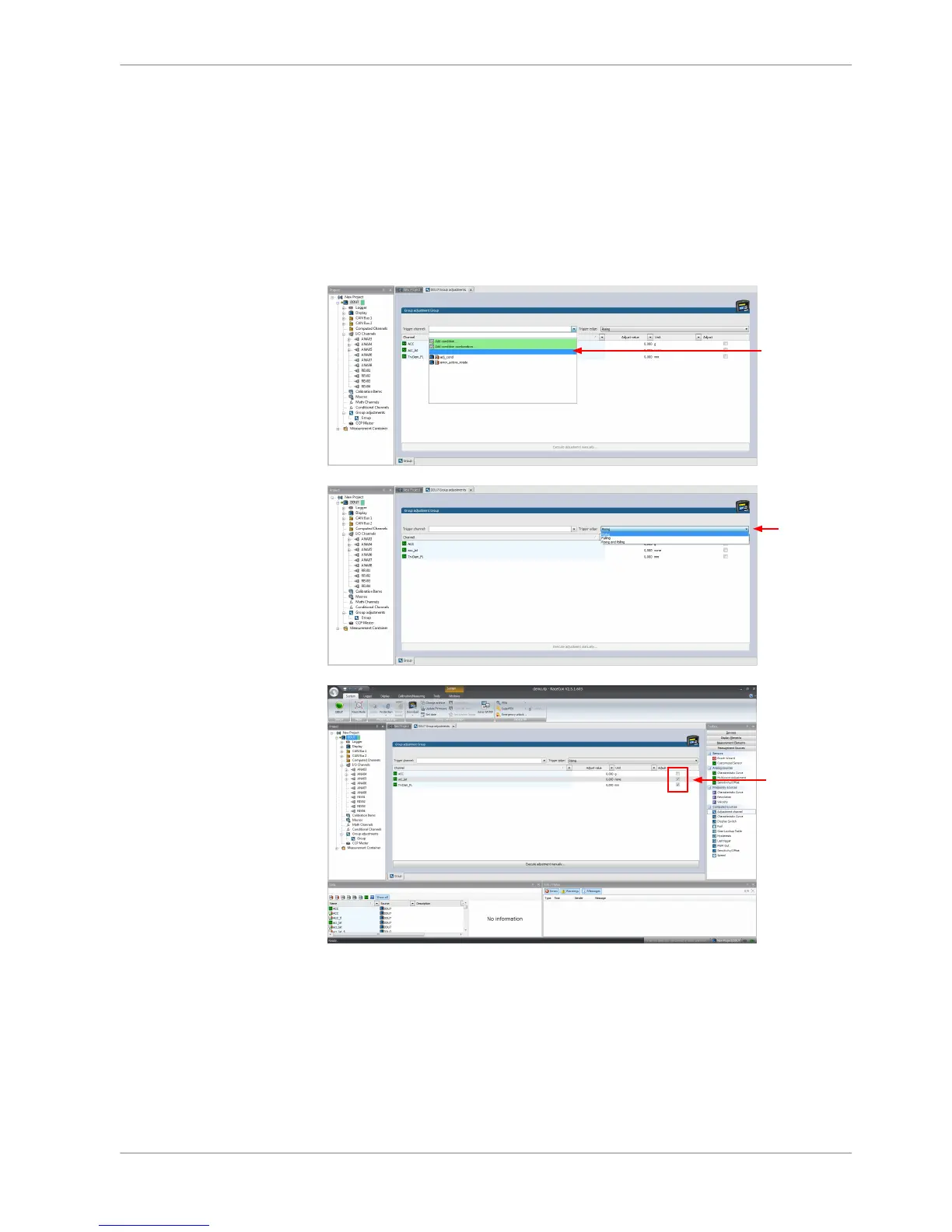
Assigning channels to the group adjustment
1. Double‐click on the created channel (e.g. ‘grp_adj_channel’) in the Project
Tree.
In the Main Area, an overview of the available adjustment channels opens.
2. To add measurement channel(s) to the group adjustment event, check the
‘Calibrate’ box of the desired channel(s).
The selected measurement channels are added to the group adjustment event.
Triggering the group adjustment
1. Connect the input pin to GND using a push‐button.
2. Make sure the pullup‐resistor is enabled, if you selected ‘active low’ trigger
polarity.
3. Double‐click on the input channel ‘grp_adj_channel’ of the group adjustment.
11.4.3
11.4.4
Online Measurement | 11
Bosch Motorsport DDU S2 PLUS Manual 109 / 136














 To Next Page