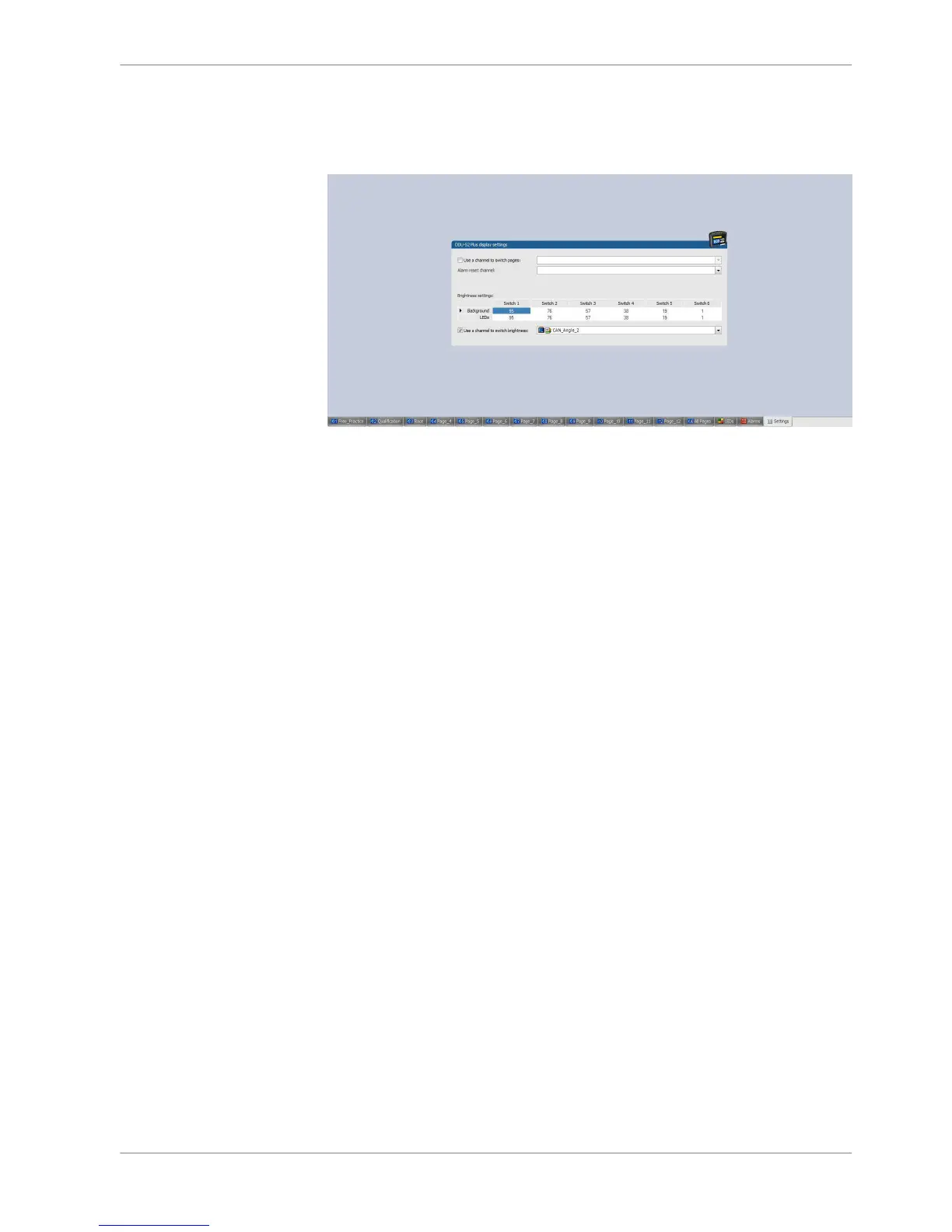
Check “Use a channel to switch brightness:” and select CAN channel, Math chan‐
nel or ANA_IN channel.
Change value for Background and LEDs for each switch position if it is needed.
The channel has to include value from 0.5 to 5.5.
Switch 1 is shown with the value <1.5
Switch 2 is shown with 1.5< = the value <2.5
Switch 3 is shown with 2.5< = the value <3.5
Switch 6 is shown with 5.5< = the value
Math + condition channels
Math channel
▪ Arithmetic and logical operations on up to 4 measurement channel(s)
▪ Numerical result
▪ Result can be used as input source for various display elements (numeric ele‐
ments, alarms, Bargraphs) and further calculations in the whole RaceCon
project
Conditional function
▪ Arithmetic and logical operations on one or more measurement channel(s)
▪ If‐Else structure with reset
▪ Numerical result
▪ Result can be used as input source for various display elements (numeric ele‐
ments, alarms, Bargraphs) and further calculations in the whole RaceCon
project
All math channels can be used globally in the whole DDU 8 project.
8.6
Display Configuration | 8
Bosch Motorsport DDU S2 PLUS Manual 59 / 136














 To Next Page