Special features
CAN analyzer functionality
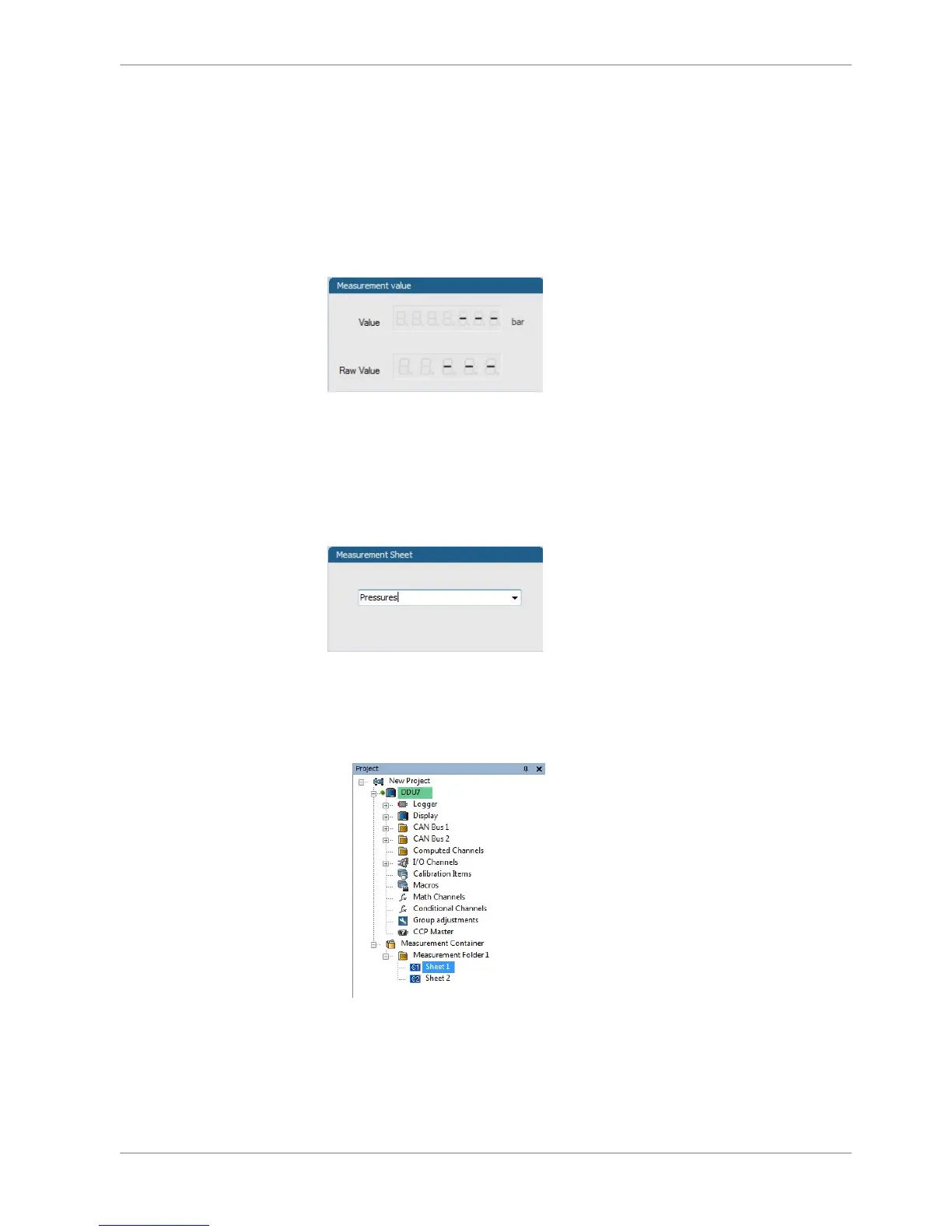
This functionality is only available, if a MSA‐Box (I or II) is used to connect the
DDU 8 to the PC. Choose the CAN bus that is connected to the MSA‐Box to dis‐
play the raw value and the converted physical value here.
Automatic creation of online measurement sheets
The CAN channel can be automatically inserted to a measurement sheet. Insert a
name for a new sheet or select an existing sheet from the list box.
For an online view of the value measured by the DDU 8, insert the channel in an
online measurement sheet which is described in the next chapter.
Online view of CAN channels in vehicle
1. Double‐click on ‘Sheet 1’ in Project Tree.
Measurement Sheet 1 is displayed in Main Area.
2. Click on ‘Measurement elements’ in the Toolbox.
3. Drag the desired Measurement element (e.g. Numeric Indicator) and drop it
on the Measurement Sheet.
9.2.6
9.2.7
CAN Bus | 9
Bosch Motorsport DDU S2 PLUS Manual 71 / 136














 To Next Page