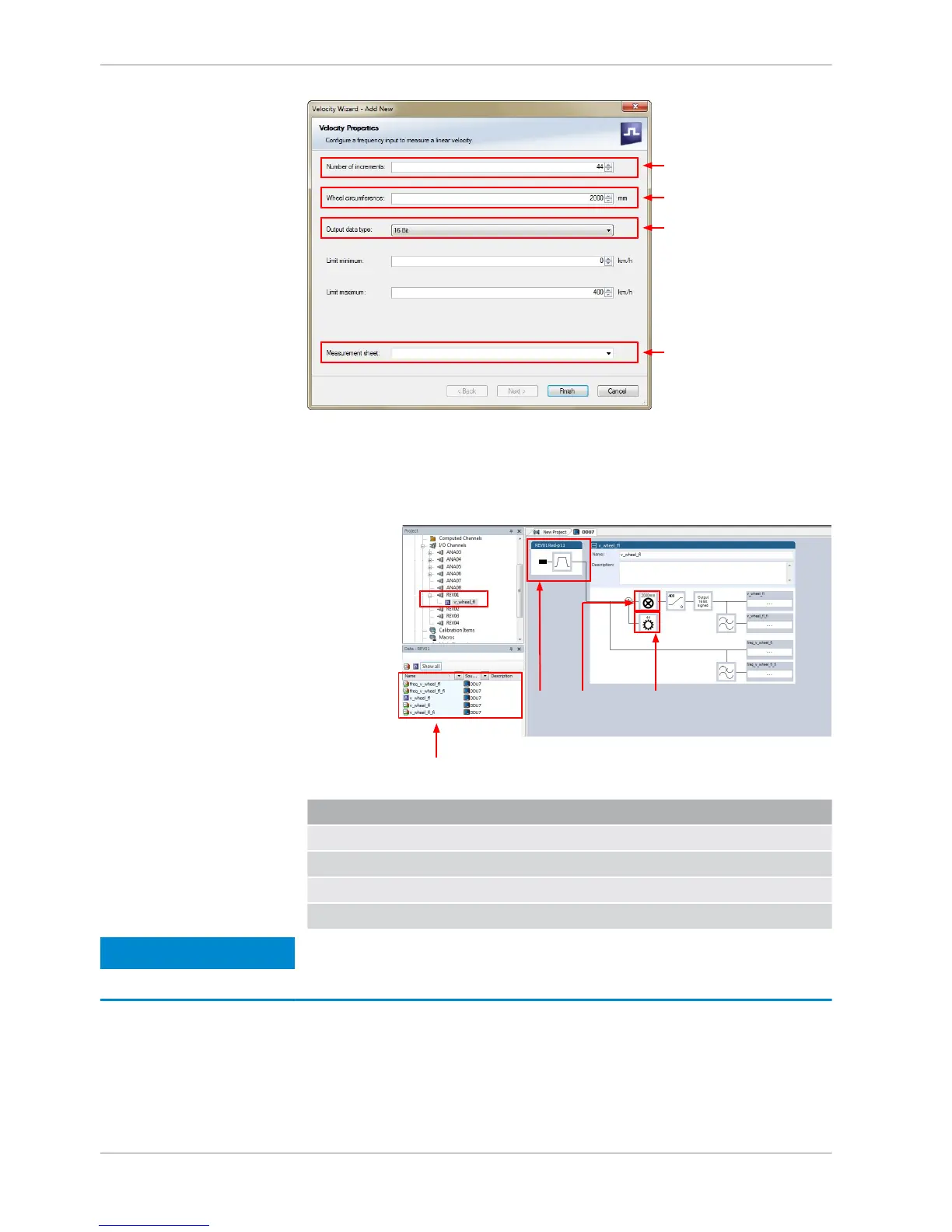
4. Click ‘Finish’ when done.
5. Enter channel name and description.
6. Click ‘OK’ when done.
The channel is inserted into the DDU 8 Project Tree.
Available measurements for channel:
Measurement label Function
raw_name mV value of sensor
raw_name_fi filtered mV value of sensor
name physical value of sensor
name_fi filtered physical value
Notice
Measurement of ‘Revolution’ is similar.
Configuring computed sources
Computed sources receive data from a measurement channel rather than an in‐
put pin.
▪ Sensitivity/Offset calculation on input channel
10.4
10 | Analog and Frequency Inputs
92 / 136 DDU S2 PLUS Manual Bosch Motorsport














 To Next Page