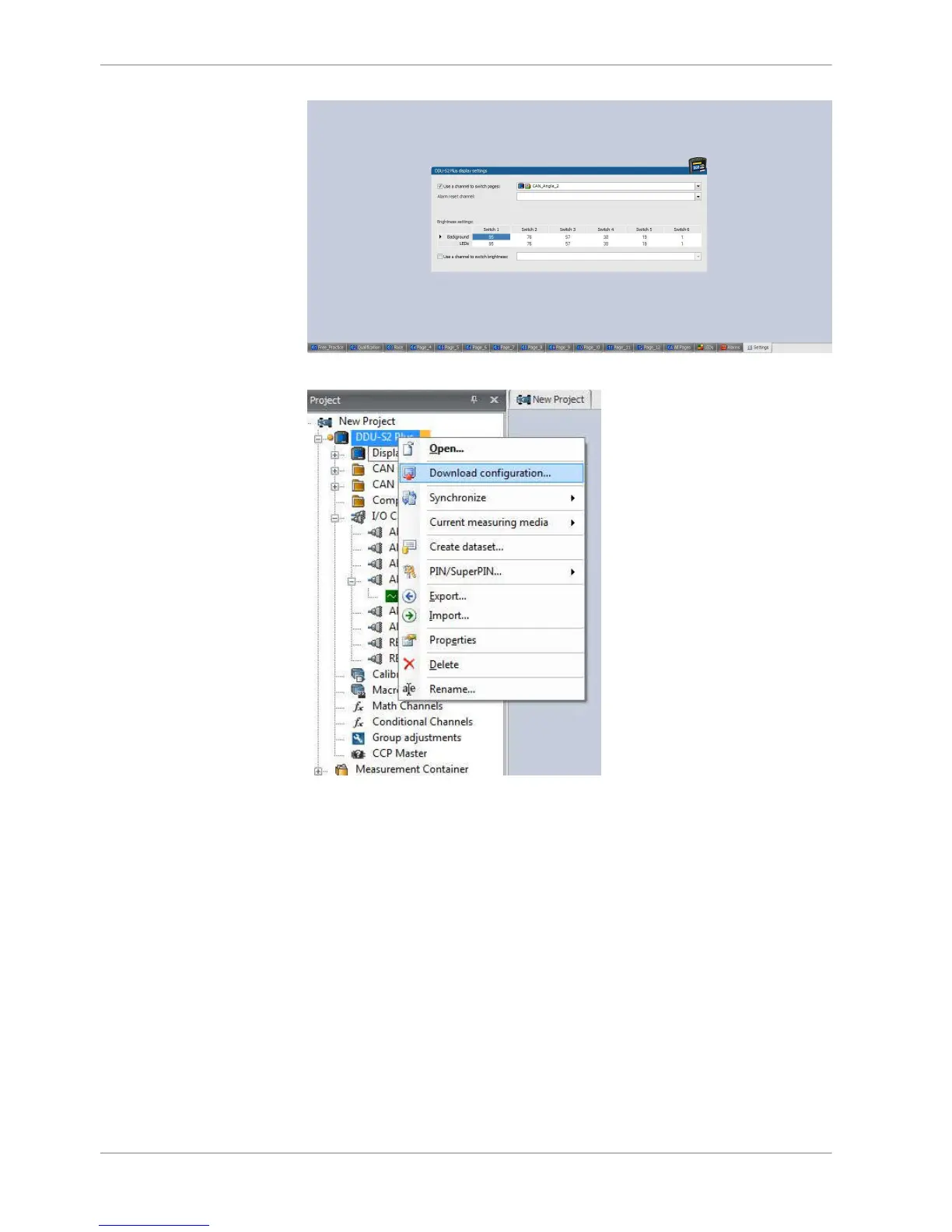
3. Select Download configuration.
Display + LED brightness
Any “event” can be used to change display brightness and/or page. This can be
an input switch, a math channel etc..
Option 1: 6 position switch
1. Connect 6 position switch to one of Analog input ANAxx and Sensor GRD.
2. Select one of Analog input and then select Characteristic Curve.
8.5
8.5.1
8 | Display Configuration
48 / 136 DDU S2 PLUS Manual Bosch Motorsport














 To Next Page