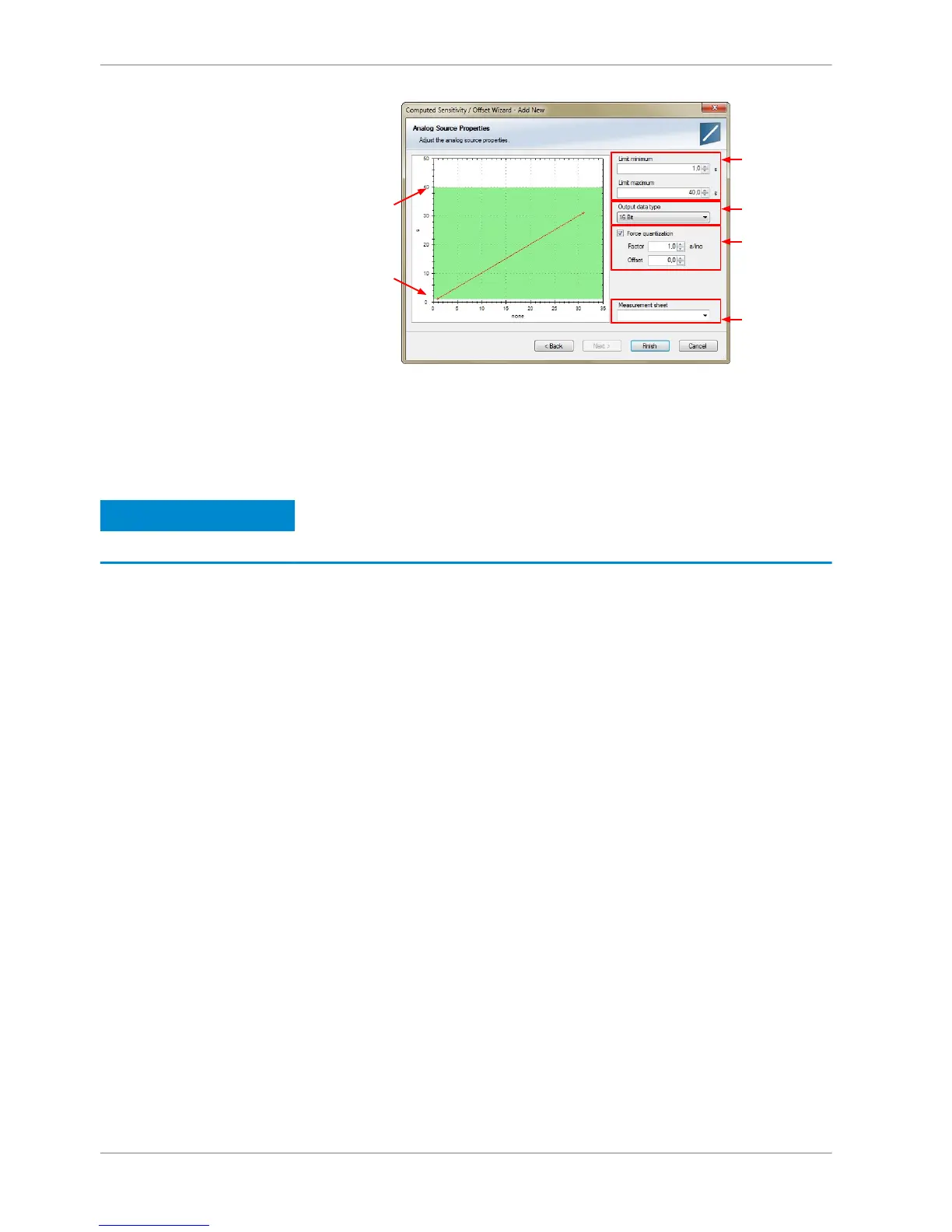
4. Click ‘Finish’ when done.
5. Enter channel name and description.
6. Click ‘OK’ when done.
The channel is inserted into the DDU 8 Project Tree.
Notice
Working with automatically created measurement sheets is ex‐
plained in chapter ‘Setting up an online measurement’.
Hysteresis
The hysteresis function avoids the high‐frequent switchover of the measurement
channel value. The hysteresis can be adjusted for each input measurement chan‐
nel individually and can be used for further processing.
1. Click ‘Measurement Sources’ in the Toolbox.
2. Drag the ‘Hysteresis’ computed source from the Toolbox and drop it on
‘Computed Channels’ in the DDU 8 Project Tree.
A ‘Hysteresis Wizard’ opens.
10.5
10 | Analog and Frequency Inputs
94 / 136 DDU S2 PLUS Manual Bosch Motorsport














 To Next Page