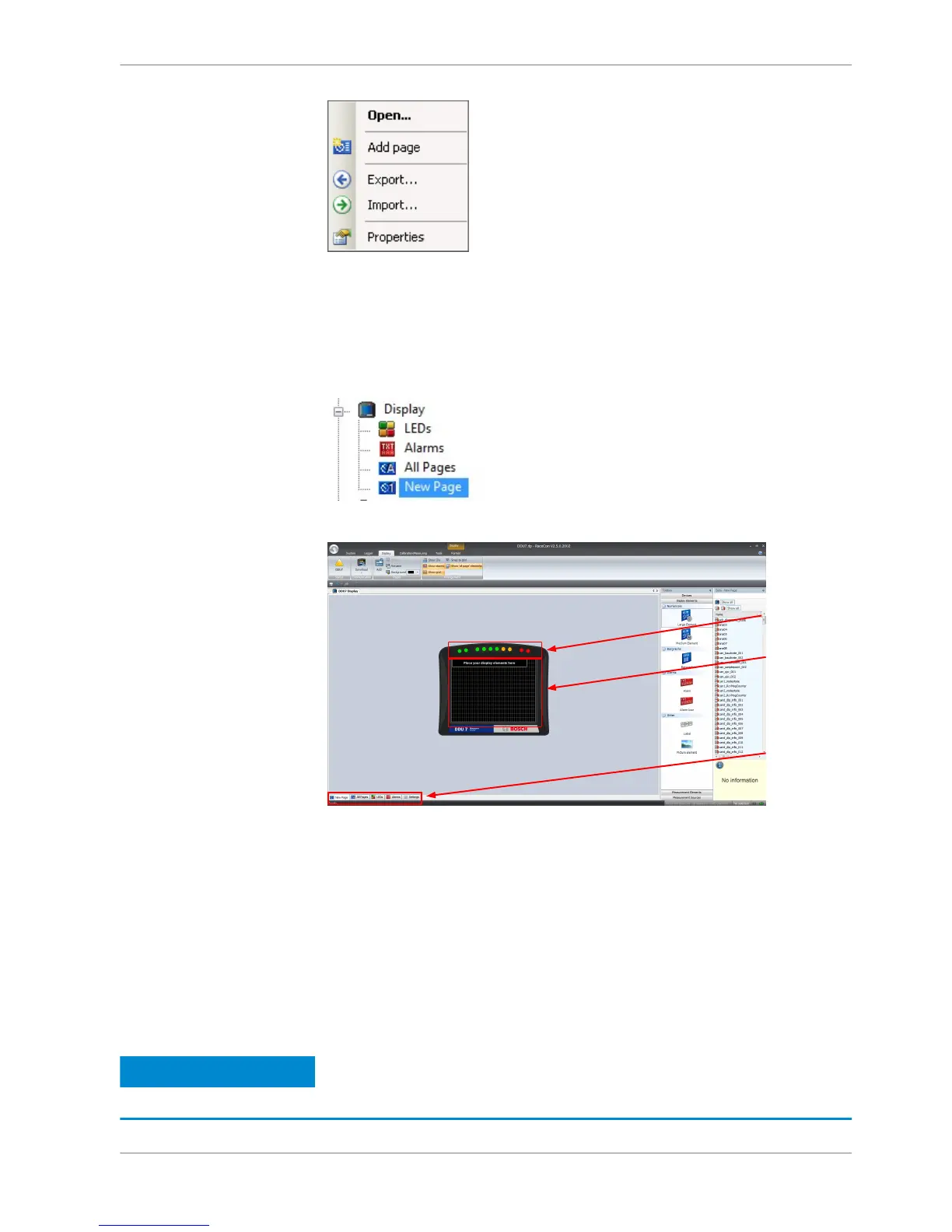
A new empty page opens.
Selecting display page
In the DDU 8 Project Tree, click on ‘DDU 8’, then on ‘Display’ and double‐click on
the page you want to select (example: ‘New Page’).
In the Main Area, a representation of the DDU 8 opens.
Display element configuration
Numeric display element
Adding a numeric display element to display page
The ‘Large Element’ and the ‘Medium Element’ numeric display elements differ in
element and font size. The element and font size can be changed using the Nu‐
meric Wizard.
Notice
In this view the displayed values are random values and do not
show the real values of the measurement channels.
8.1.3
8.2
8.2.1
Display Configuration | 8
Bosch Motorsport DDU S2 PLUS Manual 23 / 136














 To Next Page