Online Measurement
DDU 8 configuration
▪ System configuration (channel + display configuration, CAN I/O, etc.) is stor‐
ed in the DDU 8
▪ Use RaceCon to create and download configuration from the PC to DDU 8
▪ Communication interface: Ethernet
▪ Communication protocol: XCP
Online measurement + calibration
▪ System status and diagnosis
▪ Check and calibrate sensors in the vehicle
▪ Live display of sensor values on the PC
▪ Use RaceCon for diagnosis, online measurement and calibration
▪ Communication interface: Ethernet
▪ Communication protocol: XCP
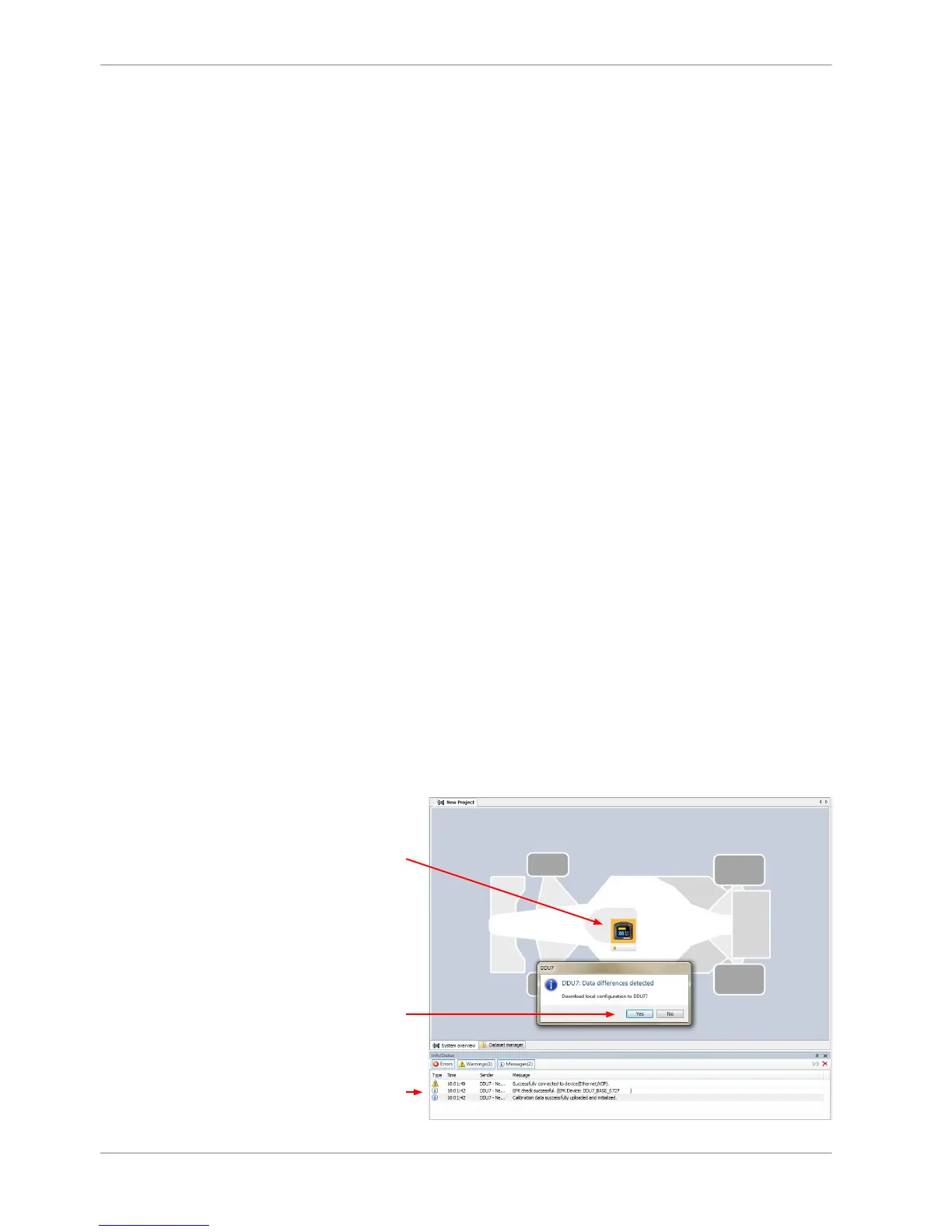
Achieving an online connection
Set up the PC for access to the Unit
1. Switch off local firewall on the PC.
2. Set IP Configuration for the Ethernet interface to ‘automatic configuration’
(DHCP). See chapter ‘Setting up the network interface [} 14]’ for details.
3. Start RaceCon.
4. Establish the Ethernet connection to the vehicle.
5. Power on the vehicle.














 To Next Page