4. Download the configuration on the DDU 8. To connect the DDU 8 to Race‐
Con, see chapter ‘Connecting the unit to RaceCon’.
5. Open a measurement sheet by clicking on the desired measurement sheet in
the Project Tree.
6. Drag the ‘grp_adj_channel’ and the ‘input_grp_adj_channel’ to the online
measurement sheet.
7. Press and release the push‐button.
8. The measurement labels indicate the state of the input pin and the state of
the adjustment.
Notice
A display alarm can be linked to the trigger channel to indicate
that the trigger has been detected.
Online calibration of multipoint adjustment
channels
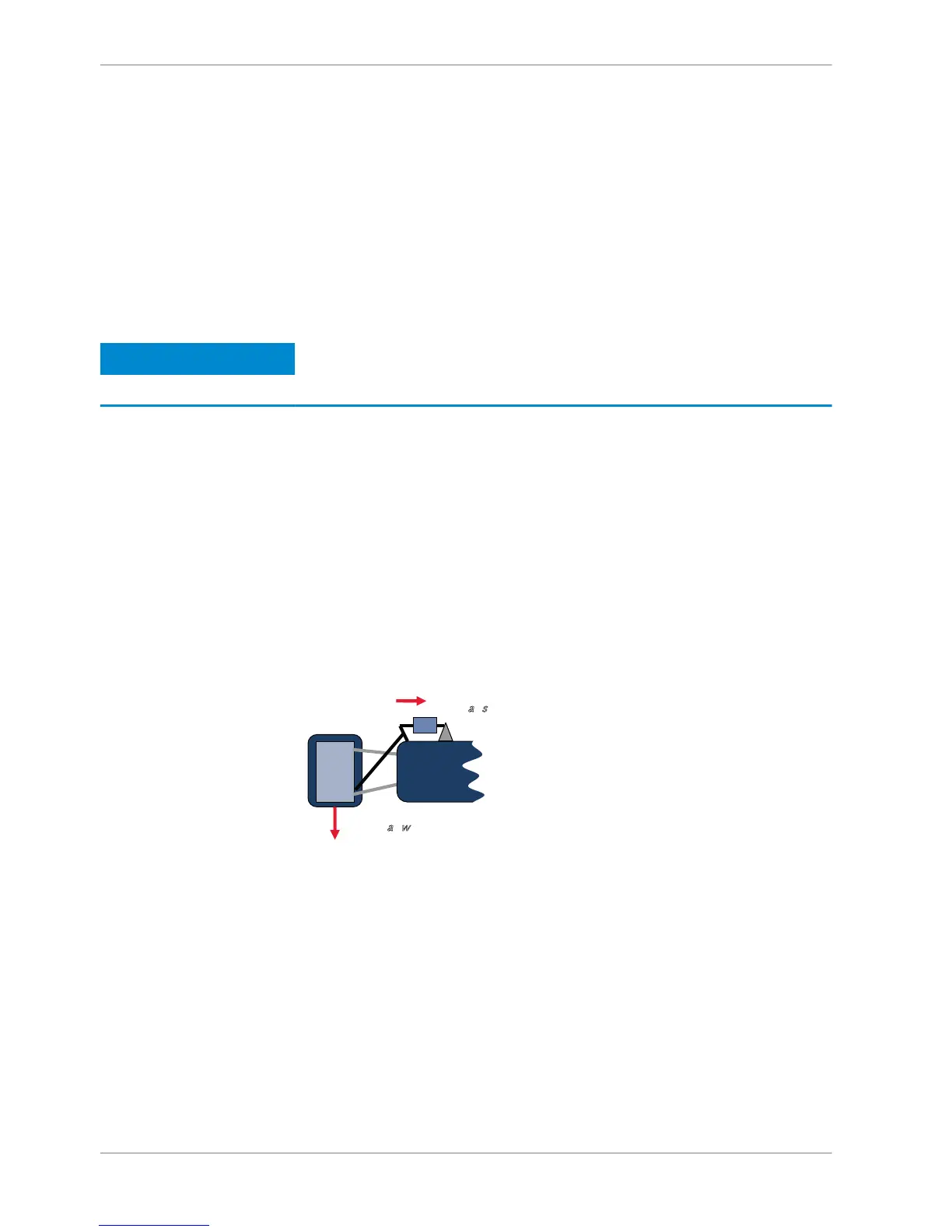
Example: measurement of wheel force
▪ Physical property ‘wheel force’ not directly measureable
▪ Load transfer through suspension kinematics
▪ Physical value at sensor position defined by vehicle
▪ Curve definition by online adjustment at vehicle
1. Create a multipoint adjustment measurement channel. To create a multipoint
channel, see chapter ‘Configuring a multipoint adjustment [} 87]’.
2. Download the configuration on the DDU 8. To connect the DDU 8 to Race‐
Con, see chapter ‘Connecting the unit to RaceCon’.
3. Click on the desired channel in the DDU 8 Project Tree.
4. Double‐click on a measurement channel in the Data Area to open the online
view.
11.5
11 | Online Measurement
110 / 136 DDU S2 PLUS Manual Bosch Motorsport














 To Next Page