Page select
Any “event” can be used to change display brightness and/or page. This can be
an input switch, a math channel etc..
Option 1: 12 position switch
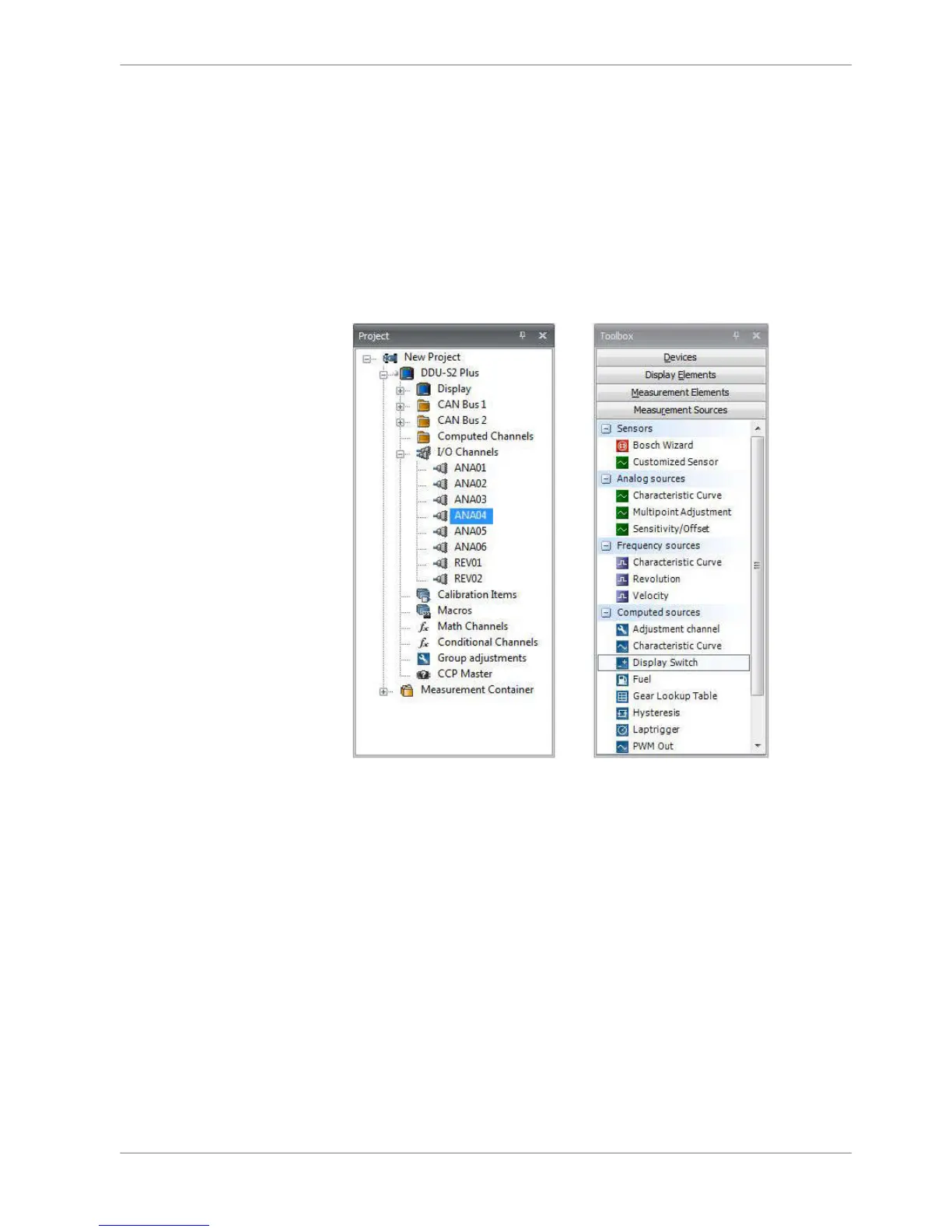
1. Connect 12 position switch to one of analog input ANAxx and sensor GRD.
2. Select one of Analog input and then select Characteristic Curve.
3. Select ”Pull‐up value:” 3.01 kOhm and go Next.
8.4
8.4.1
Display Configuration | 8
Bosch Motorsport DDU S2 PLUS Manual 37 / 136














 To Next Page