▪ Characteristic curve calculation on input channel
▪ Computed vehicle speed
▪ Lap trigger (covered in a special section)
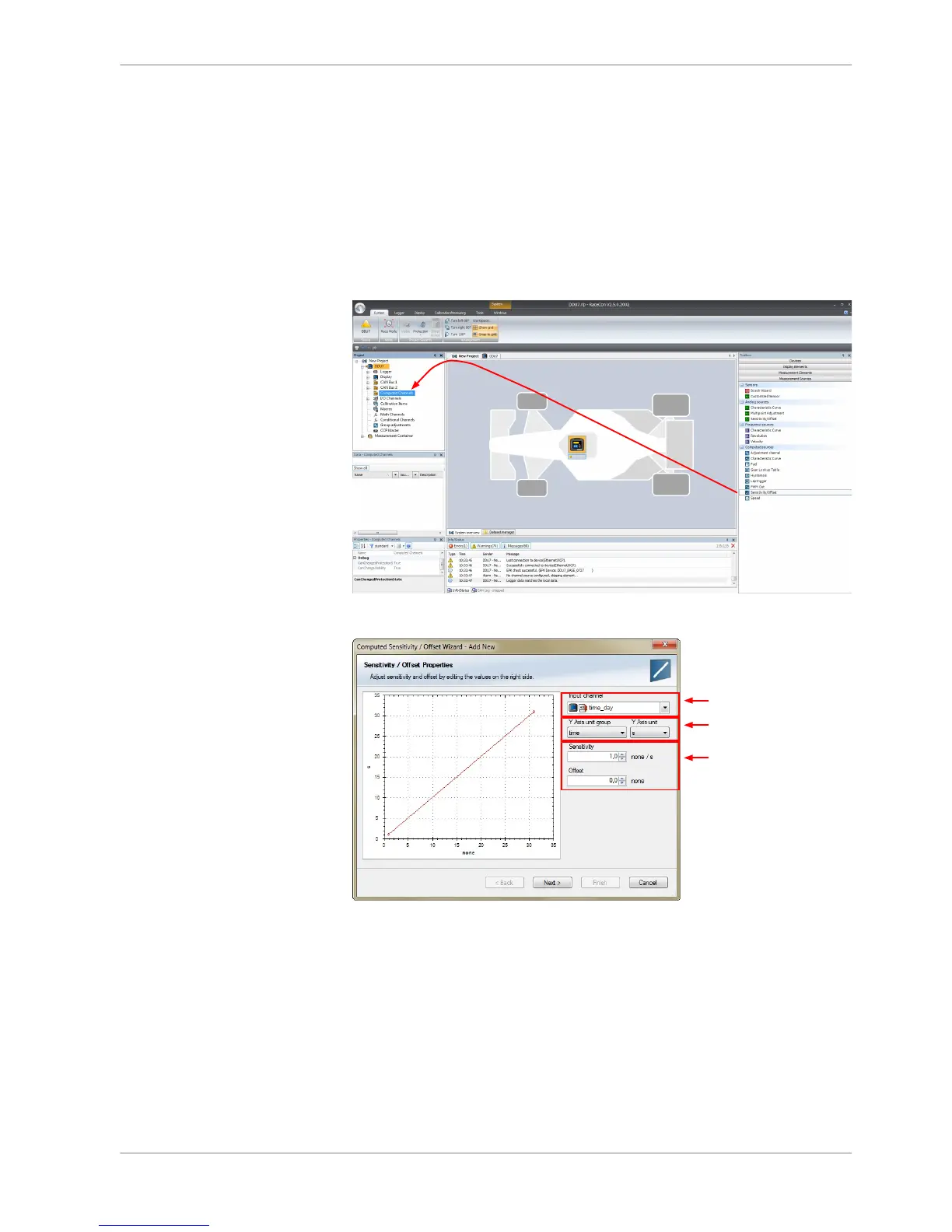
Example: Sensitivity/offset calculation on input channel
1. Click ‘Measurement Sources’ in the Toolbox.
2. Drag the ‘Sensitivity/Offset’ computed source from the Toolbox and drop it
on ‘Computed Channels’ in the DDU 8 Project Tree.
3. Click ‘Next’ when done.
The second part of the ‘Computed Sensitivity/Offset Wizard’ opens.
Analog and Frequency Inputs | 10
Bosch Motorsport DDU S2 PLUS Manual 93 / 136














 To Next Page