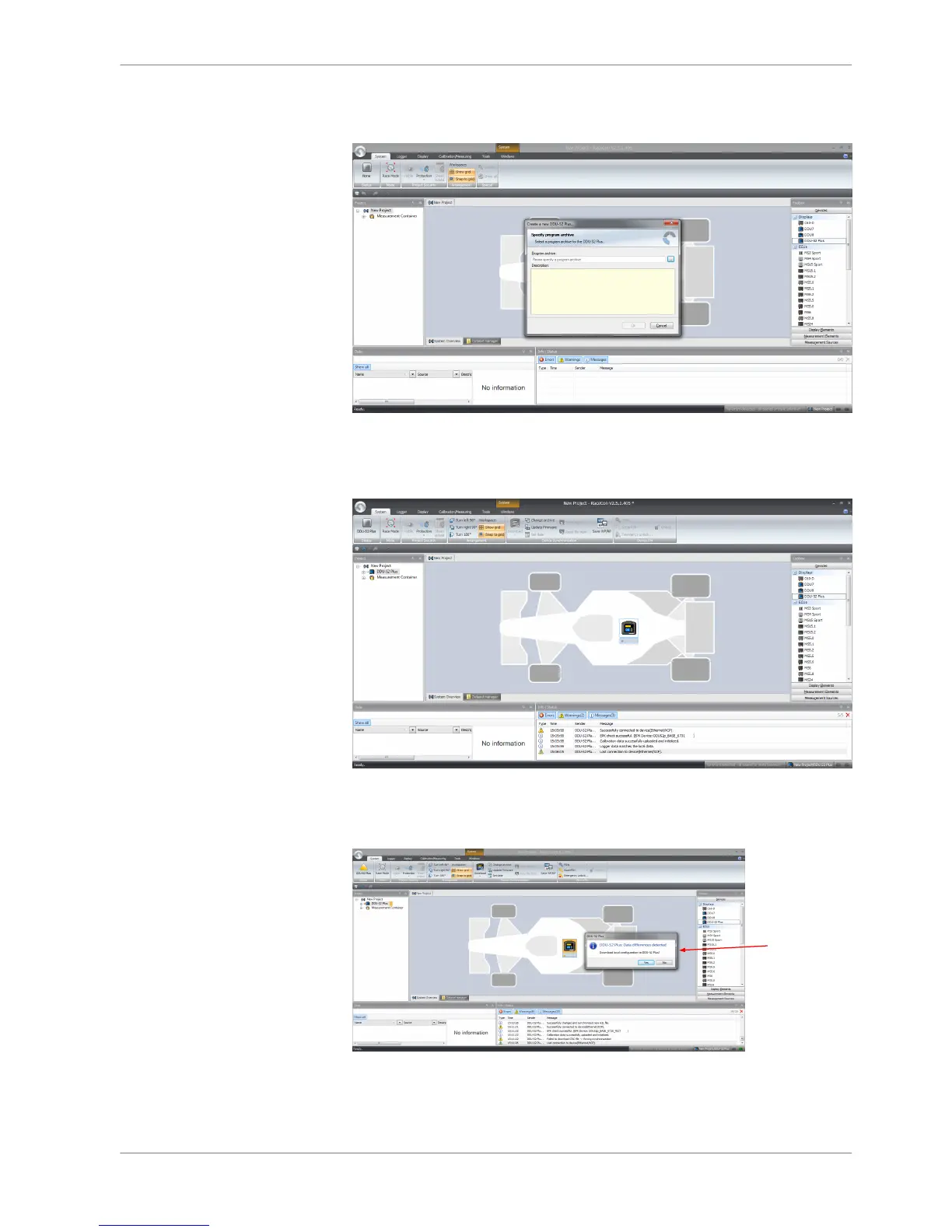
3. In the Toolbox select the DDU 8 and drag it into the Main Area. A pop up
window to specify the DDU 8 program archive appears.
An information shows that the archive is valid or not.
4. Select the program archive delivered with the DDU 8 (.PST file).
5. Click ‘OK’.
RaceCon detects configuration differences between the DDU 8 and the Race‐
Con project and asks for permission for data download.
6. Click ‘OK’ to proceed.














 To Next Page