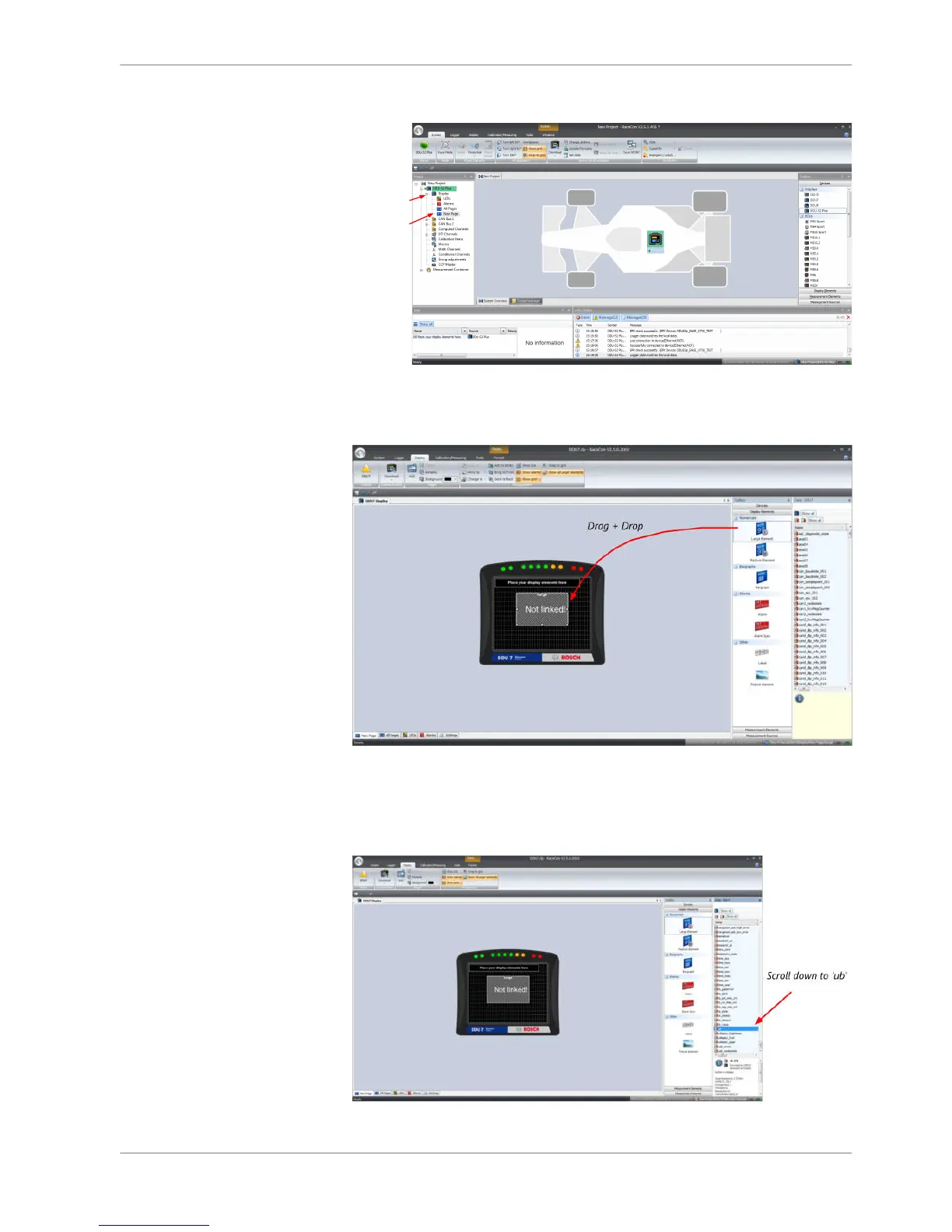
3. Drag a ‘Large Element’ from the Toolbox and drop it on the display page. A
message in the ‘Large Element’ box shows that it is not linked to a measure‐
ment channel.
4. In the DDU 8 Project Tree, click on ‘DDU 8’ to display the available measure‐
ment channels.
5. In the data window, scroll down to ‘ub’ (measurement channel for battery
voltage).
Starting up | 7
Bosch Motorsport DDU S2 PLUS Manual 19 / 136














 To Next Page