a)
b)
c)
d)
e)
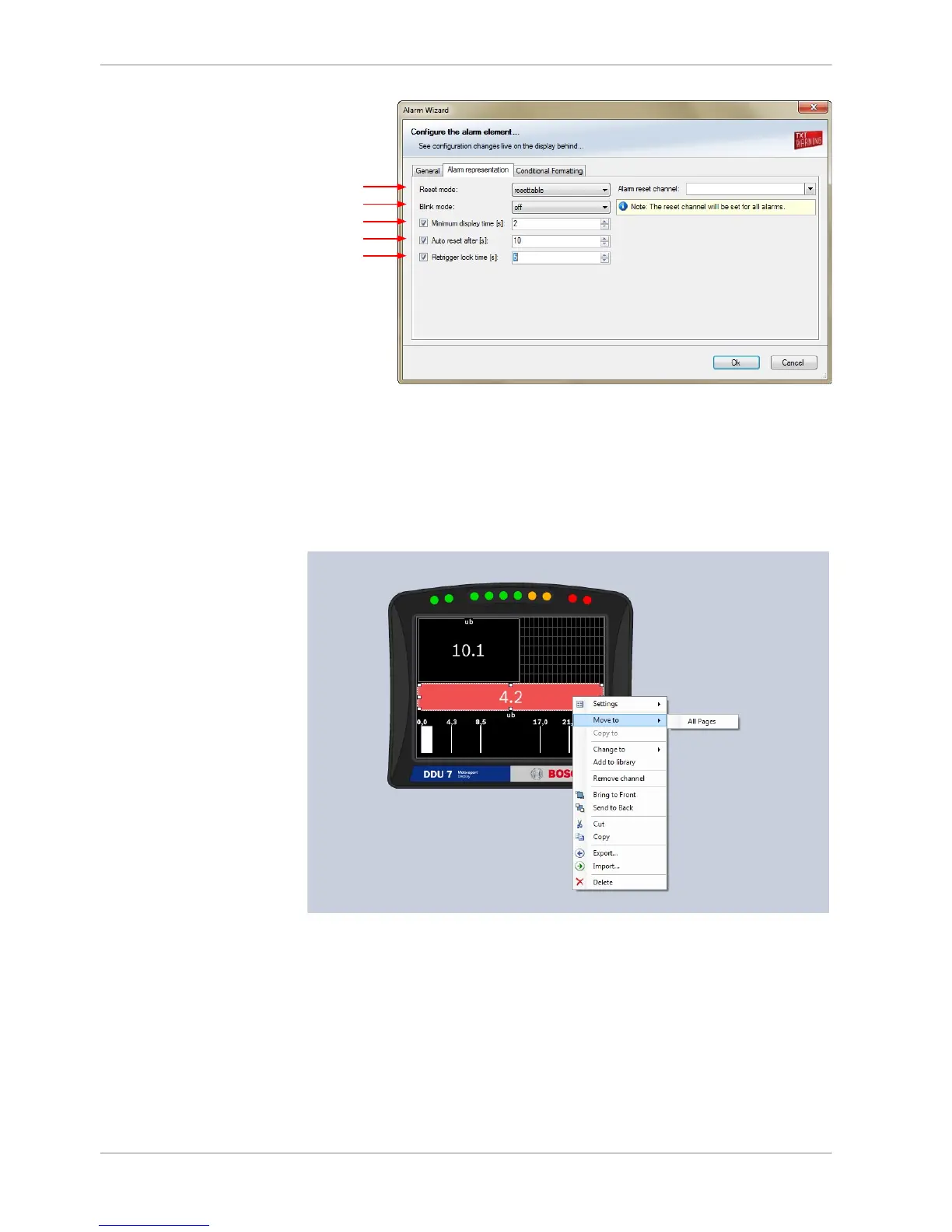
a) Choose if the alarm can be reset or not.
b) Choose if the alarm blinks slowly, fast or does not blink.
c) Enter the minimum time the Alarm display element is displayed if an alarm is triggered.
d) Enter the time until the Alarm resets automatically after the minimum display time entered in c).
Only possible if Alarm is resettable.
e) Enter the time until the Alarm can appear again after a reset.
3. Click ‘OK’ when done.
4. Copy alarm to all display pages by clicking ‘Move to’ ‐> ‘All Pages’.
8 | Display Configuration
28 / 136 DDU S2 PLUS Manual Bosch Motorsport














 To Next Page