a)
b)
c)
d)
e)
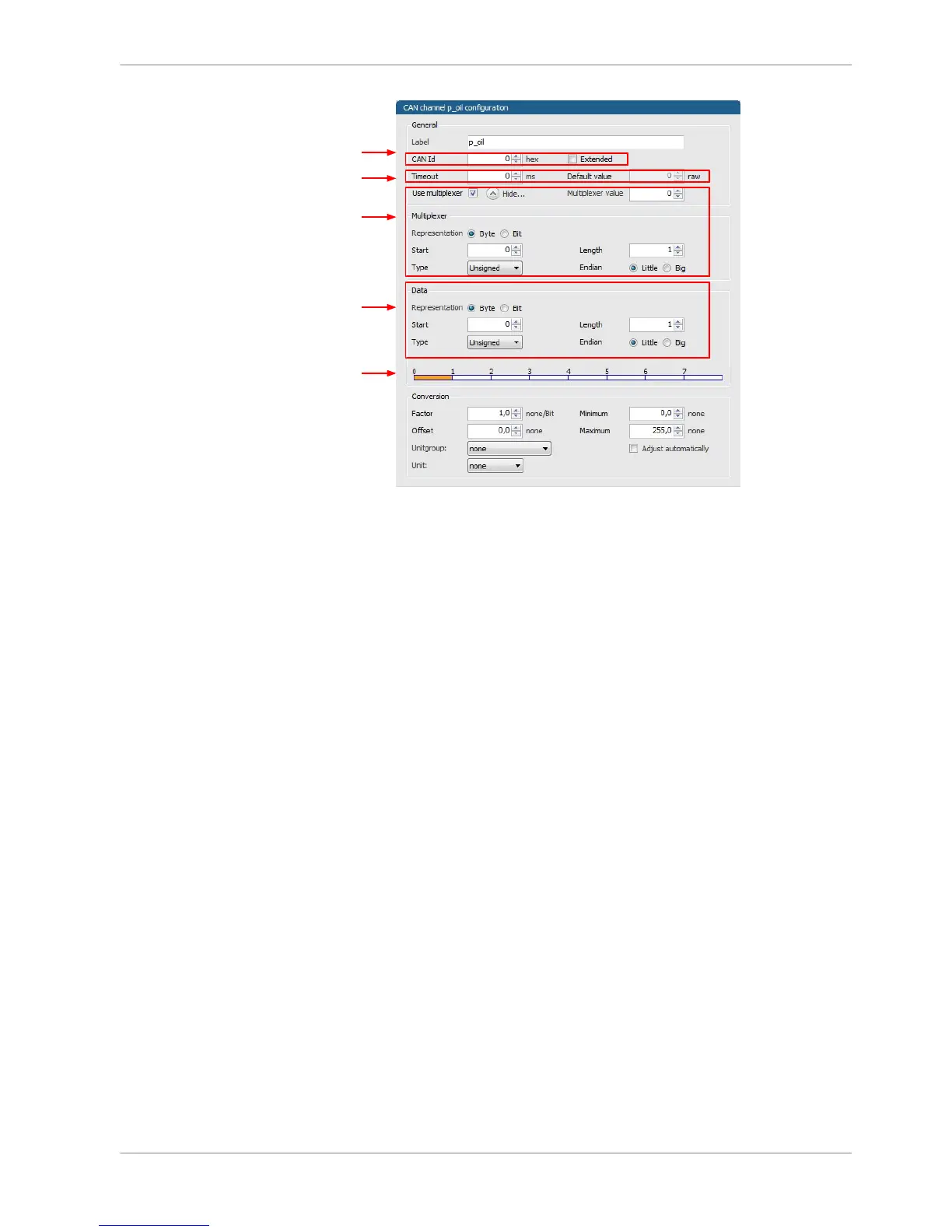
a) Enter the name of the CAN-channel.
b) Enter CAN message ID. Check the box, if extended IDs (29 bit) are used.
c) If replacement values are used, specify time-out period and raw value.
d) Check the box, if a multiplexer (row counter) is used.
e) Enter data position, length and format.
f) The bargraph shows assignment of the bytes.
- Red colored fields show the assignment of the data bytes.
- Orange colored fields show the assignment of the multiplexer bytes.














 To Next Page