Measurement label Function
raw_name mV value of sensor
raw_name_fi filtered mV value of sensor
name physical value of sensor
name_fi filtered physical value
Notice
Working with automatically created measurement sheets is ex‐
plained in chapter ‘Setting up an online measurement [} 100]’.
Configuring a multipoint adjustment
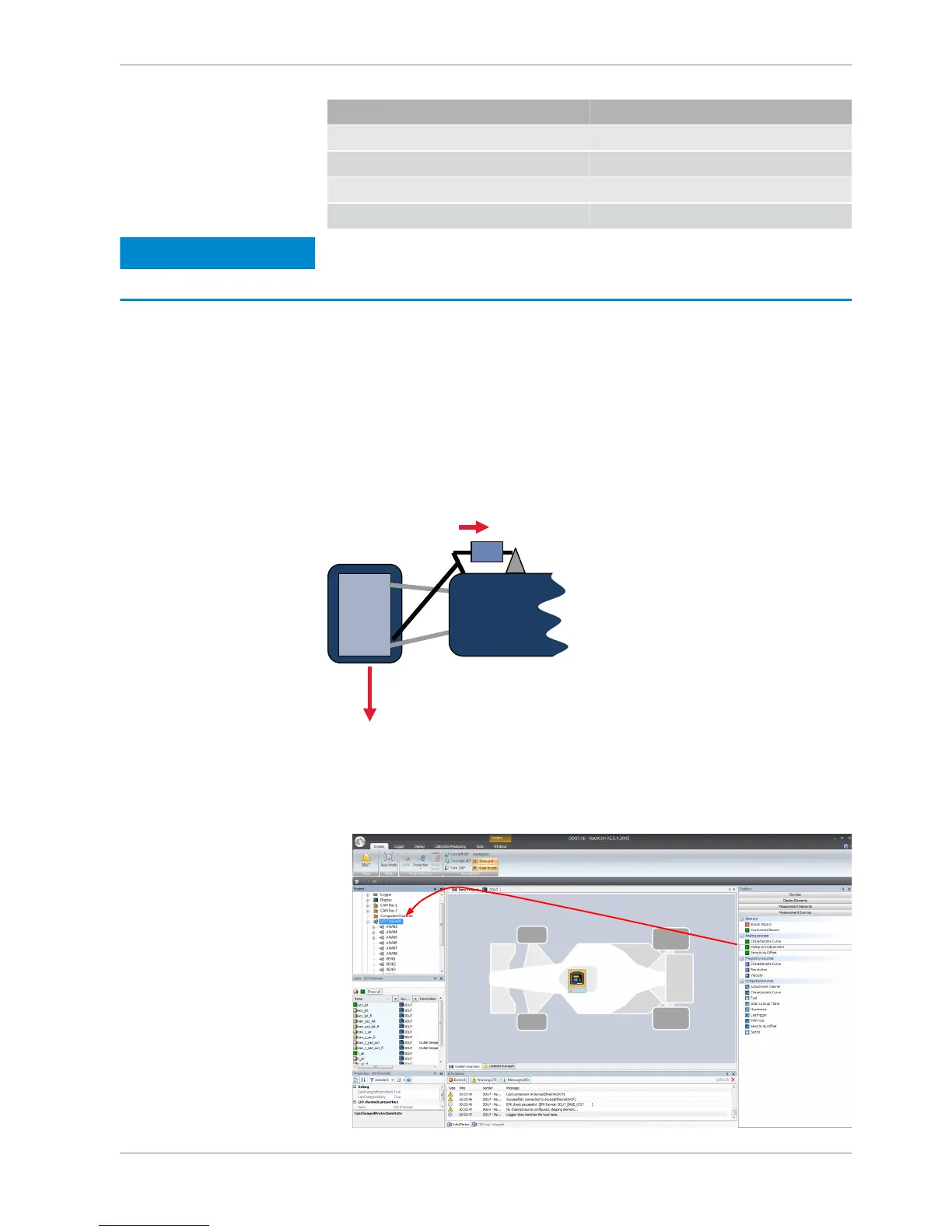
Example: Measurement of wheel force
▪ Physical property ‘wheel force’ not directly measureable
▪ Load transfer through suspension kinematics
▪ Physical value at sensor position defined by vehicle
▪ Curve definition by online adjustment at vehicle
1. Click on ‘Measurement Sources’ in the Toolbox.
2. Expand the list of ‘I/O Channels’ by clicking on ‘+’ in the DDU 8 Project Tree.
3. Drag the ‘Multipoint Adjustment’ analog signal source from the Toolbox and
drop it on the desired analog input channel in DDU 8 Project Tree.














 To Next Page