System settings (Service menu – Settings)
Logamatic EMS – 6 720 801 387 (2011/05)
44
6
6.7 RC35 calibration
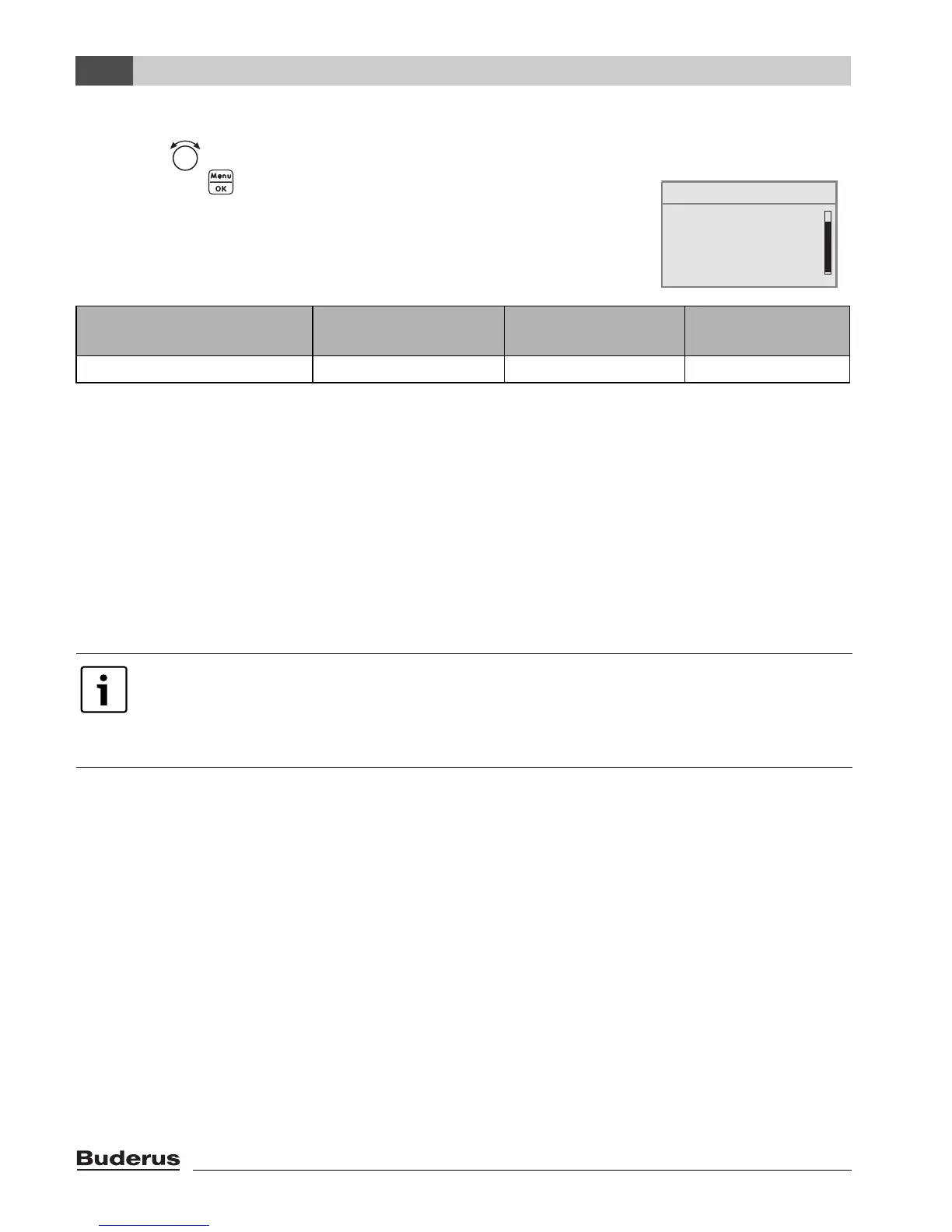
B Turn the rotary selector to the left until RC35 calibration is selected
B Press button to select RC35 calibration.
The menu for SETTING/RC35 CAL is opened.
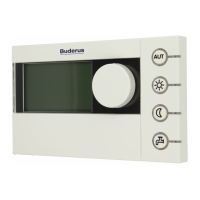
Calibrating the displayed room temperature (calibration)
If there is a separate thermometer near the programming unit, it may show a different room
temperature to that shown on the programming unit. You can use this function to adjust (“calibrate”)
the programming unit to match the thermometer.
Before adjusting the room temperature, consider the following:
• Is the thermometer more accurate than the programming unit?
• Is the thermometer located close to programming unit so that they are both subject to the same
heat influences (e.g. sunlight, fireplace)?
Example: if the thermometer is showing a temperature 0.5 °C higher than the programming unit,
enter +0.5 K as the calibration value.
Menu item Input range Standard setting
Other
information
RC35 calibration – 5.0 K to +5.0 K 0.0 K
Table 18 Navigator for service menu SETTINGS\CALIB. RC35
A thermometer may indicate temperature fluctuations more slowly or rapidly than the
programming unit.
B Therefore, never calibrate the programming unit during phases when the heating
system is cooling down or heating up.
domestic hot water
heating circuit 1
solar data
RC35 calibration
SERVICE\SETTINGS
B




 To Next Page