8-6 BBP
®
85 Label Printer
User’s Manual
Printer Maintenance
Cleaning the Printer
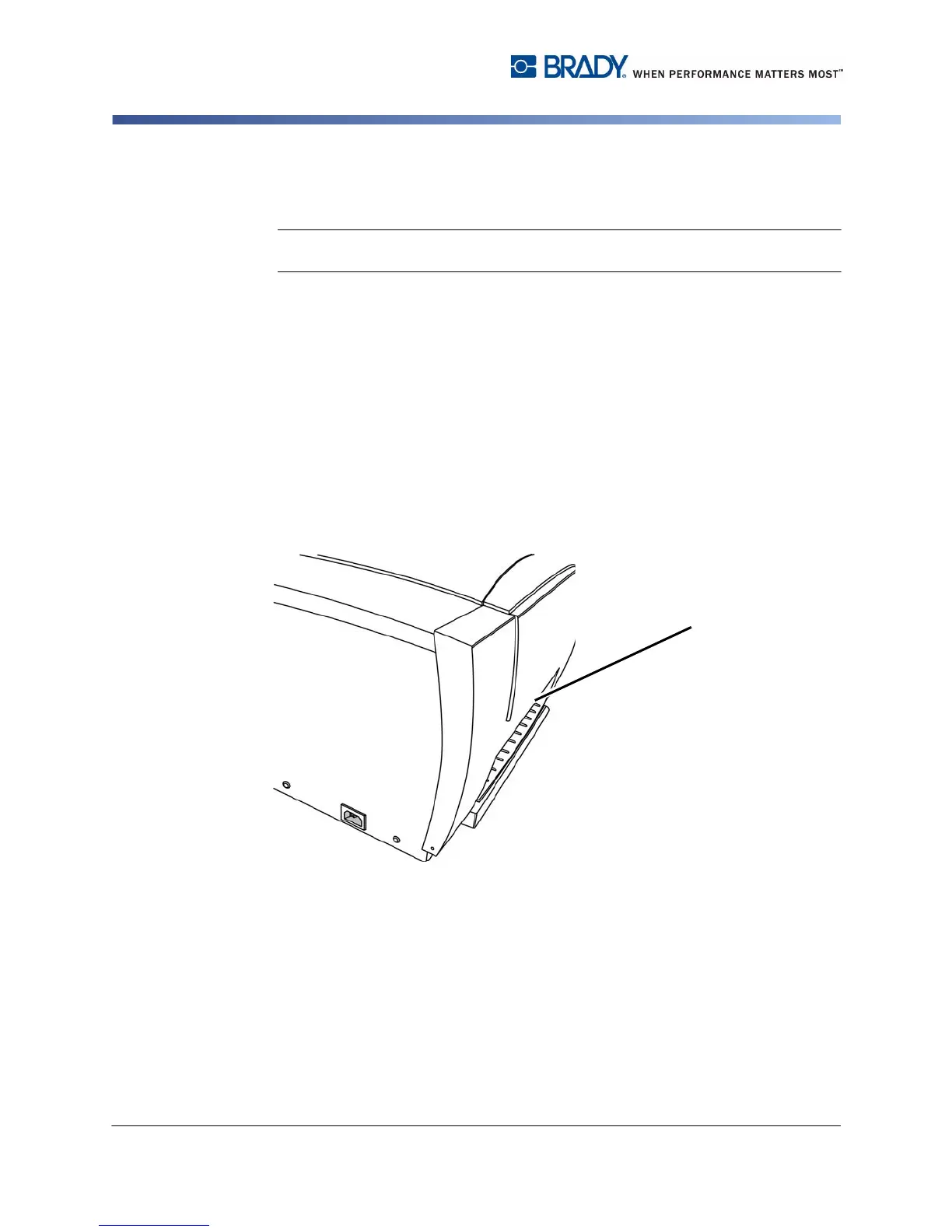
Cleaning the Exit Area
This procedure cleans the exit chute.
Note: You should clean the exit chute after cleaning the sensors. The cleaning
swab may be damaged when cleaning the exit area.
Materials Required
• BBP31 Cleaning Kit (Cat # B31-CCT)
• Isopropyl Alcohol (99% recommended)
To clean the exit chute:
1. If necessary, remove power and media from the printer (see Removing Power
and Media from Printer on page 1).
2. Using a pre-moistened swabs from the cleaning kit with the alcohol and clean
the exit chute [3].
3. Replace the ribbon and tape.
4. Close all covers and plug in the power cord.



 To Next Page