BBP
®
85 Label Printer
User’s Manual
4-21
Working with Barcodes
Changing a Barcode
Working with Barcodes
Note: To change the color of the printed barcode, see “Working with Object Colors”
on page 4-10.
Changing a Barcode
To change a barcode:
1. In the Editor, select a barcode object.
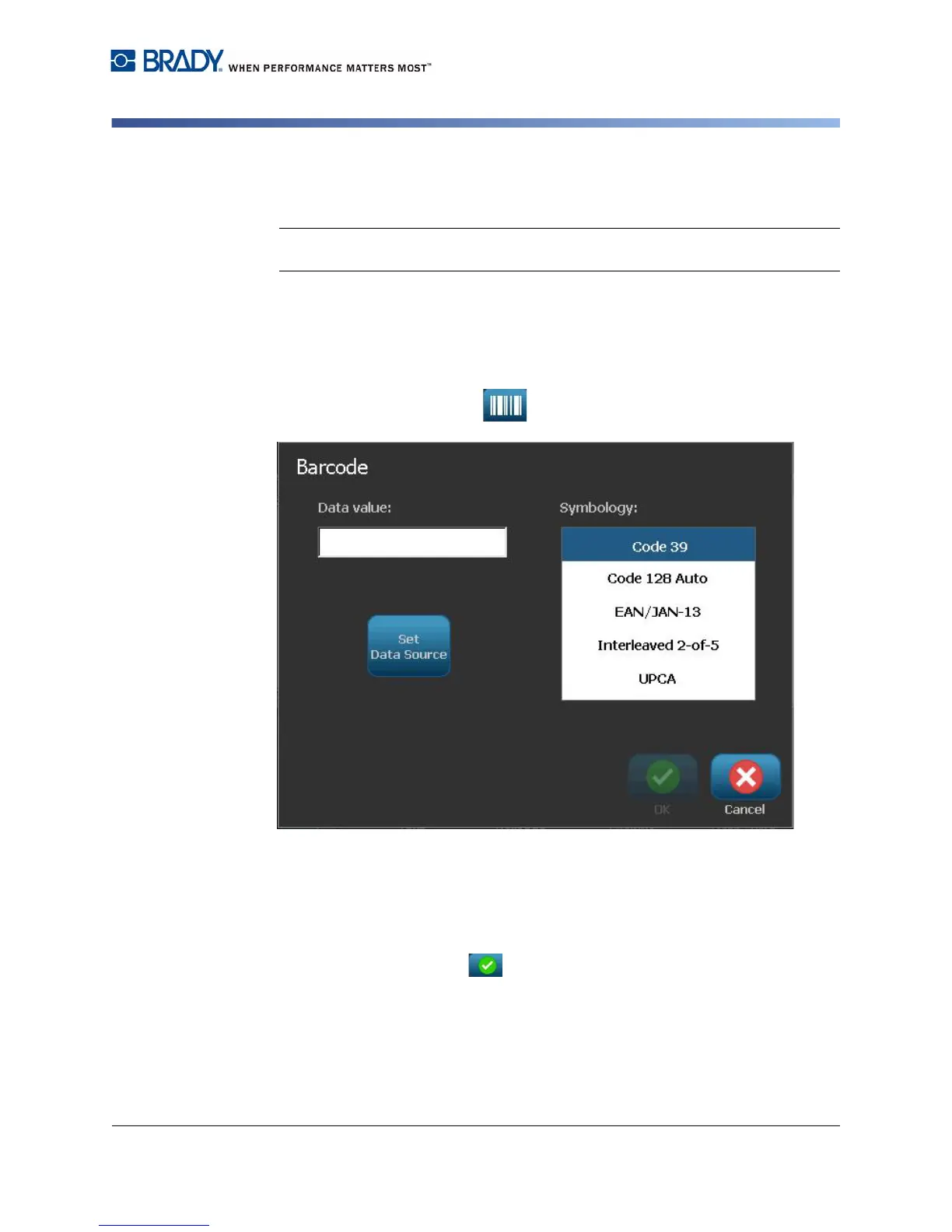
2. Select Change Barcode .
3. In the Barcode dialog box, change the desired options:
• Data value
• Symbology
•
Set Data Source
(optional). See
“Converting Text or Barcode to
Variable Data” on page 4-34
for details.
4. When done, select OK .



 To Next Page