5-2 BBP
®
85 Label Printer
User’s Manual
Previewing Labels
Previewing a Label with Serialized Objects
Previewing a Label with Serialized Objects
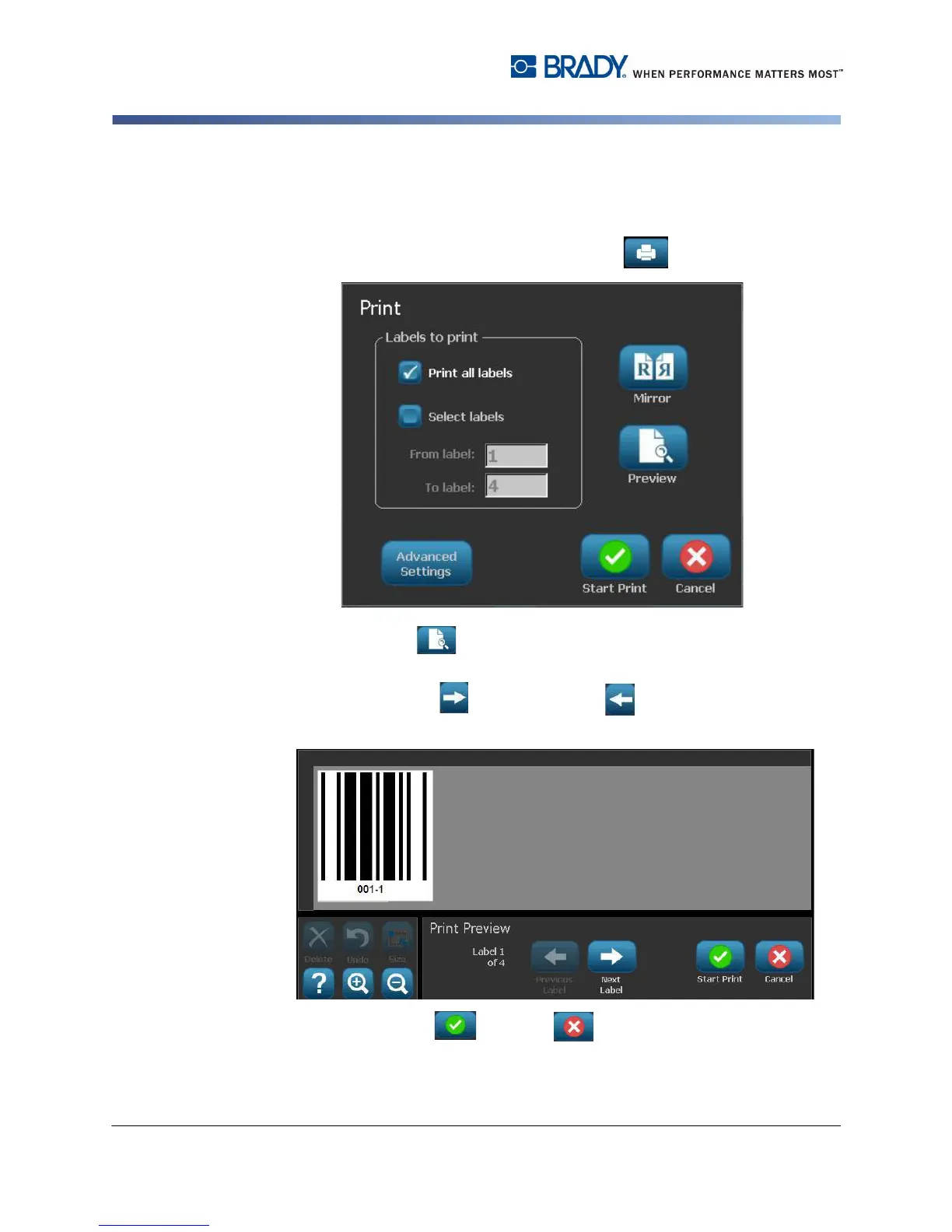
To preview a serialized label:
1. With a defined label in the Editor, select Print .
2. Select Preview . The entire label is displayed, plus options to view the
other labels generated by the serial object.
3. Select Next Label or Previous Label to view the labels generated
from the serial object.
4. Select Start Print or Cancel .



 To Next Page