2-18 BBP
®
85 Label Printer
User’s Manual
Setting up the System Defaults
Creating and Printing Labels from a PC
Set Printing
To set the printing defaults:
1. Select Menu .
2. In the menu list, select Setup .
3. Select Printing .
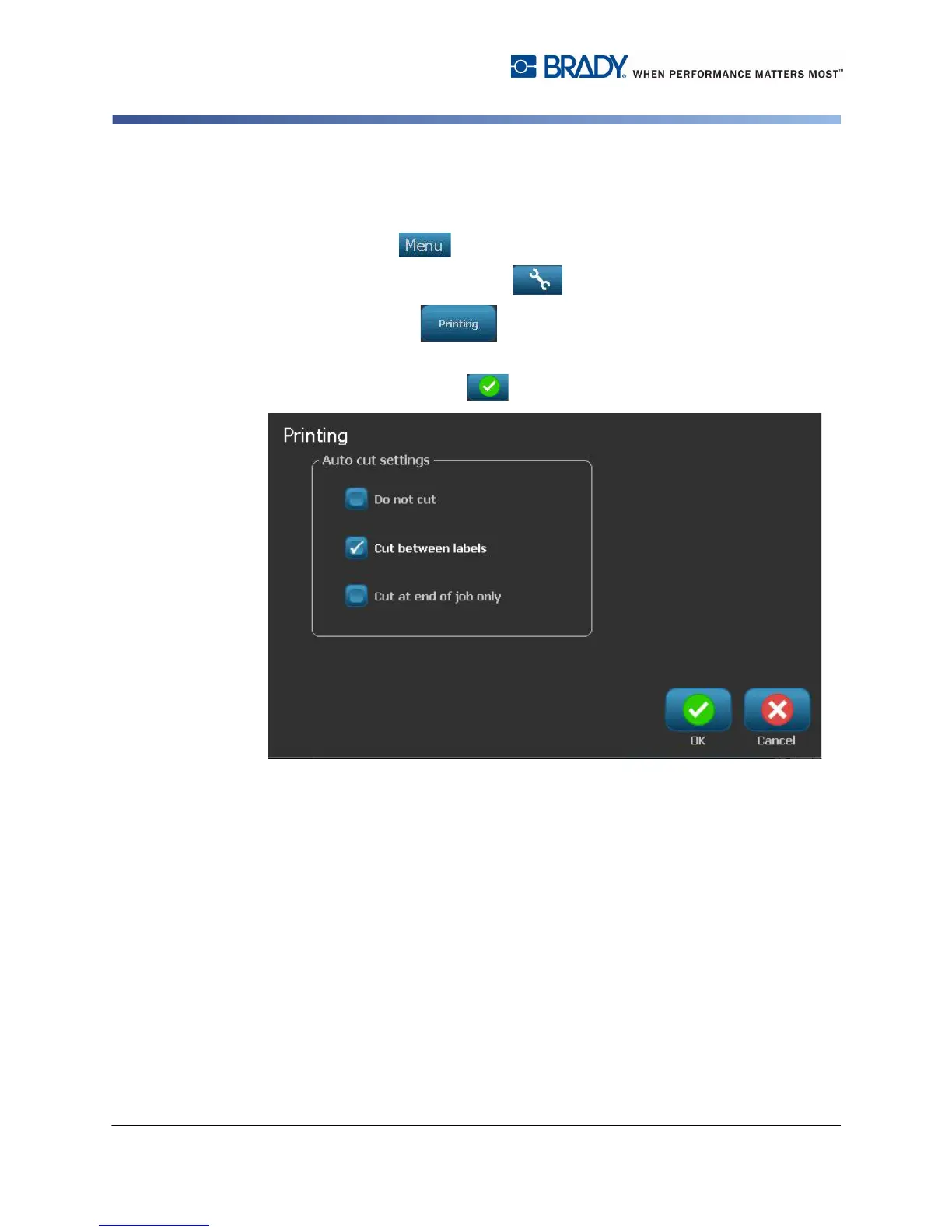
4. In the Printing dialog, change the Auto cut settings to your desired options.
5. When done, select OK .



 To Next Page