2-20 BBP
®
85 Label Printer
User’s Manual
Displaying System Information
Creating and Printing Labels from a PC
Displaying System Information
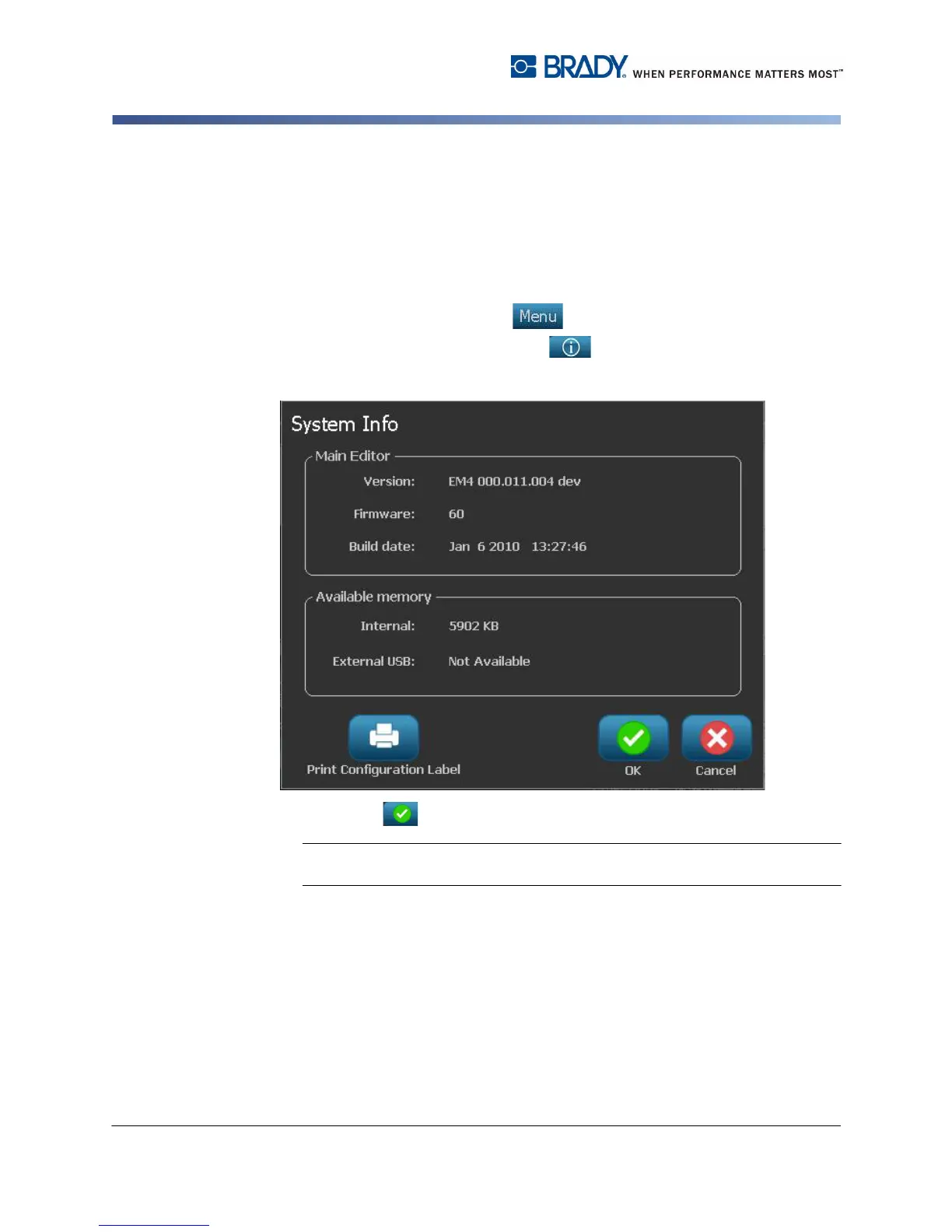
Use this procedure to view additional information about the system, such as the
current software or firmware version and the available memory.
To view system information:
1. From the Editor, select Menu .
2. In the menu options list, select Info . The System Information dialog box
displays.
3. Select OK when you are done viewing the system information.
Note: Select Cancel at any time to cancel the operation and return to the
Editor.



 To Next Page