4-4 BBP
®
85 Label Printer
User’s Manual
Adding Objects
Graphic Objects
Graphic Objects
To add a graphic object:
1. Use one of the following methods to add a graphics object:
• Touch anywhere in the
Editor
.
- or -
• If you are already in a label, select
Add Object
,
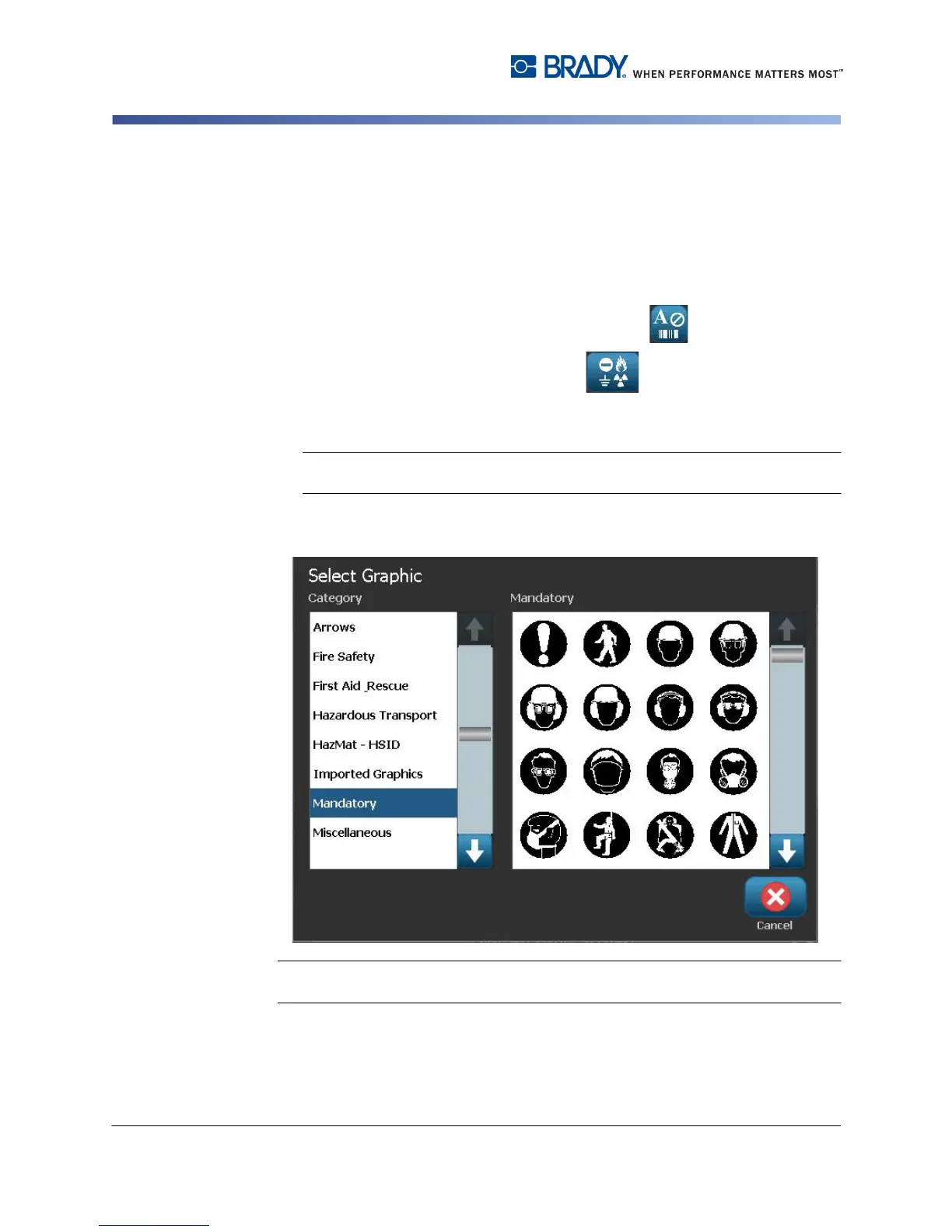
2. In the Add Object panel, select Graphic .
3. In the Select Graphics dialog box, choose the Category for the graphic you
want to add.
Note: If a category with sub-folders is selected, choose a subfolder to display
the available graphics.
4. Touch the desired graphic. The graphic is added to the label (or replaces the
selected graphic placeholder).
Note: You can also import your own graphics and use them like the graphics
included in the system. See “Import Graphics” on page 7-1.



 To Next Page