4-14 BBP
®
85 Label Printer
User’s Manual
Working with Text
Changing Character Font, Size or Style
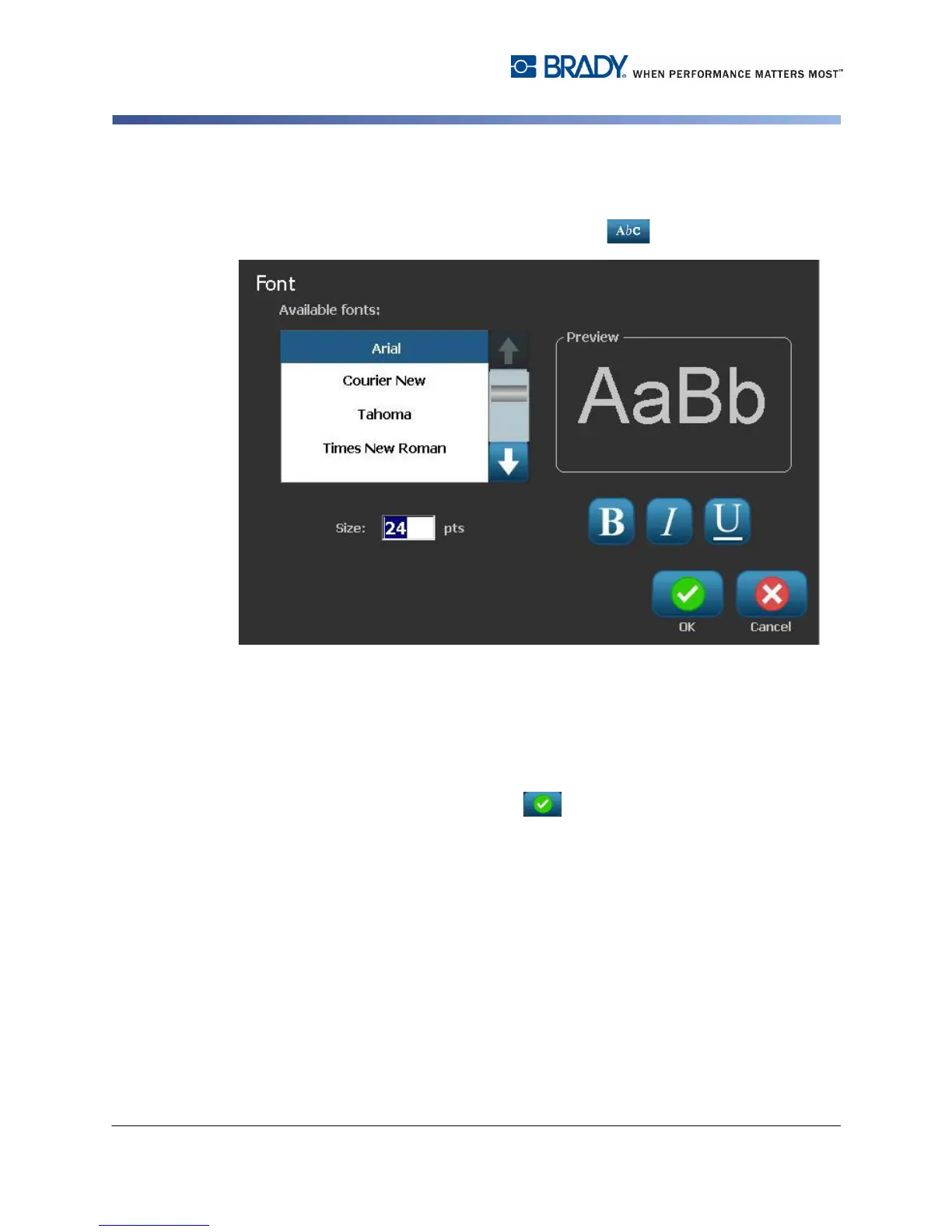
To change a character font, size or style in the Fonts dialog box:
1. In the Editor, select a single character or characters from the text box.
2. In the Text Attributes controls, select Fonts
3. In the Fonts dialog box, select or change any of the following attributes:
•
Fonts
: Select from the list of available fonts.
•
Size
: Type a size for the text. Any highlighted text will change to the new size
and new text following the current cursor position will also reflect the change.
•
Style
: Select Bold, Italic and/or Underline (also see
“Increase or Decrease
Text Size” on page 4-12
).
4. When you are done, select OK .



 To Next Page