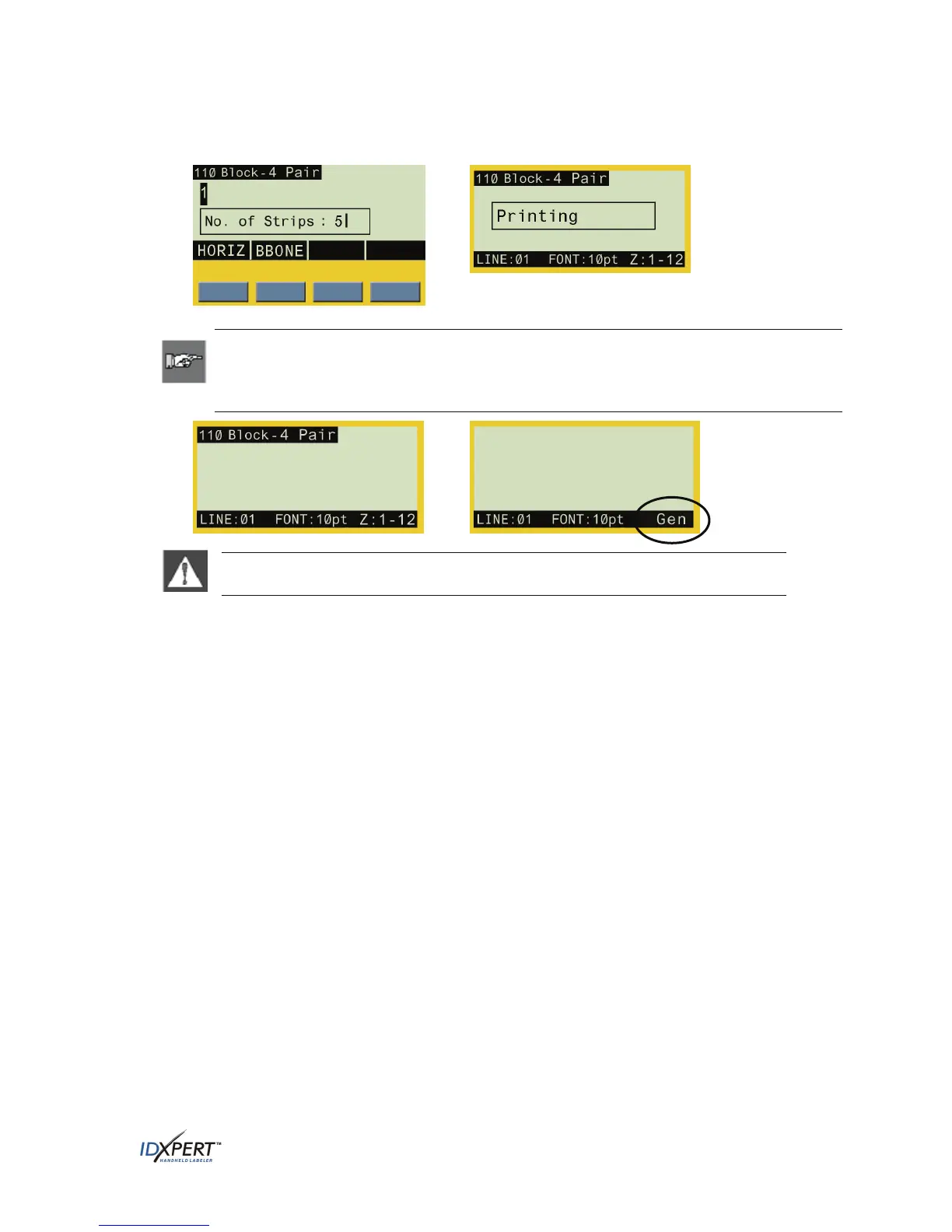
Step 3. Enter the desired number of strips (1–9 value only) and press
ENTER.
Printing begins automatically.
Note: After printing a series of serial characters, the display screen returns to the
DataComm & T-Block menu mode to the display last edited before serialization. Pressing
FUNCTION + CLEAR/ESC exits the DataComm & T-Block menu and returns to General ID
menu mode.
WARNING: 110-Block labels in backbone serialization mode cannot be saved or
recalled. The message, “Cannot Save” displays as a reminder.
User Manual 33



 To Next Page