ENGLISH 25 / 78 CAP. 6 - MAINTENANCE
TEST IN VACUUM
Launch the function inside the Maintenance Menu “Leak test”, check that the test is passed
successfully.
SERVICE MENU - Manual activations
6.9 WEAR CHECK OF THE OR2-106 4.42X2.62 NBR O-RING OF
THE PRESSURE SENSOR PRESENT ON THE MANIFOLD
1. Apply the 2 pipes in the supports on the side of the machine and close the taps counter
clockwise.
2. Switch off the machine, remove the power supply cable and open the cover and the front
panel.
3. Close central tap (liquid side) of the tank with service kit key (about 7 clockwise turns)
4. Reconnect the power supply cable, turn on the machine (do not to touch terminals or printed
circuit boards)
5. Open the service menu
6. Select manual activations
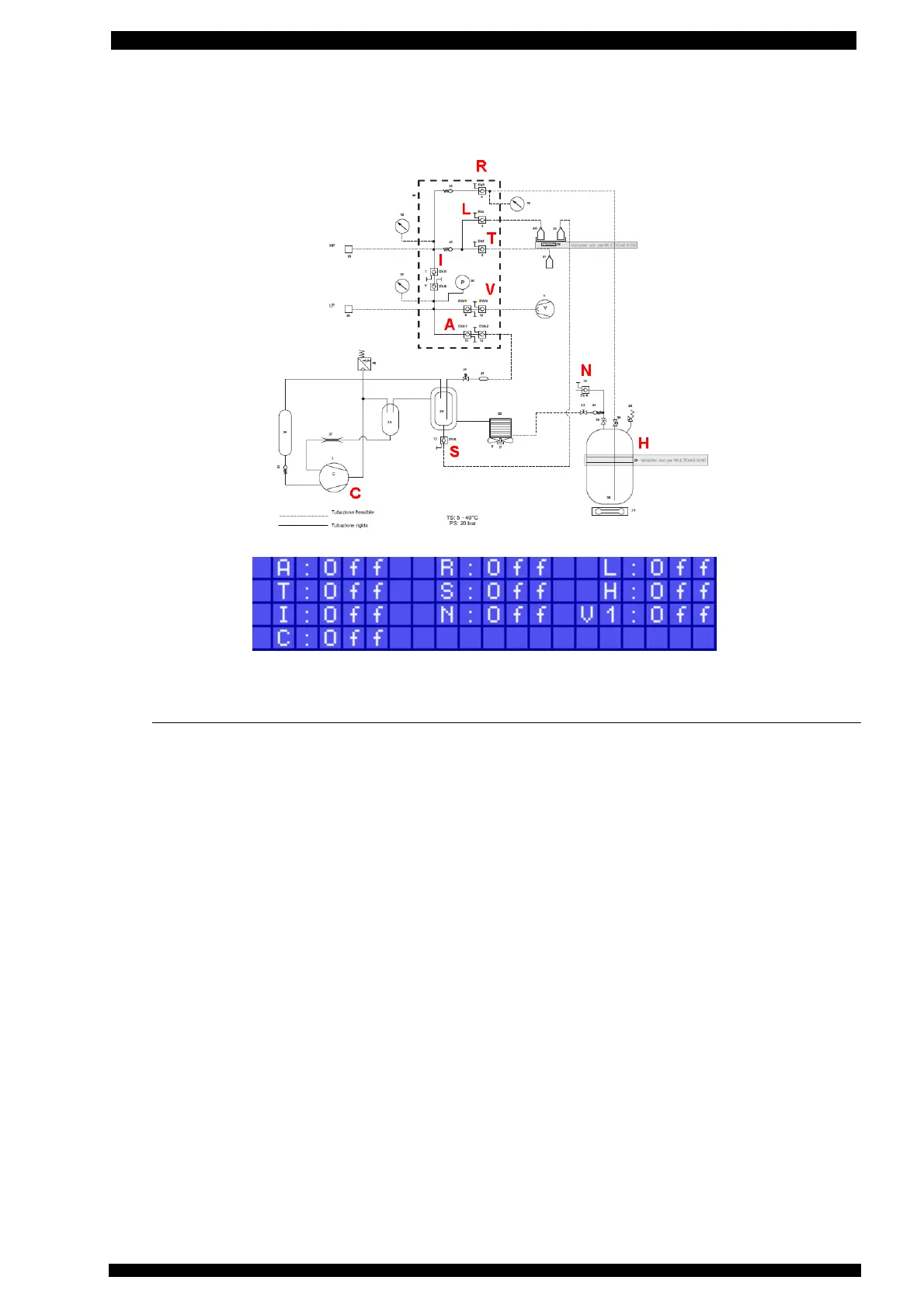
7. In manual activations activate OUT R, OUT I, OUT A, C, wait for the LP gauge to show a
pressure of at least – 0.3 bar,
8. Switch off the machine and remove the power supply network cable
9. Close the other tap (gas side) of the tank with service kit key (about 7 clockwise turns)
10. Close the tap along the connecting pipe towards the capacitor
11. Cut the straps if necessary and disconnect the sensor cable.
12. Insert the cable in the key, position the key on the sensor and unscrew it by using the
screwdriver as handle.
13. Clean the seat of the pressure sensor using compressed air and keeping the bronze filter still
with a screwdriver.
14. Check the conditions of the bronze filter, and replace it in case of impurities.
15. Check the conditions of the O-Ring inside the manifold cavity and in case of wear or
deformation replace with a new one.
16. Remount the sensor in its seat.



 To Next Page