ENGLISH 71 / 78 CAP. 15 - REPLACEMENT INTERVENTIONS
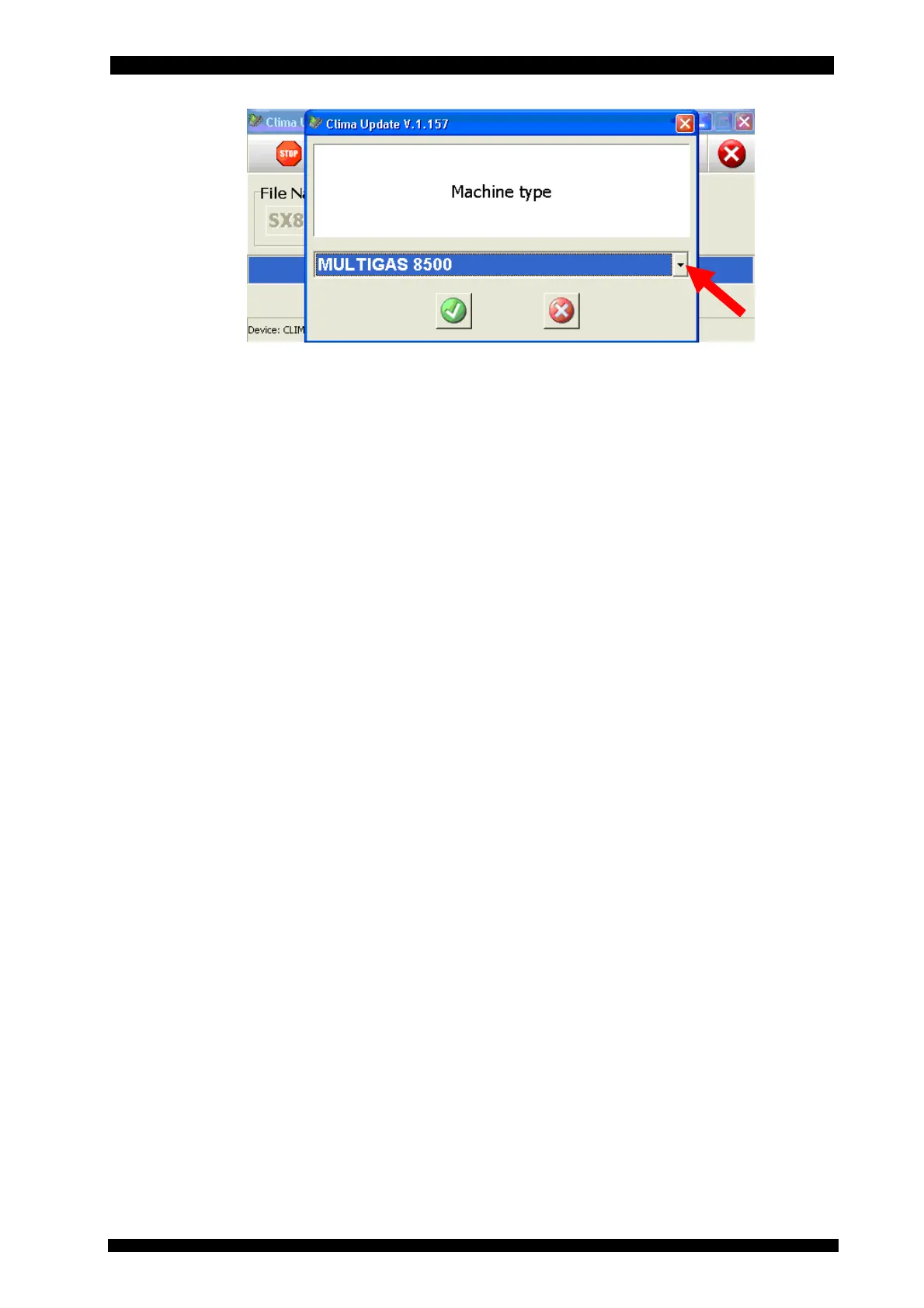
Select the machine type in the pull-down menu
Reprogram the machine with the updated software (ref. Chap. 5.1.5.1)
• Select the language
• Carry out gas scale calibration
• Carry out new and exhausted oil scale calibration
• Carry out pressure calibration
• Enter the machine registration code (it can be obtained through Brain Bee service website in
the service area by selecting “Clima Registration” “Registration Status” and selecting the
machine serial number on which you are operating.
• Carry out the machine setup as in paragraph 5.1.11.
15.2.3 Replacement of electronic power board
After having excluded any problem regarding power supply, fuses on the switch block,
connection cables, faults in the logic board, faults in the controlled actuators, replacement is
required in case of:
• Incorrect functioning of the power supply unit section.
• Incorrect activation of the command relays or the actuators connected to them.
• Evident damage to board components and circuits.
For the replacement of the board it is recommended to position the new board alongside the one
to be replaced. Disconnect and reconnect the cables in sequence one by one:
• FST7 OUT A
• FST2 OUT R
• FST3 OUT L
• FST4 OUT T
• FST5 OUT S
• FST6 OUT H (leave the contact on the edge of the board empty)
• FST8 OUT I
• FST9 OUT N
• FST10 OUT V
• FST11 OUT V
• FST14 PROTECT (pressure switch)
• FST13 OUT C
• FST1 LINE IN
• FST16 GROUND
• J1 I/O INTERFACE (Interface cable with logic board)



 To Next Page