ENGLISH 31 / 78 CAP. 7 - CALIBRATION
7.3 PRESSURE CALIBRATION (SERVICE KIT)
From the SERVICE menu, password “BRN”, select the PRESSURE CALIBRATION menu by means
of the keys and press .
Disconnect the LP and HP quick couplers from any A/C system and press
.
Wait for the message asking to connect the tank coupler, included in the clima station accessories
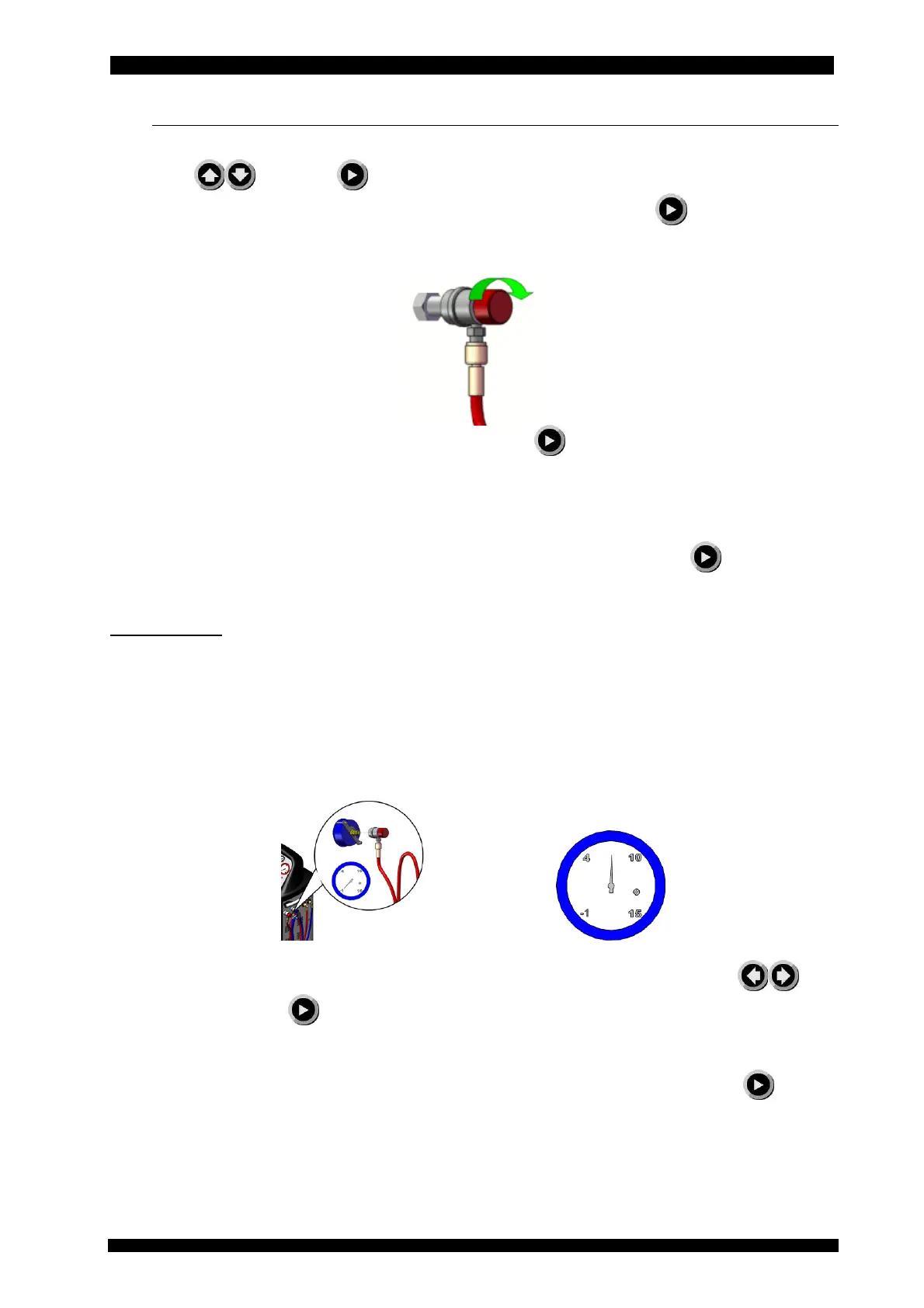
kit; when the next message is displayed, screw HP so that air gets into the HP hose.
Turn the HP quick coupler clockwise to open it and press
Wait for the message to connect the reference gauge contained in the service kit.
Close the HP quick coupler by rotating it counter clockwise and connect it to the gauge present in
the SERVICE KIT, open the HP quick coupler by rotating it clockwise and press
.
SAFETY NOTE:
ATTENTION NOT TO POINT THE GAUGE TOWARDS ONESELF OR OTHER PEOPLE UNTIL ONE
HAS THE ABSOLUTE CERTAINTY THAT THE CONNECTION WITH THE QUICK COUPLER IS
SAFE.
OPEN THE TAP OF THE QUICK COUPLER BY POINTING THE GAUGE TOWARDS THE
GROUND, ALWAYS KEEP THE GAUGE TOWARDS THE GROUND EXCEPT WHEN THE GUIDED
PROCEDURE REQUIRES ENTERING THE VALUE DISPLAYED ON THE SAMPLE GAUGE.
Measure the pressure reached by the SERVICE KIT gauge and, by means of the keys , set
it on the Unit and press .
Subsequently the equipment will execute the vacuum, at the end of which one will be asked to
check that the gauge reaches -1 bar, when requested by the guided procedure press
to
confirm calibration.



 To Next Page