ENGLISH 44 / 78 CAP. 9 - UPDATE
CAP. 9 - UPDATE
9.1 SOFTWARE UPDATE
To update the equipment and the related database it is necessary to proceed to a new
programming of the equipment as described in point 5.1.5 “programming” with the serial cable
available in the Service Kit or through the ACU device (Automatic Clima Update).
9.2 NEW DATABASE PURCHASE AND ACTIVATION
In order to purchase and activate a new version of the database (included in the A/C station after
the software update), REGISTRATION is required, implying the following steps:
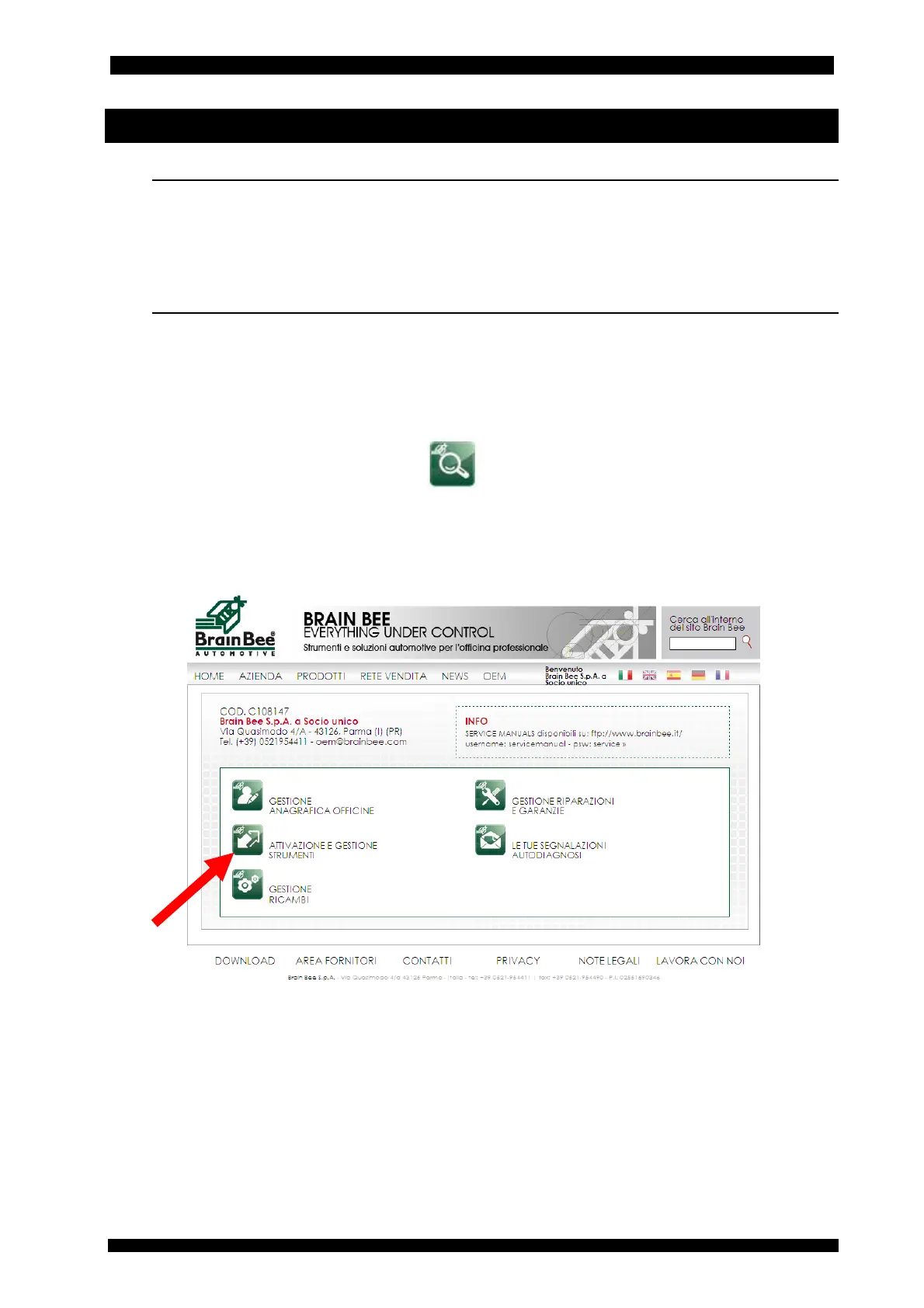
• access to the distributor reserved area on the website www.brainbee.com
• selecting the icon “ACTIVATION AND MANAGEMENT OF DEVICES”
• selecting the serial number of the active A/C station from the list (if needed, start the
search procedure through the icon )
• entry of the equipment serial number
• waiting for the activation code which will have to be entered into the equipment.
See pictures below.



 To Next Page