ENGLISH 38 / 78 CAP. 8 - GAS TYPE SWITCHING
c) Replacement of fan
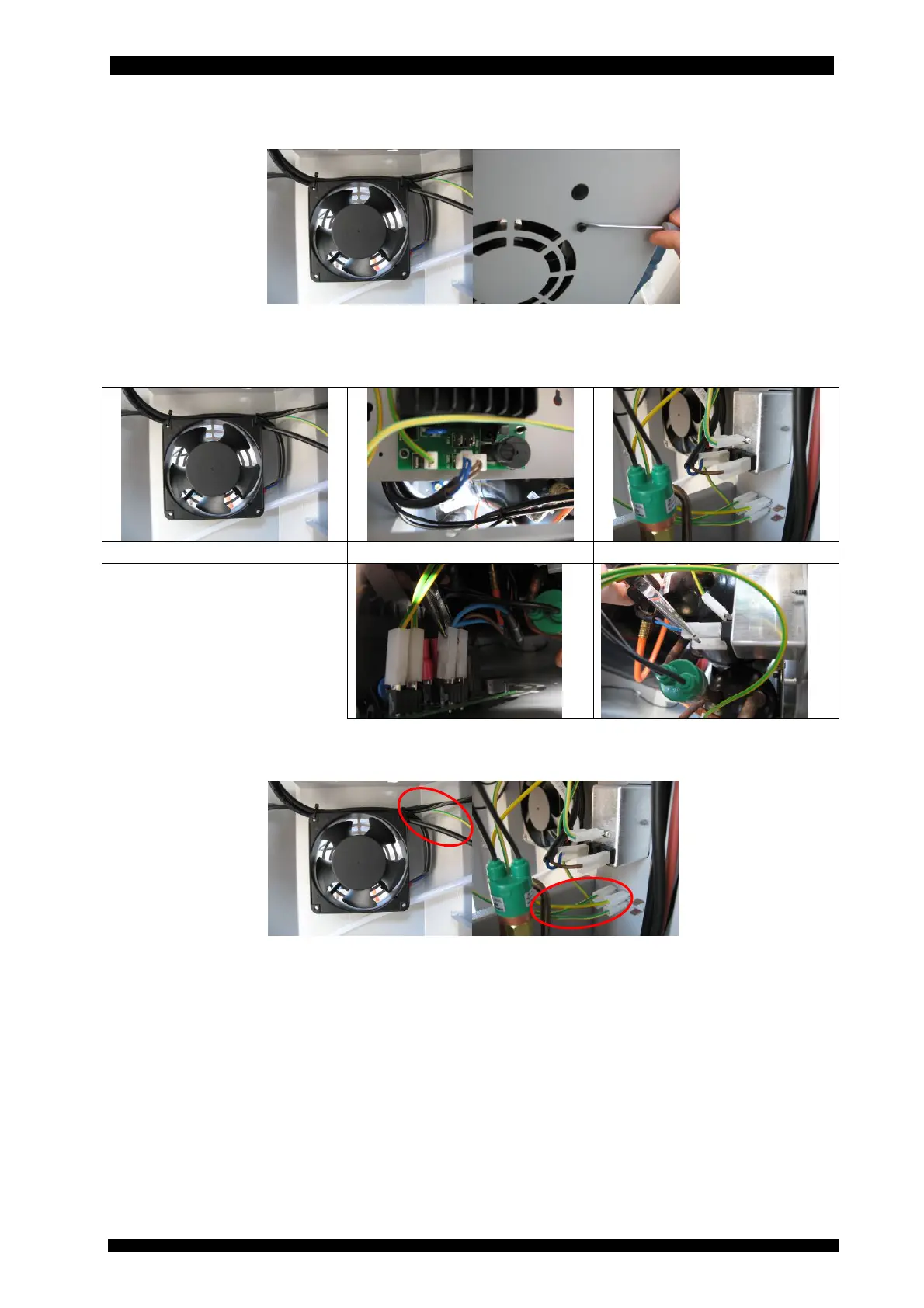
o Remove the old fan of the station and substitute it with the new one inside the kit.
o Disconnect the 220V cable (brown and blue) from the switch, from the power
board and from the fan.
fan: remove 220 V cable power board switch
o Disconnect the ground cable (yellow and green) from the fan and from the other
connector of equipment case.



 To Next Page