ENGLISH 47 / 78 CAP. 9 - UPDATE
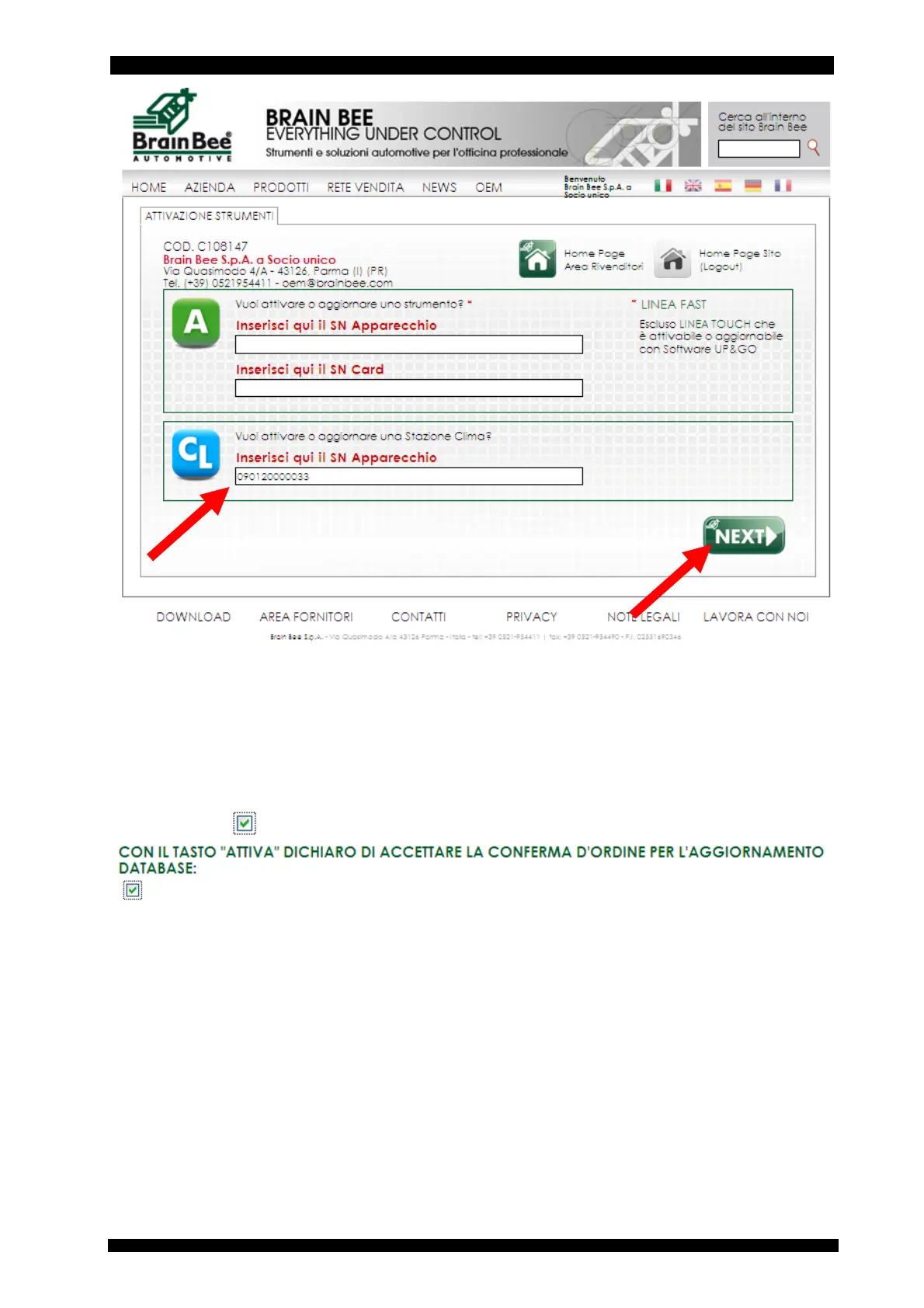
Enter the database update activation code, which is shown on the A/C station display when you
try to access data of a new model present in the databank/database.
The confirmation code shown on the website page to avoid counterfeiting.
Enter the “DATABASE ACTIVATION REQUEST CODE” displayed on the equipment screen when
attempting to access the vehicles added in the new version of the database.
Tick on the box
to confirm the order.



 To Next Page