ENGLISH 67 / 78 CAP. 14 - SPARE PARTS
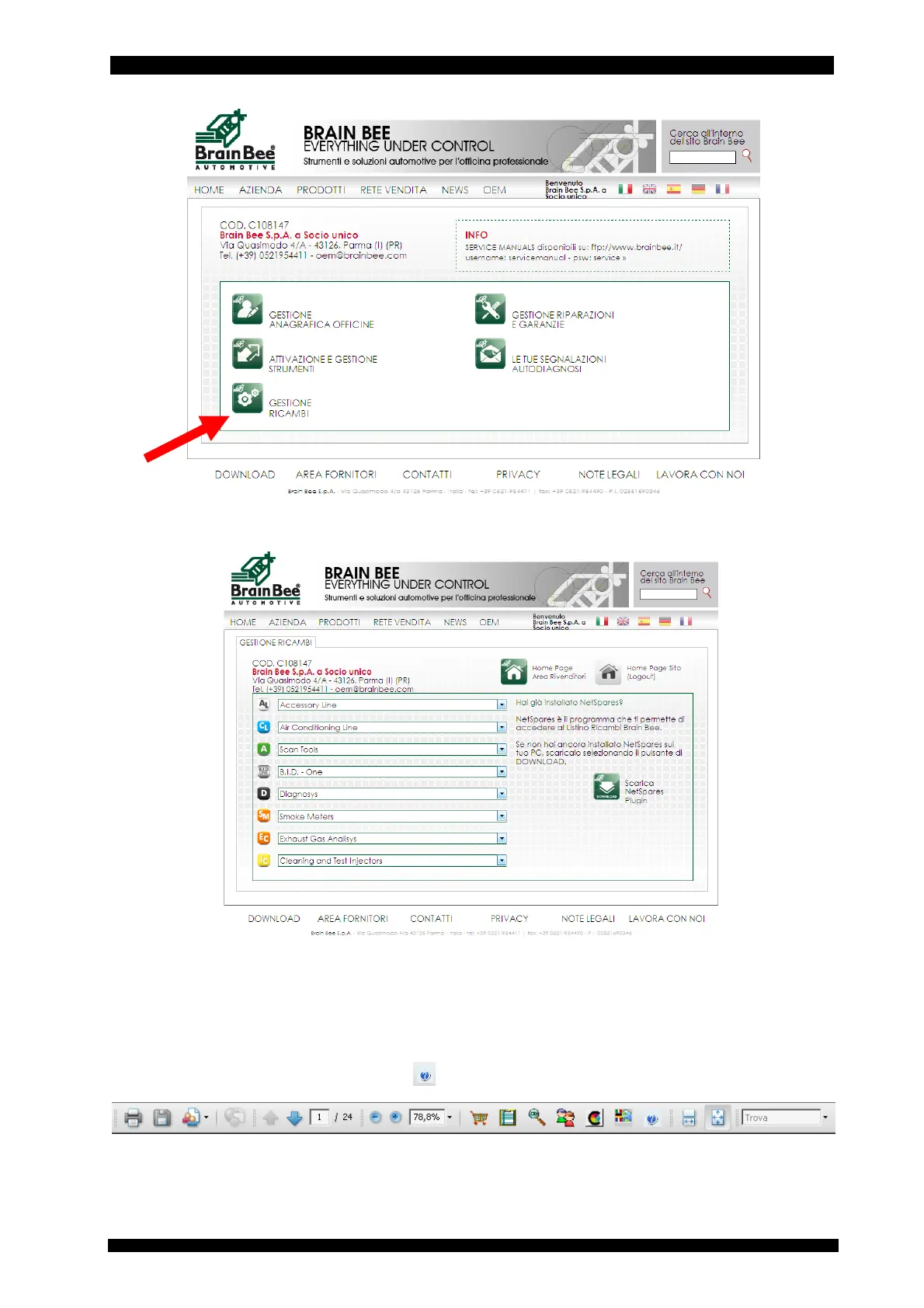
Enter the “Spare parts management” area
Select the area of the CLIMA/air conditioning product line and model.
Download the document of the chosen model.
For the correct display of the spare parts you need to have Acrobat Reader and the appropriate
NetSpares Plugin available for installation after download.
In case the page display is not complete, use the zoom of your internet browser (example
Explorer).
Once the equipment has been selected from the appropriate list, a .pdf file will open and the
Net-Spares functions will be available among the Acrobat Reader tools. It is advisable to view the
user manual, accessible through the key
.



 To Next Page