English
27 Symbol reference
HandyStep® touch, HandyStep® touch S 997486
Operating manual
109
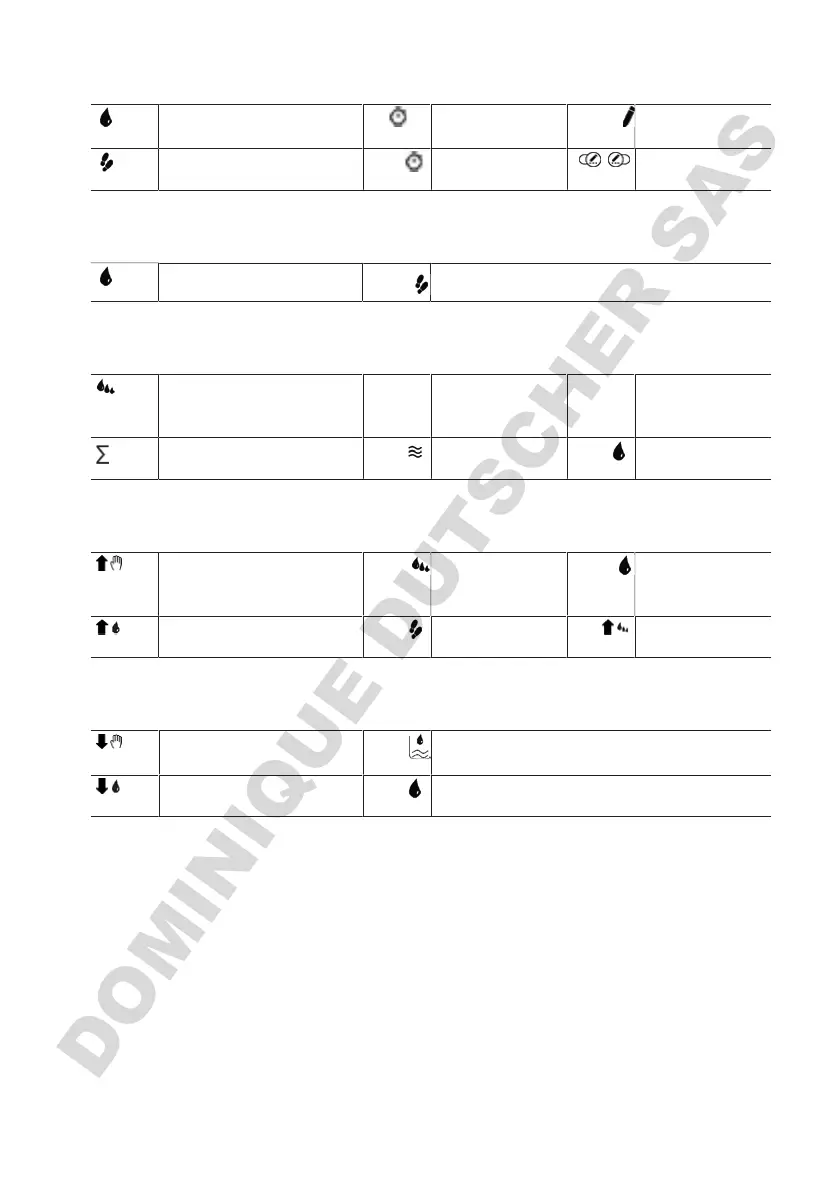
Auto-dispensing
Set the volume of a STEP
...s
Enter pause time
...
The learn function
is active
Available STEPs Remaining inter-
val time is shown.
/ Switch learn func-
tion on/off.
Multi-Dispensing
Set the volume of a STEP
Available STEPs
Sequential dispensing
Open aliquot list. # 1/10 1 aliquot of 10
available in the
aliquot list
#1 ... #10 Aliquot ID in the
operating mode
Sum total volume from the
aliquot list
Aspirated volume Aliquot
Multi-aspiration
Filling mode is active. Open aliquot list.
Only in sequence
filling mode
Set the volume of a
STEP to be aspi-
rated
STEP volume filling mode is
active.
STEPs to be aspi-
rated
Sequence filling
mode is active.
Titration
Manual titration mode is ac-
tive.
Volume already dispensed.
STEP titration mode is ac-
tive.
Set the volume of a STEP to be dispensed



 To Next Page