B Series Degreaser Installation
Rev G Page 54
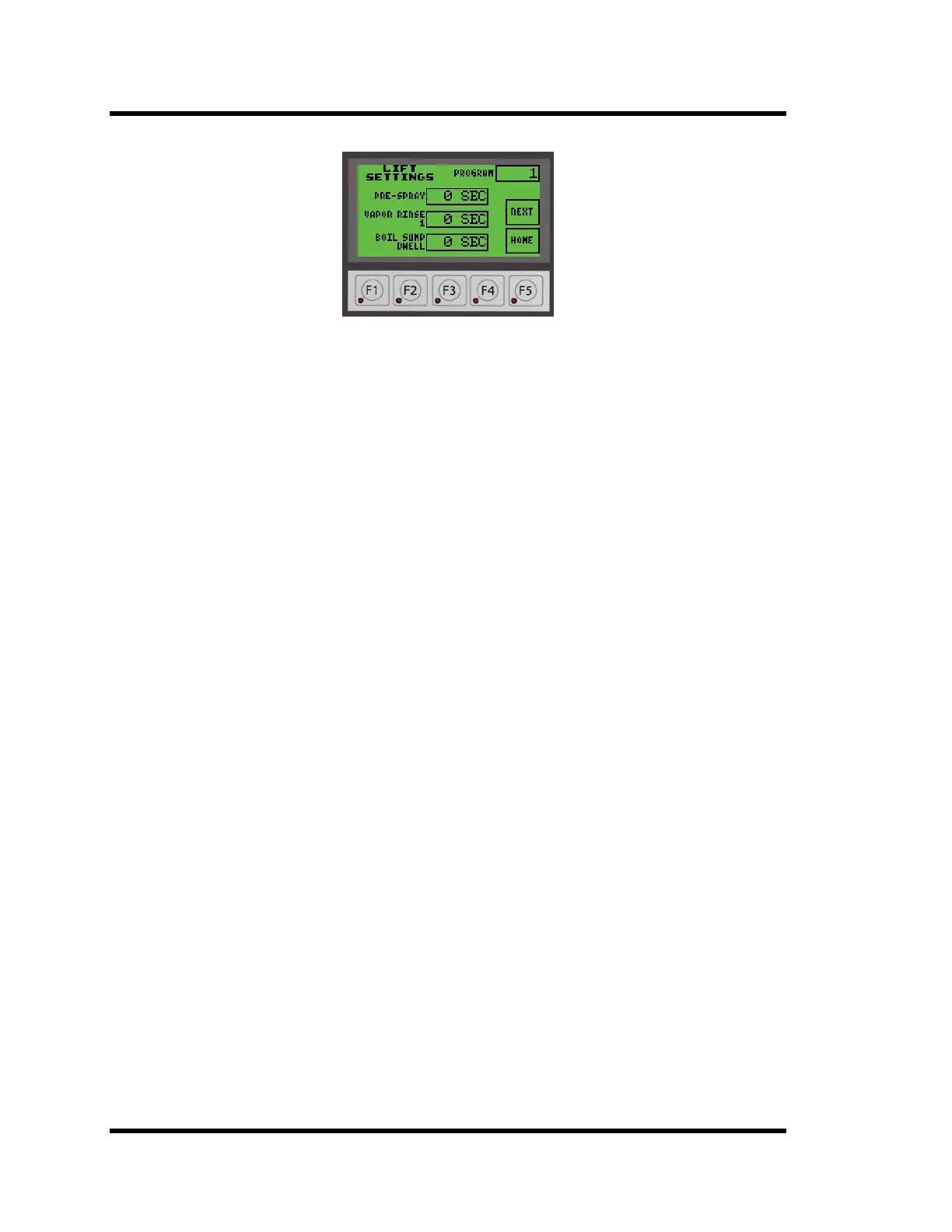
Figure 3-12 Lift Settings Screen
There are too many parameters to fit on one screen so they have been divided between three
screens. Depending on the screen you are on, pressing BACK will return you to the previous
screen or pressing NEXT will advance you to the next screen. HOME will return you to the
STARTUP screen.
All of the setpoints may be changed. To change a setpoint:
• Press the time display next to the setpoint you wish to change.
• A screen will open with a numeric input display.
• Enter the setpoint time in seconds.
• Press BS to backspace one character, CL to clear the entire line, or ESC to exit without
changing.
• Entering a value of zero (0) will skip the step.
• Press the ENT (Enter) button to accept the entry.
• You will be returned to the screen you were on.
• Continue adjusting the setpoints, pressing the NEXT button to advance to the next scree
n
a
s needed.
• Any steps that have the option of turning ultrasonics on will have a button labeled US
next to the setpoint time. Press the button to toggle US ON or US OFF.
Note: If the setpoints do not change and an E525 message is displayed, the plc mode switch is not
in the TERM position (centered). The switch is a 3 position toggle switch located on the plc
inside the control box. Place the switch in the center (TERM) position.
3.16.2 Changing Programs
257 programs numbered 0-256 may be stored and recalled.
To change programs, press the PROGRAM number in the upper right hand corner of either
the OVERVIEW or LIFT SETTINGS screens. Enter the new program number on the pop-up
number entry screen. The current values for PRE-SPRAY, VAPOR RINSE 1, BOIL SUMP
DWELL, IMM SUMP DWELL, FINAL SPRAY, FINAL VAPOR, FREEBOARD DWELL,
DRIP TIME, and TIMOUT will be saved and the values for the new program will be
displayed. TIMEOUT and US ON do not change when programs are changed.
The current values of the active program are stored each time the program is changed.
Program numbers above 256 are not stored or recalled. The current setpoints remain active
until changed by selecting a stored program.



 To Next Page