B Series Degreaser Installation
Rev G Page 53
3.15.13 Adjusting Limit Switches
3.15.13.1 Adjustment Method
Loosen setscrews holding the switch bracket to the cylinder tie rod. Slide the switch to
the new position and tighten the setscrews.
Note: Be certain that the top and bottom limit switches are activated when the cylinder is at its
travel limits. Timeout faults will occur if the switches are not activated.
3.15.13.2 LS1 Immersion Limit
Adjust the Immersion Limit Switch so that it is on when the lift is at the bottom of its
stroke. The normal position is with the basket resting on or slightly above the tank
bottom.
3.15.13.3 LS2 Vapor Dwell
Adjust the Vapor Dwell switch so that the parts are just below the top of the vapor zone.
This normally will be about 1 to 2 inches below the center of the condensing coil.
3.15.13.4 LS3 Freeboard Dwell
Adjust the Freeboard Dwell switch so that the parts are clear of the vapor zone by at least
2 inches.
3.15.13.5 LS4 Load/Unload
Adjust the Load/Unload switch so that it is on when the lift is at the top of its stroke.
3.16 Dual Axis Lift Setup
3.16.1 Changing Presets – General
All setup parameters are made in the LIFT SETTINGS screen on the operator interface (OIT).
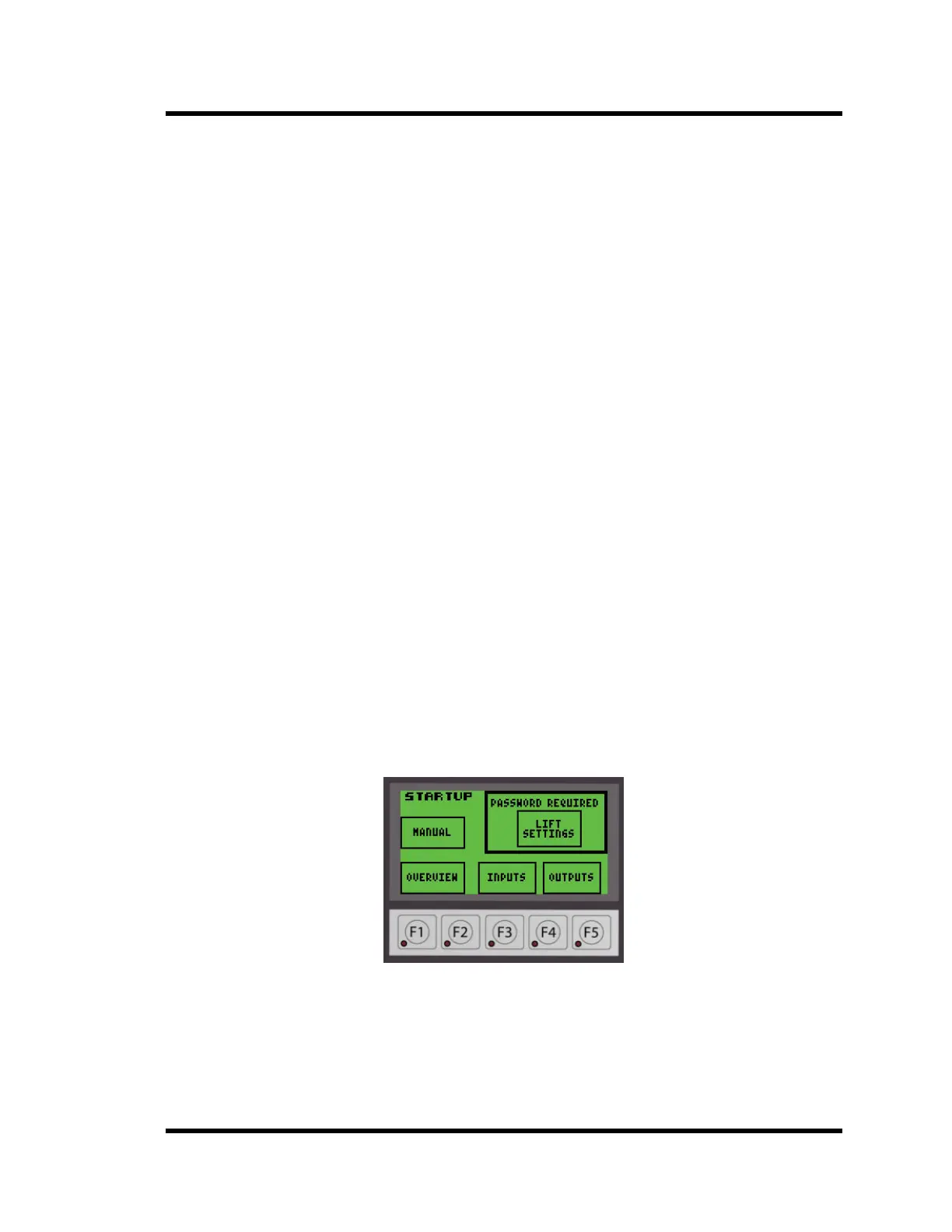
To enter the LIFT SETTINGS screen from the Startup screen, press the LIFT SETTINGS
button in the upper right corner on the STARTUP interface screen.
Figure 3-11 Startup Screen
Note: A password is required to change the Lift Settings
The screen will look similar to Figure 3-12 display. The setpoints and program number may
be different from the displayed values.



 To Next Page