B Series Degreaser Operation
Rev G Page 77
4.5 Dual Axis Lift (B452 and B950 Only)
4.5.1 Operator Interface Operation
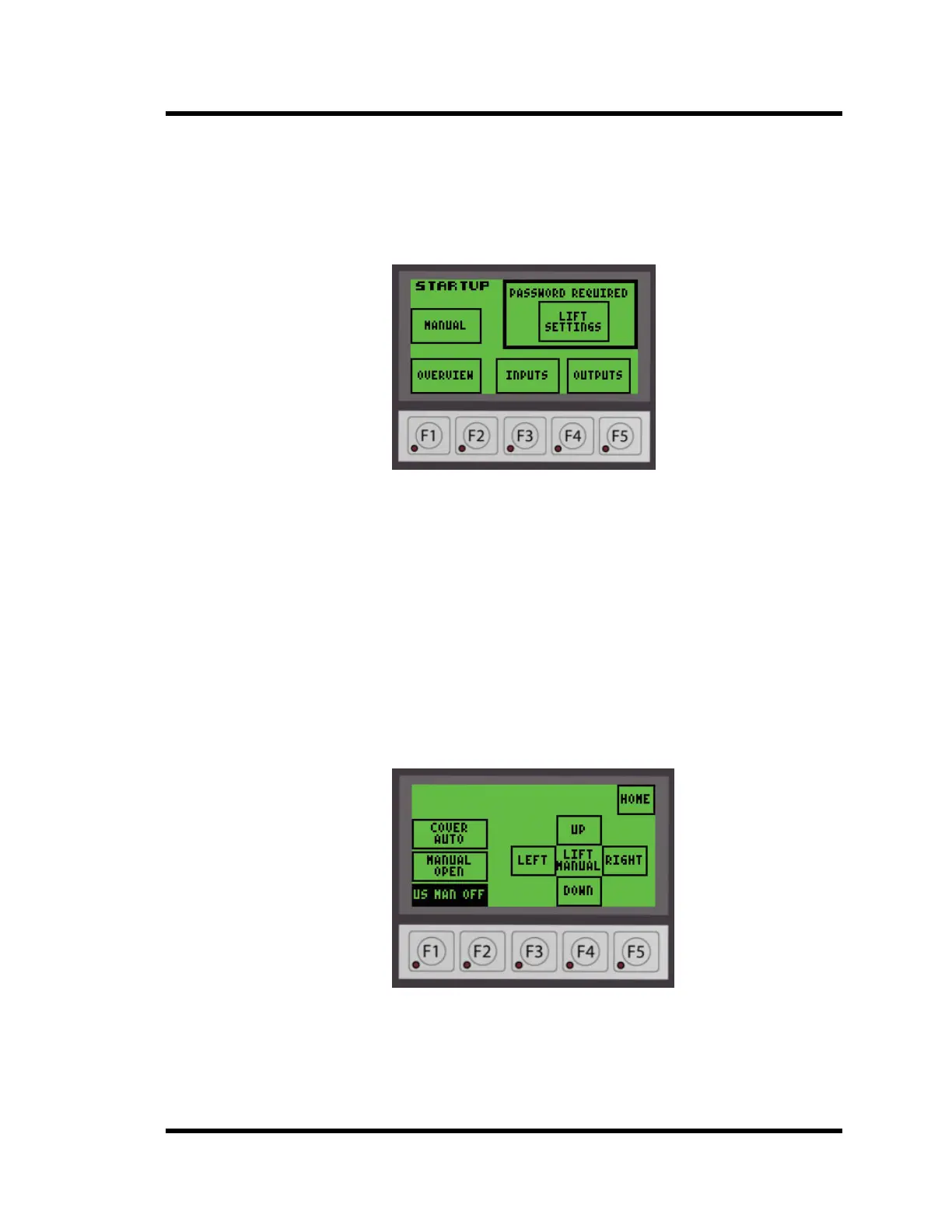
The Home Screen for the Operator Interface is the STARTUP screen shown below in Figure
4-18. All screens will have a HOME button to return you to the STARTUP screen at any time.
Figure 4-18 Startup Screen
4.5.2 Cover Open
If the cleaner is equipped with a manual cover, the lift will not move if the cover is not open.
The display will show:
COVER NOT OPEN
Open the cover before continuing.
Power covers will open when a manual switch is activated or automatically if the cover is in
Auto Mode.
4.5.3 Manual Mode
To enter into Manual Mode from the STARTUP screen, press the MANUAL button in the
upper left corner on the interface. You will see a screen similar to Figure 4-19 below.
Figure 4-19 Manual Mode Screen
4.5.3.1 Raising Lift
Push the UP button on the operator interface. The lift will move up as long as the switch
is held in the UP position until the top of the stroke is reached. The display will show
MANUAL UP as shown in Figure 4-20 below:



 To Next Page