B Series Degreaser Operation
Rev G Page 78
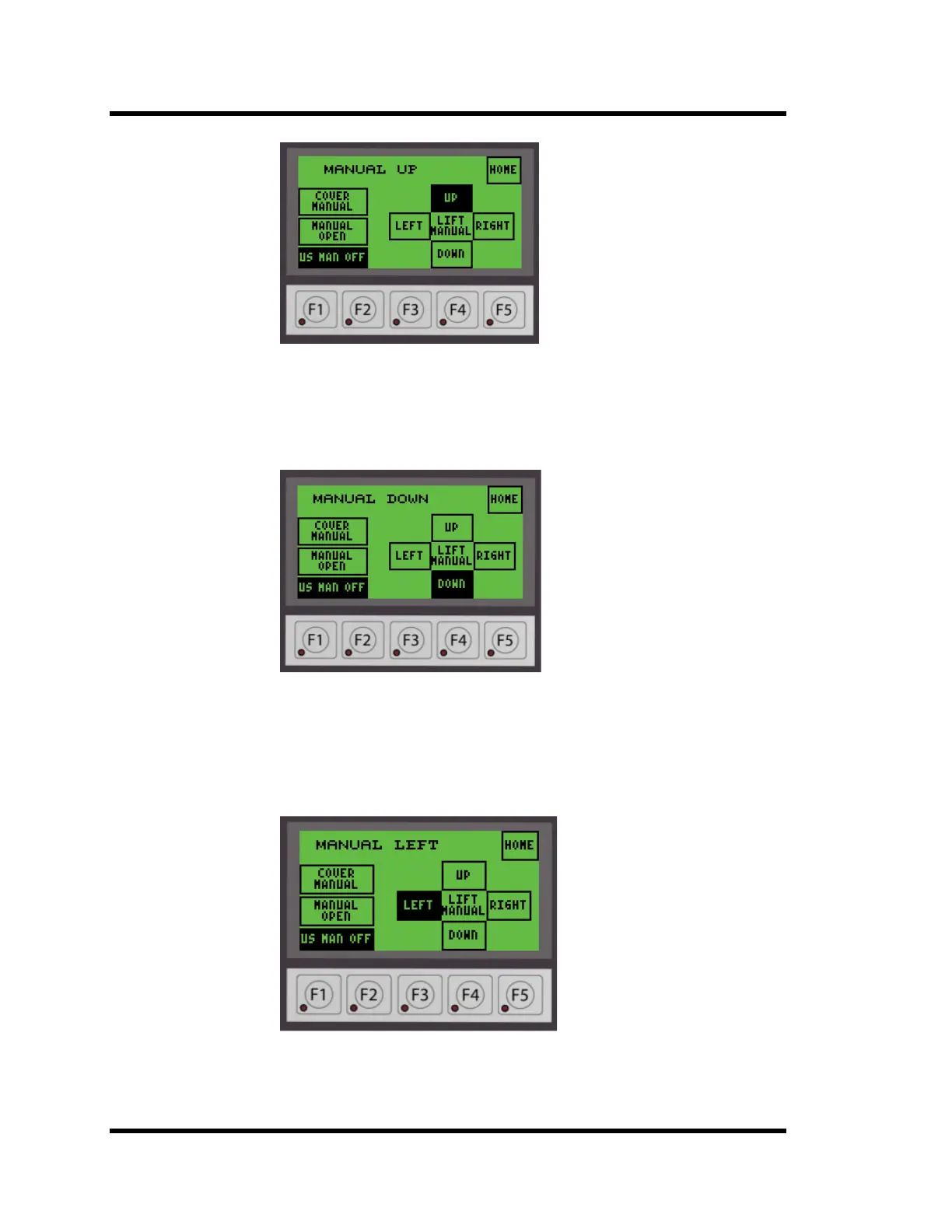
Figure 4-20 Manual Mode Up Screen
4.
5.3.2 Lowering Lift
Push the DOWN button on the operator interface. If the cover is open, the lift will move
down as long as the switch is held in the DOWN position until the bottom of the stroke is
reached. The display will show MANUAL DOWN as shown in Figure 4-21 below:
Figure 4-21 Manual Mode Down Screen
4.5.3.3 Moving Left
Push the LEFT button on the operator interface. The lift will move horizontally to the
left as long as the switch is held in the LEFT position until it reaches the end of its stroke.
The display will show MANUAL LEFT as shown in Figure 4-22 below:
Figure 4-22 Manual Mode Left Screen
The lift will not move horizontally if the basket is below the Vapor Zone switch. The
display will show MOVE NOT ALLOWED as shown in Figure 4-23 below.



 To Next Page