FT800 Series Programmer Guide
Version 2.1
Document Reference No.: BRT_000030 Clearance No.: BRT#037
113
Product Page
Document Feedback Copyright © Bridgetek Limited
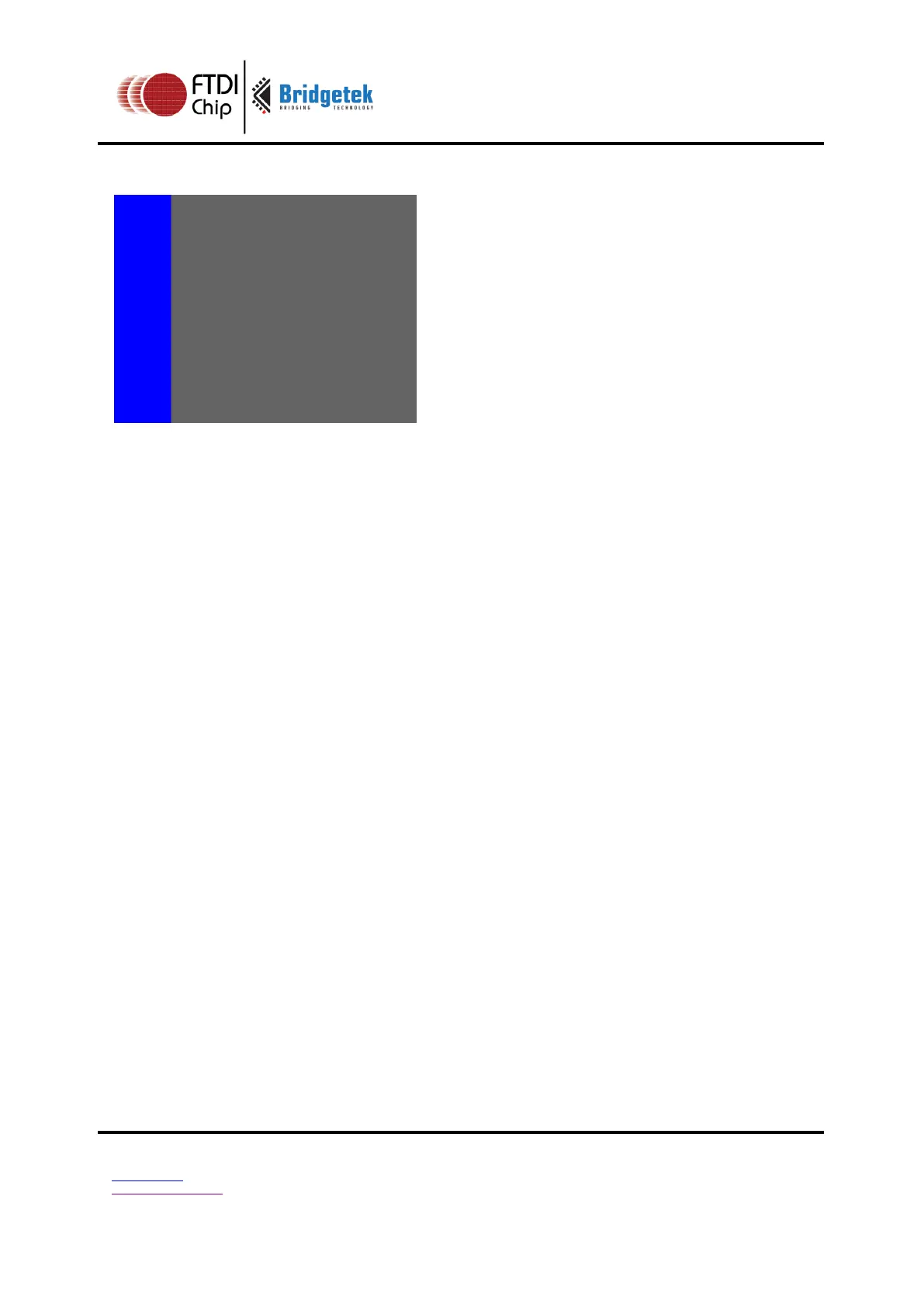
To clear part of the screen to gray, part to blue using scissor rectangles:
dl( CLEAR_COLOR_RGB(100, 100, 100) );
dl( CLEAR(1, 1, 1) );
dl( CLEAR_COLOR_RGB(0, 0, 255) );
dl( SCISSOR_SIZE(30, 120) );
dl( CLEAR(1, 1, 1) );
Graphics context
None
See also
CLEAR_COLOR_A, CLEAR_STENCIL, CLEAR_TAG, CLEAR_COLOR_RGB



 To Next Page