FT800 Series Programmer Guide
Version 2.1
Document Reference No.: BRT_000030 Clearance No.: BRT#037
179
Product Page
Document Feedback Copyright © Bridgetek Limited
5.28 CMD_BGCOLOR - set the background color
C prototype
void cmd_bgcolor( uint32_t c );
Parameters
c
New background color, as a 24-bit RGB number. Red is the most significant 8
bits, blue is the least. So 0xff0000 is bright red.
Background color is applicable for things that the user cannot move. Example
behind gauges and sliders etc.
Command layout
Examples
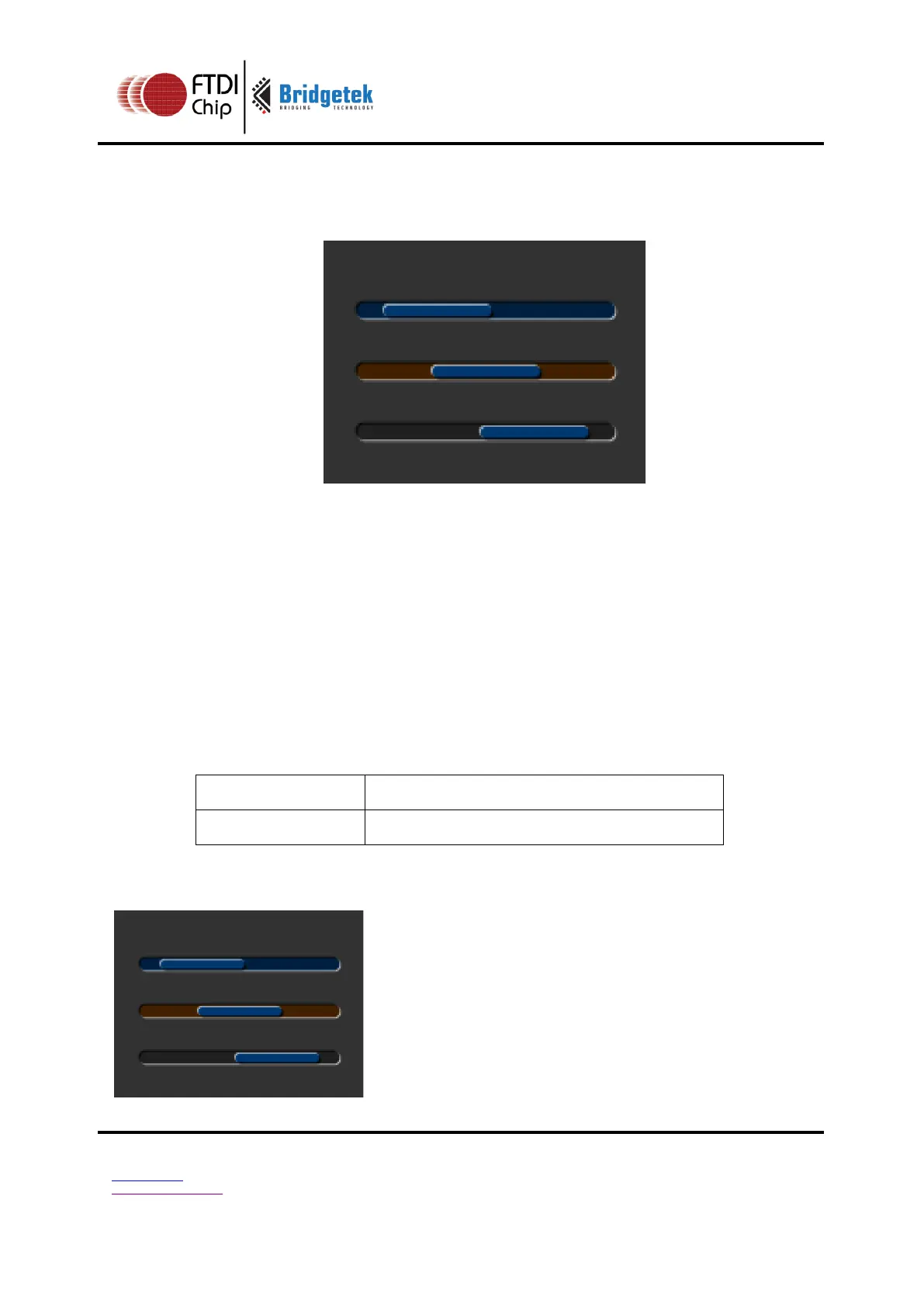
The top scrollbar uses the default background color, the others with a changed color:
cmd_scrollbar(20, 30, 120, 8, 0, 10, 40,
100);
cmd_bgcolor(0x402000);
cmd_scrollbar(20, 60, 120, 8, 0, 30, 40,
100);
cmd_bgcolor(0x202020);
cmd_scrollbar(20, 90, 120, 8, 0, 50, 40,
100);



 To Next Page